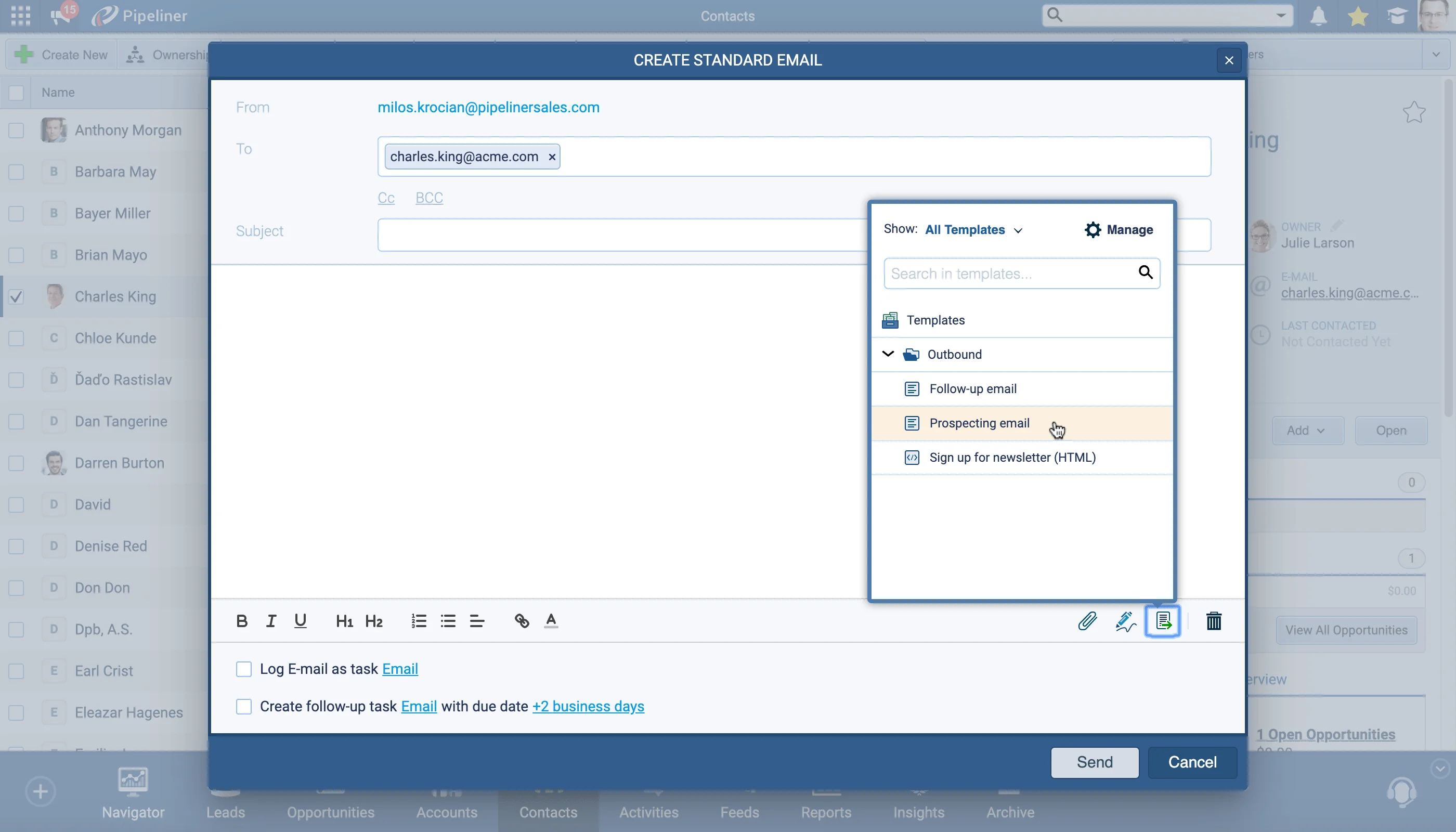
When using our Create Email option, you can now view tracking statistics for all sent emails. This feature applies to single Standard emails as well as Mass emails and Standard emails sent to multiple recipients.
Hover over the tracking icon on a sent email to see a timeline of interactions. The brand new eye icon shows you if the email has been opened or not and, if it has, a timeline of events from Sent Date and Time through Open Date and Time and including Clicks on any links in your email.
Use the “Mass” email feature to send perfectly formatted and personalized emails to multiple recipients and then track the statistics for your email by clicking on your Mass email from the main Feeds tab or from the Contact’s Feed.
All screenshots
2Documentation#ability-to-track-emails
