




Customizable Bottom Main Menu, Email Inbox Archive, Email Access in Feeds per User Role, and other Various Improvements…
Coevera 6.6.0 turns the bottom menu into a sticky, customizable bar, adds a Detailed view and an Archive folder to the Email Inbox, lets administrators decide per user role which emails users see in Feeds, introduces the Coevera MCP Server for AI assistants, and lands nine improvements across the product.
4 new features · 9 improvements · 1 touching access control
What's in this release
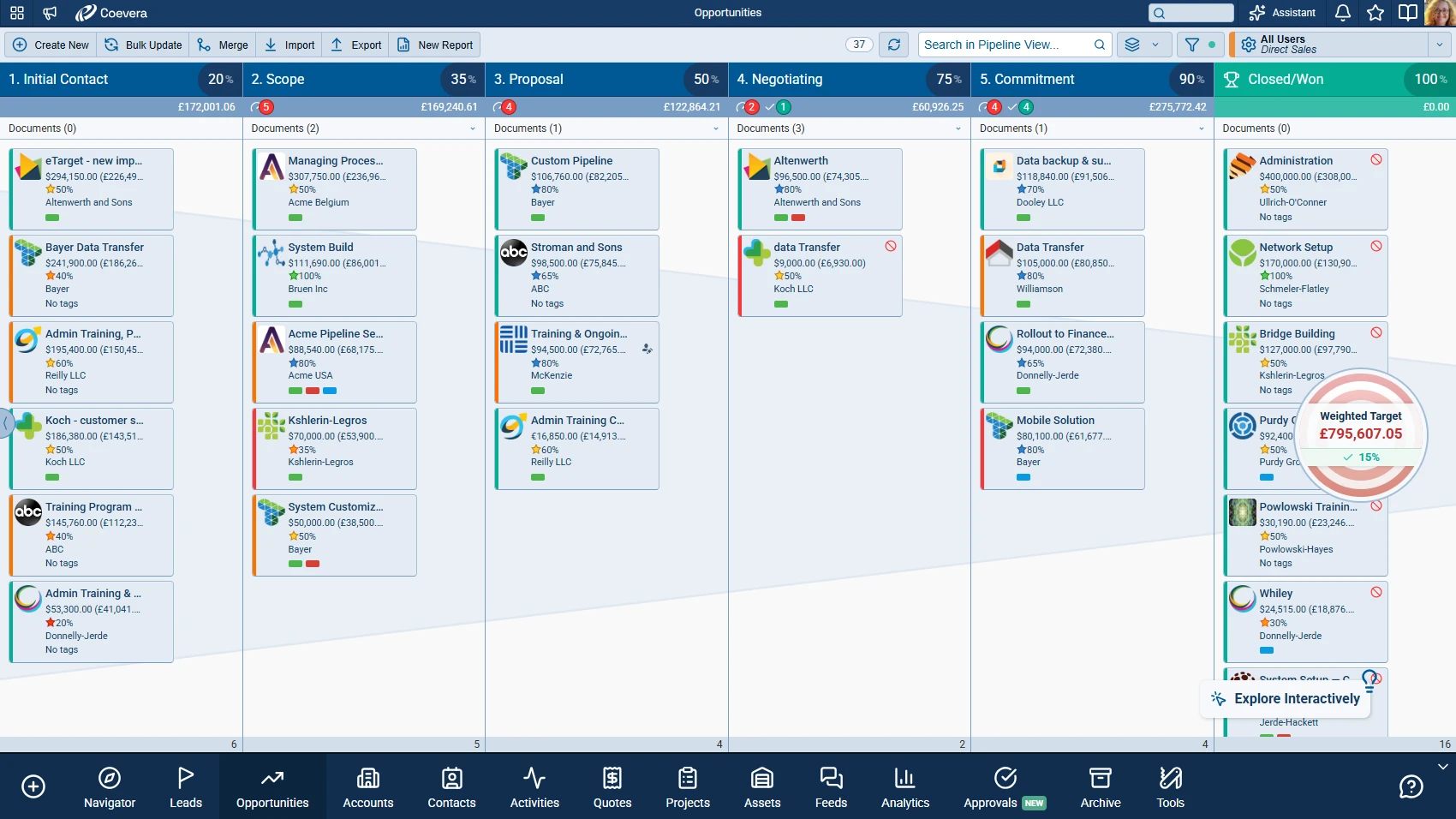
- A sticky, customizable bottom bar — Create first, then one tab per pinned module or tool in each user’s own order, with groups shown as a single tab that opens a submenu.
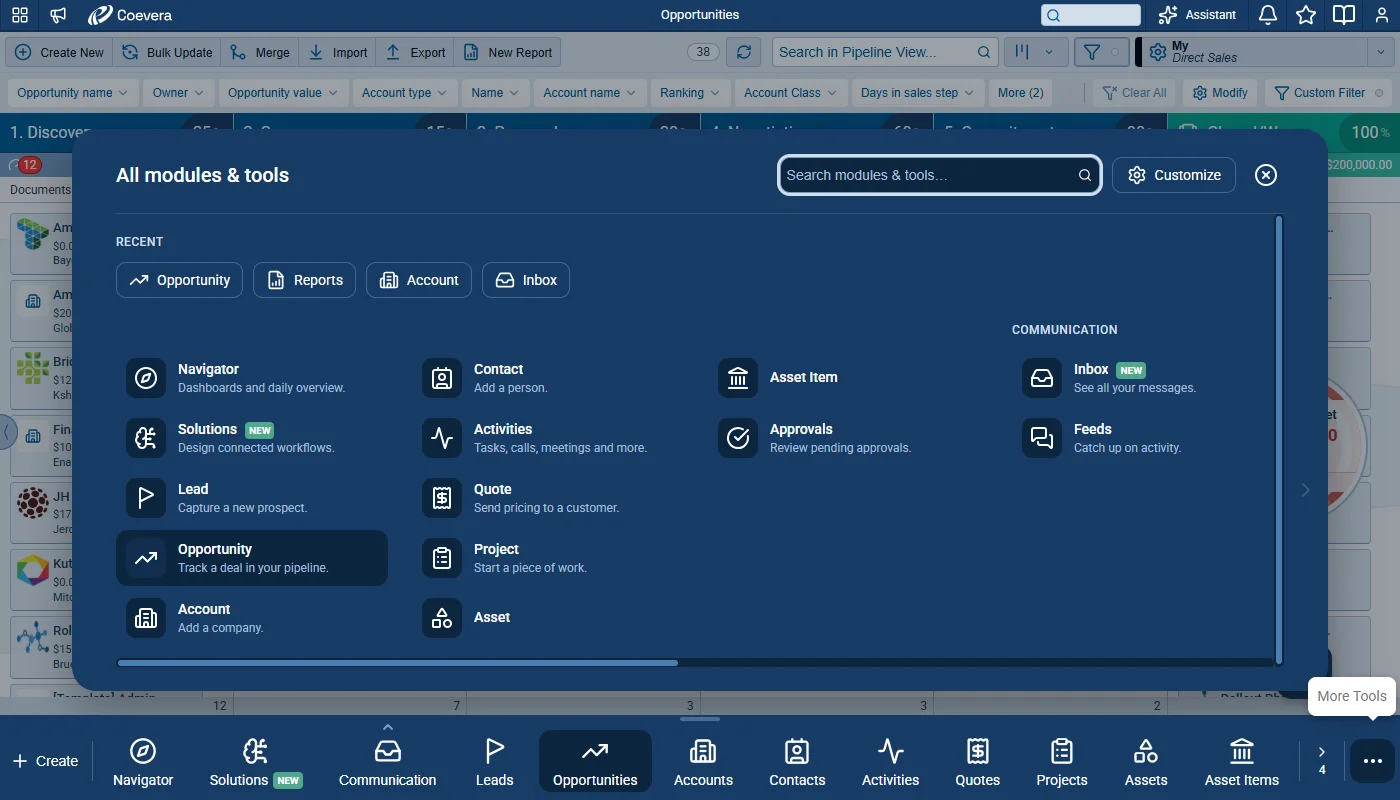
- Create for new records and More Tools for every module and tool the role offers — two sheets, each with a search field and recently used items.
- Customize bottom menu — drag rows to reorder, pin or unpin items, or drag an item straight onto the bar; Reset to default restores the role’s default order and pins.
- Role Navigation Settings in Role › Features › Navigation — the items a role offers, their default order and grouping, custom sections, and whether users can customize their bar.
- An optional Navigation description of up to 30 characters for custom entities, shown in More Tools and Create New.
- How To as an icon on the bar, Explore Interactively as a small button above it, and minimized emails and notes as Emails and Notes pills that never take space from the bar.