

Brand New Solutions, Email Inbox with Labels and Reworked Email Sync, Voyager AI Improvements, and other Various Improvements…
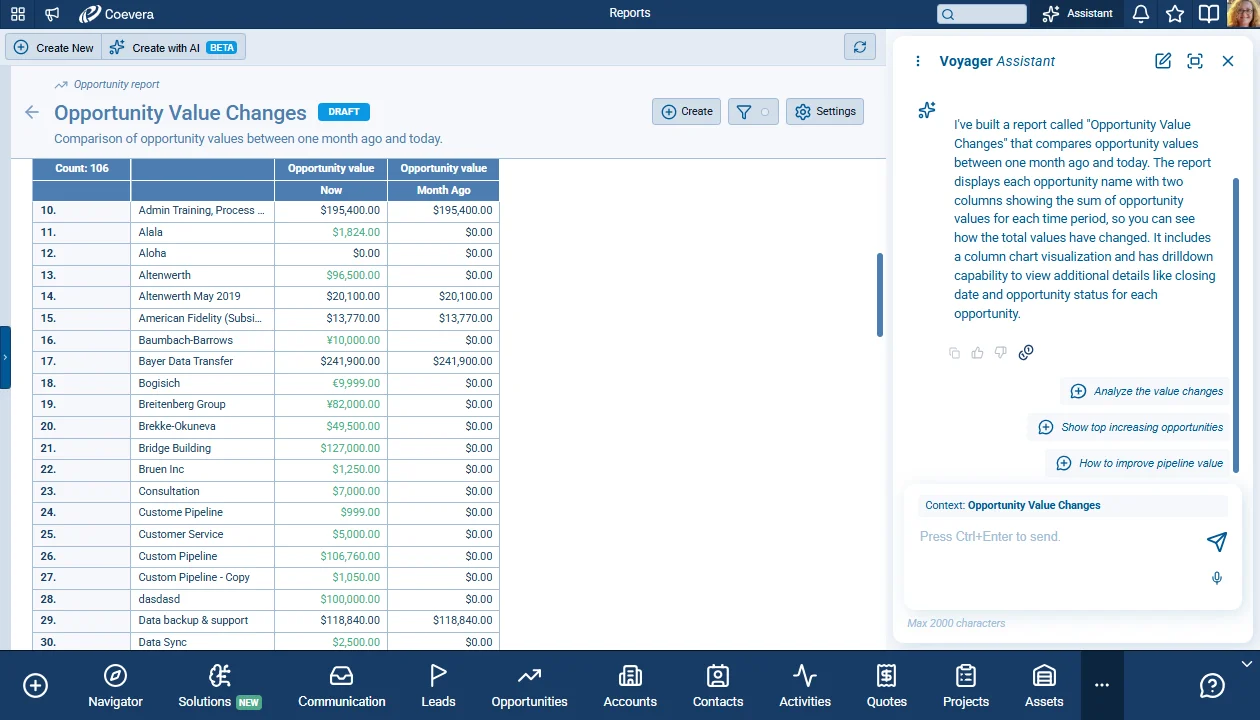
Coevera 6.5.0 introduces Solutions — a live canvas that shows a complete working set-up as one connected picture — separates email synchronization from email linking in the Inbox, adds AI guardrails, history reports, and Sankey charts to Voyager AI, and lands sixteen improvements across the product.
3 new features · 16 improvements
What's in this release
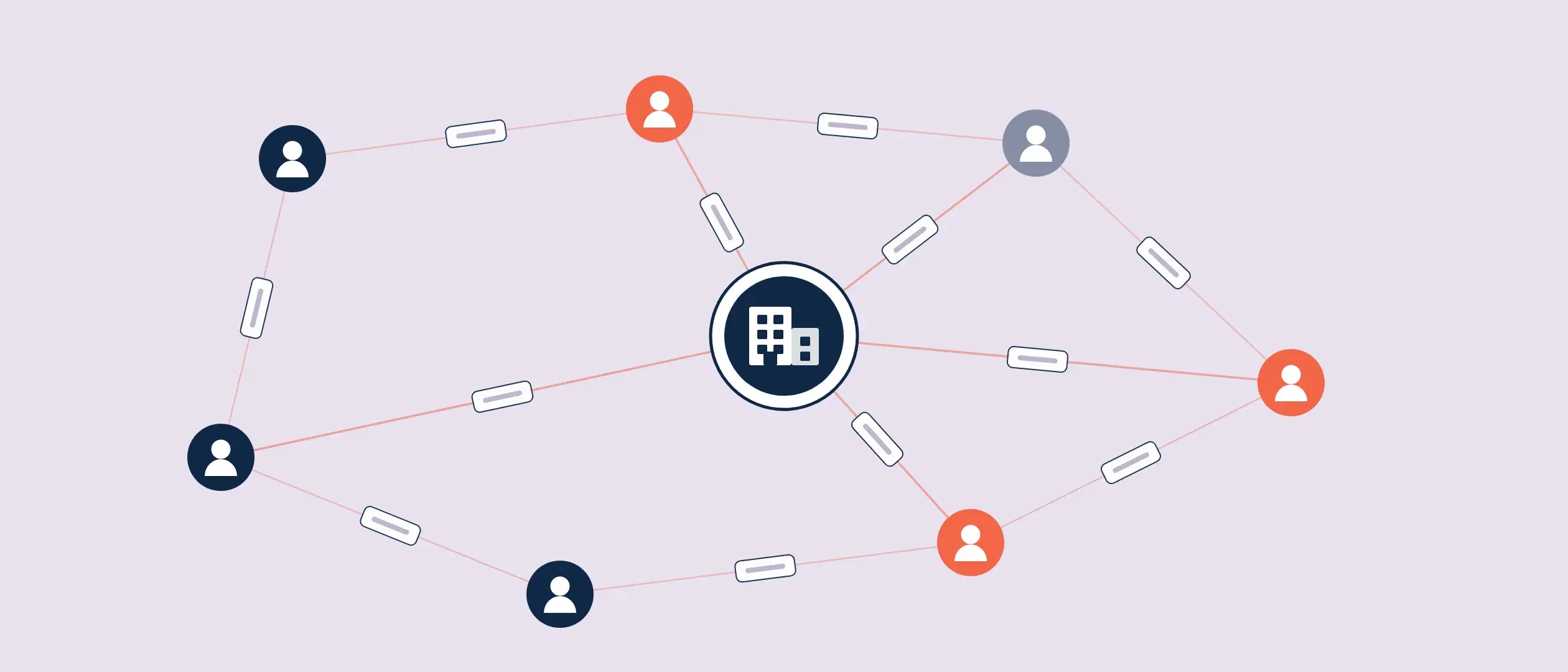
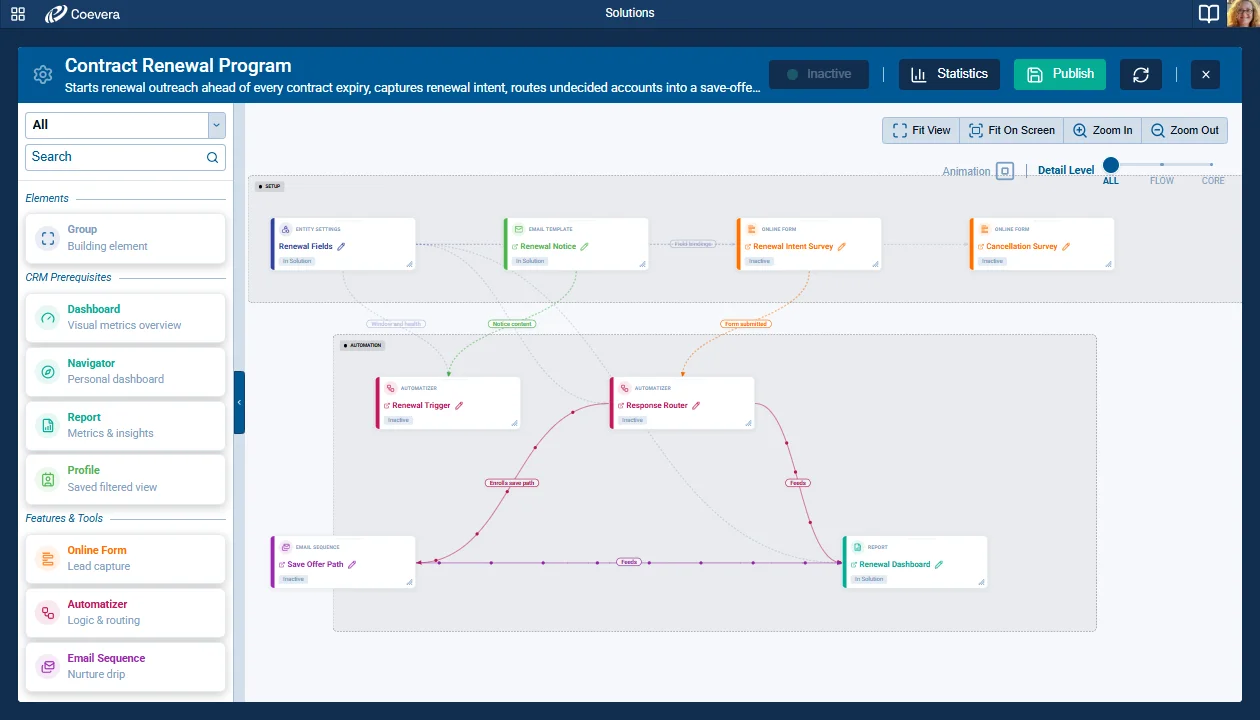
- check_circleSolutions — a new area that shows a complete working set-up of processes, forms, sequences, templates, reports, fields, and entities as nodes and connections on a live canvas.
- check_circleA Solutions Library of 19 pre-built templates, with a guided setup that creates every node and connects them in a single all-or-nothing operation.
- check_circleThe Solution Editor — a left nodes panel, a canvas with Fit On Screen and a Detail level slider, node statuses, groups, and automatic connection scanning.
- check_circleSolution statistics and activity logs that combine Automatizer, Email Sequence, and Online Form output in one place, and a Solution Manager option in User Roles that grants edit rights.
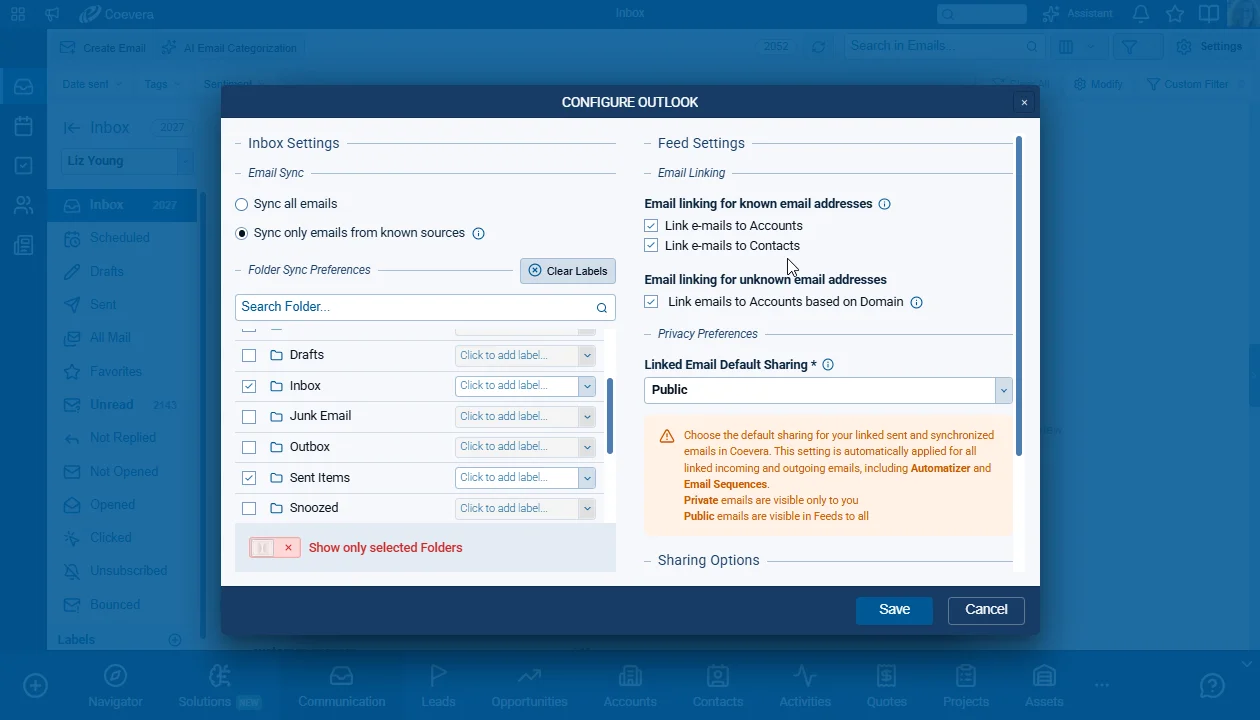
- check_circleEmail sync separated from email linking: Email Sync and Folder Sync Preferences decide what lands in the Inbox, while Email Linking decides only what appears in Feeds.
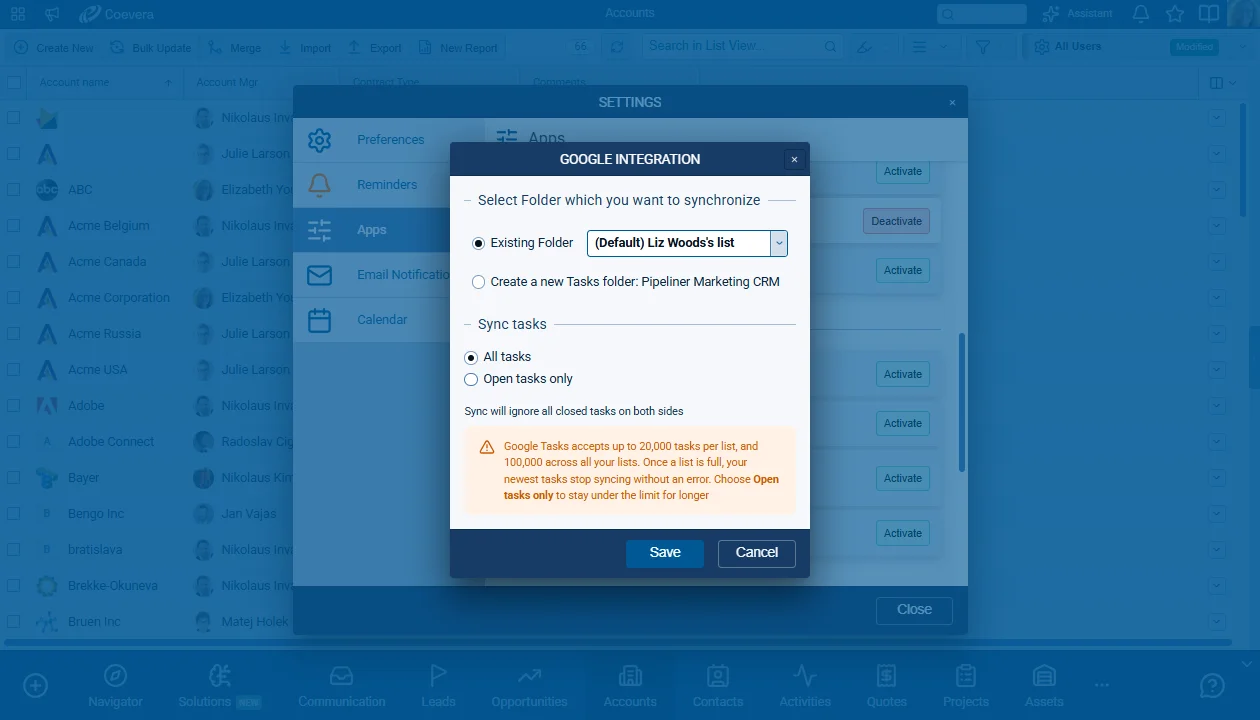
- check_circleOne configuration design for the email integrations, with folder selection, sync mode, and privacy settings in one place — SendGrid keeps its layout, without folder selection.