Enterprise deals rarely die in a meeting you attended. They die in the meeting you were not invited to, when a stakeholder you never met asked a question your champion could not answer. That is the problem relationship mapping exists to solve: making the invisible politics of a buying committee visible early enough to act on.
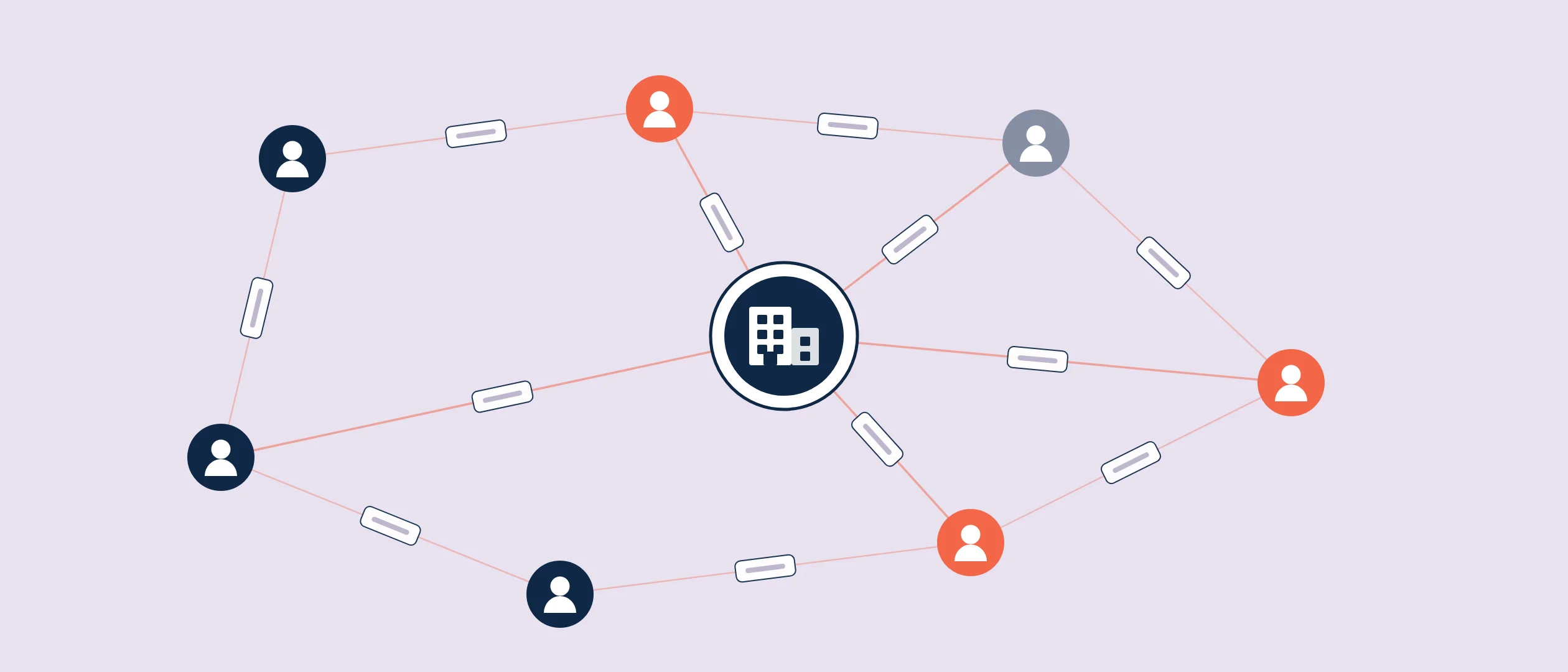
Relationship mapping is the practice of identifying every stakeholder who influences a buying decision in an account, classifying each one's role, stance, and influence, and visualizing how they connect, so your team can see coverage gaps and deal risk at a glance. The output is a relationship map: a living diagram that combines the formal org chart with the informal influence lines that actually decide enterprise deals. In enterprise sales it has become standard work, because enterprise purchases route through multi-department committees and sales cycles keep stretching: 57% of sales professionals say the sales cycle is getting longer, according to State of Sales research.
What relationship mapping is (and what an org chart misses)
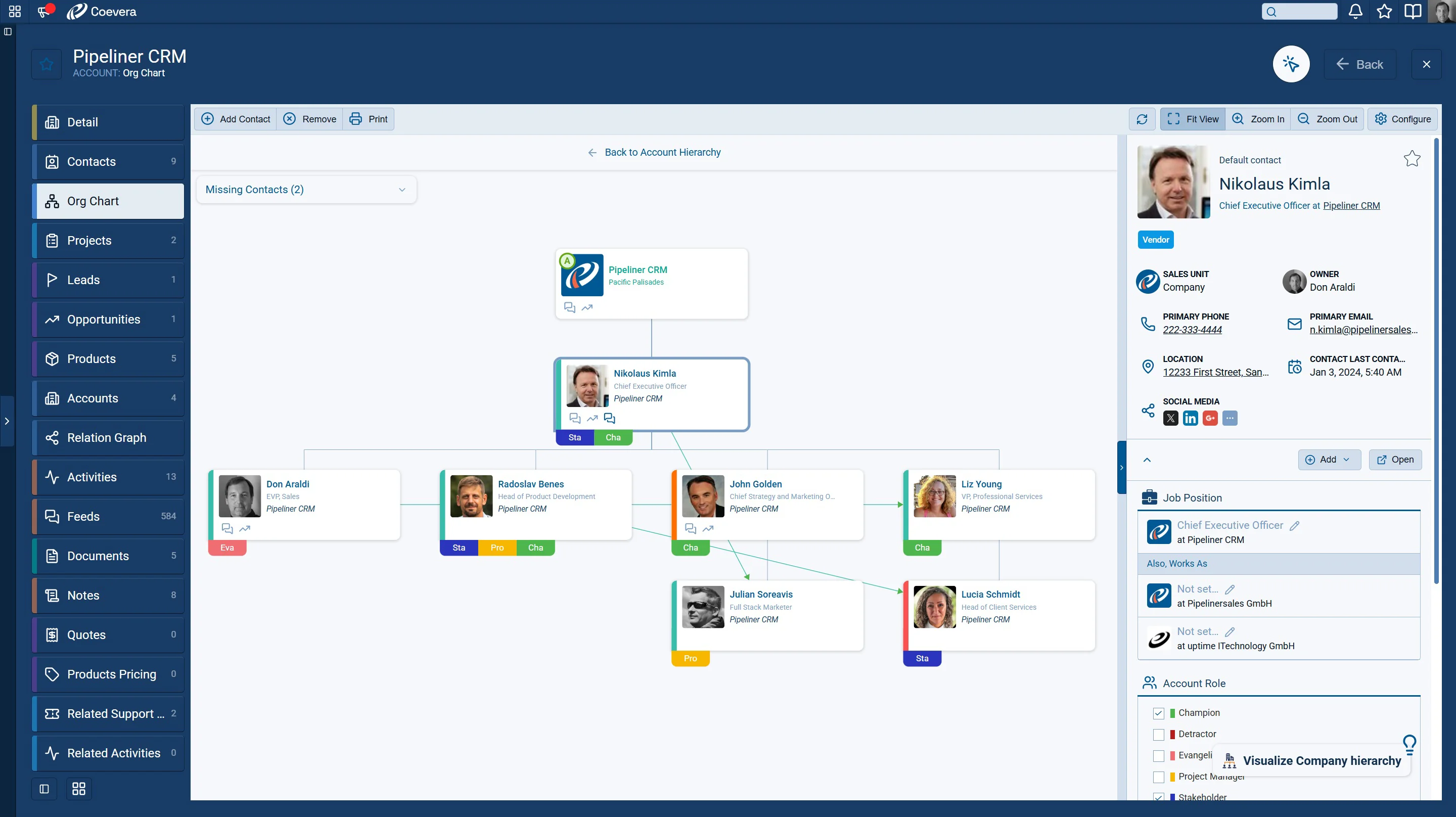
An org chart answers one question: who reports to whom. A relationship map answers the questions that decide deals: who has influence regardless of title, who supports you, who is neutral, who is quietly against, and how strong your team's relationship is with each of them. The map has three layers. Structure: the reporting lines. Influence: who actually shapes the decision, which often cuts across the hierarchy. Coverage: which of these people your team has real relationships with, and how strong they are. Deals are lost in the gap between layer one and layer two, and saved by honest work on layer three.
Why enterprise deals need a relationship map
Enterprise buying decisions are made by committees that span departments: the business owner, finance, procurement, IT, security, legal, and the people who will use the product. Each brings a different definition of value and a different way to say no. Meanwhile a rep naturally gravitates to the people who return their emails, which is how deals become single-threaded without anyone deciding it. The map exposes that drift. If your only strong relationship is your champion, the deal's real status is not "Negotiation." It is "one job change away from restart." Mapping turns that from a bad surprise into a task list.
The six roles to map
- Economic buyer. Owns the budget and can approve or kill the spend. Often meets you exactly once. Make it count.
- Decision maker. Runs the evaluation and makes the recommendation the economic buyer usually accepts.
- Champion. Sells for you when you are not in the room. Real champions have influence and personal stake, not just enthusiasm.
- Influencers. Trusted voices the decision maker consults: architects, team leads, a peer who bought something similar last year.
- Users. The people who will live in the product. Their resistance surfaces late and reads as "concerns about adoption."
- Blockers. Anyone with a reason to prefer the status quo or a rival vendor. Blockers you have mapped are manageable. Blockers you discover in legal review are not.
How to build a relationship map in your CRM
- List every stakeholder you know about
Start with everyone who has touched the deal: meetings, email threads, names dropped in calls. Ask your champion who else will weigh in, and who weighed in last time a purchase like this happened.
- Chart the reporting lines
Build the formal structure first. It is the skeleton the influence layer hangs on.
- Add the influence lines
Mark who the decision maker actually listens to. Ask your champion directly: whose opinion could change this outcome? Expect some lines to cross the hierarchy.
- Classify role and stance
Tag each person with one of the six roles, plus a stance: supporter, neutral, skeptic, blocker. Be honest. A map of optimistic guesses is worse than no map.
- Score your coverage
For each stakeholder, rate the relationship: strong (they would take our call today), weak (met once), none. This is the layer that turns the map into a to-do list.
- Assign owners and review it live
Every gap gets an owner and a next step. Bring the map to every deal review and update it as the committee shifts, because it will.
How to read the map: three risk patterns
The map earns its keep when you read it for risk. Pattern one: single-threading. Many stakeholders, one real relationship. Fix it by using your champion to broker introductions before you need them. Pattern two: the uncovered power center. Strong relationships with users and influencers, none with the economic buyer or decision maker. Comfortable, and fatal. Pattern three: the unmapped blocker. Everyone on the map is a supporter, which usually means the skeptic has not been found yet, not that there is none. Hunt for the person whose world your product changes for the worse, and engage them early.
Relationship mapping in Coevera
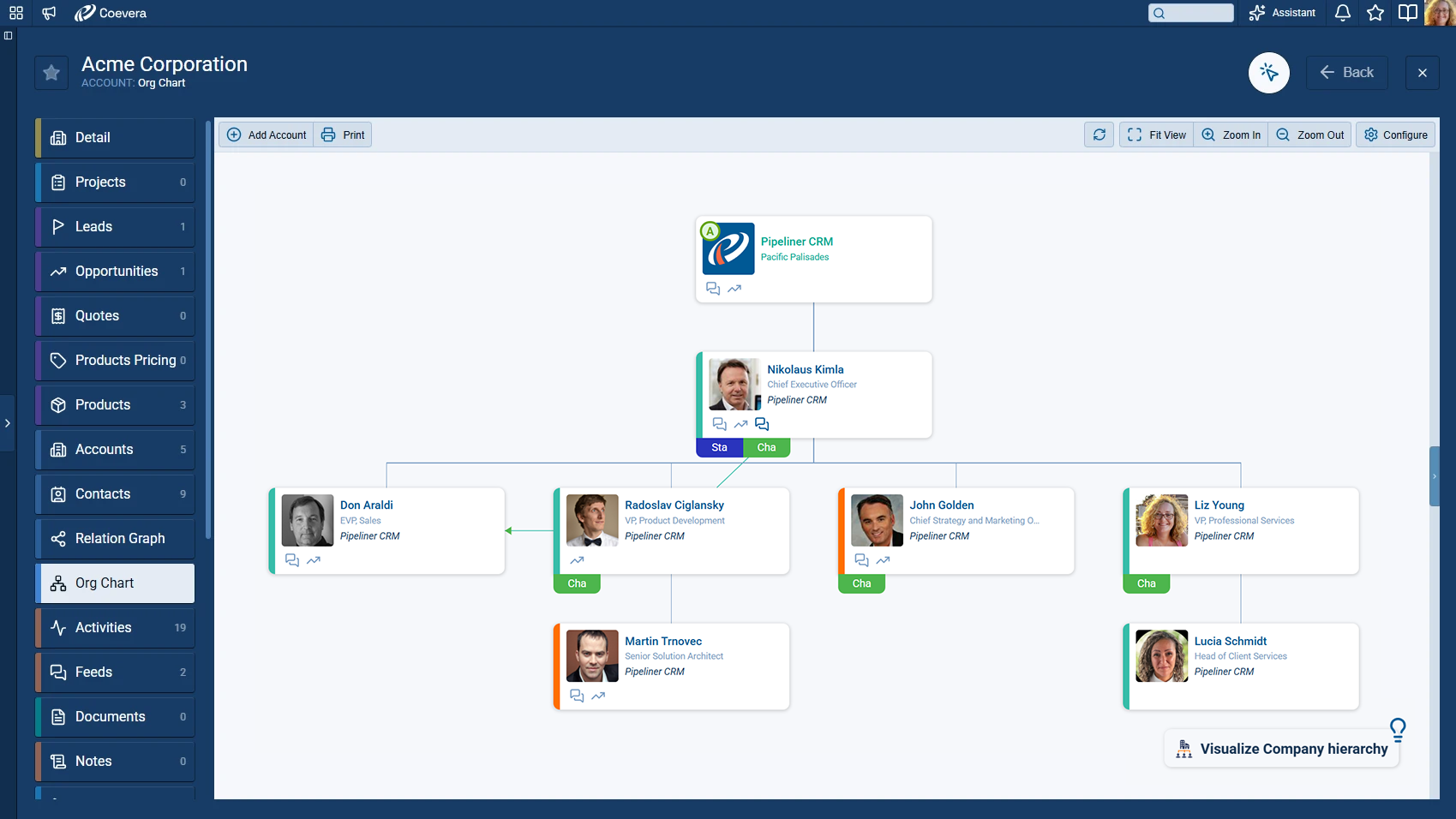
Coevera (formerly Pipeliner CRM) has treated relationship intelligence as a first-class CRM feature rather than a slide-deck exercise: visual org charts, relationship maps, and buying center visualization built on live account and contact data, with multi-stakeholder tracking for complex deals. Because the map lives next to the pipeline the team already works in, the stance and coverage calls this guide describes get made on current data instead of a stale slide, and AI-powered data enrichment keeps the underlying contact records fresh. Voyager 2 adds the agentic layer with approval-based autonomy, helping with call preparation and contextual guidance from the account's recorded relationships, showing its reasoning and asking before it acts. The mindset side matters too: multi-threading is a team skill, and The Collaborator, built on the 1,600+ episode Sales POP! catalog, puts that coaching inside the deal. See the product tour or pricing.
See your buying committee, not just your contact list
Try Coevera free for 14 days. No credit card required.
Start free trial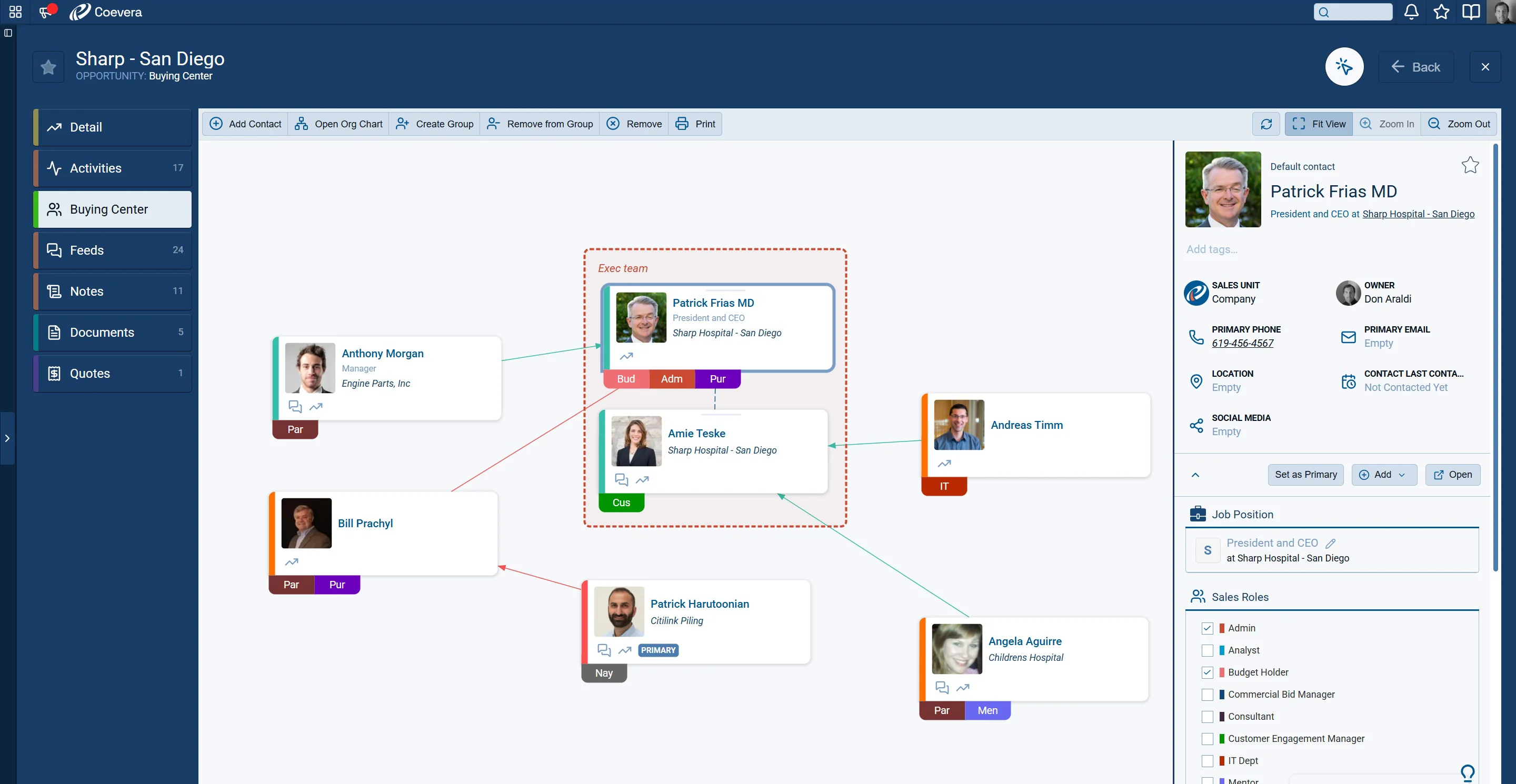
Choosing relationship mapping tools for enterprise sales
The market splits into two categories. CRM-native mapping keeps the map on live deal data, one login, no sync, which is why it should be your default if your CRM offers it. Standalone mapping add-ons layer onto your CRM and can go deeper on niche needs, at the cost of another tool, another integration, and a map that drifts from the data underneath it. Whichever you choose, apply three tests: the map must live on live CRM data, reps must be able to update it in seconds during normal deal work, and it must show coverage and stance, not just boxes and lines. A beautiful map nobody updates is decoration.