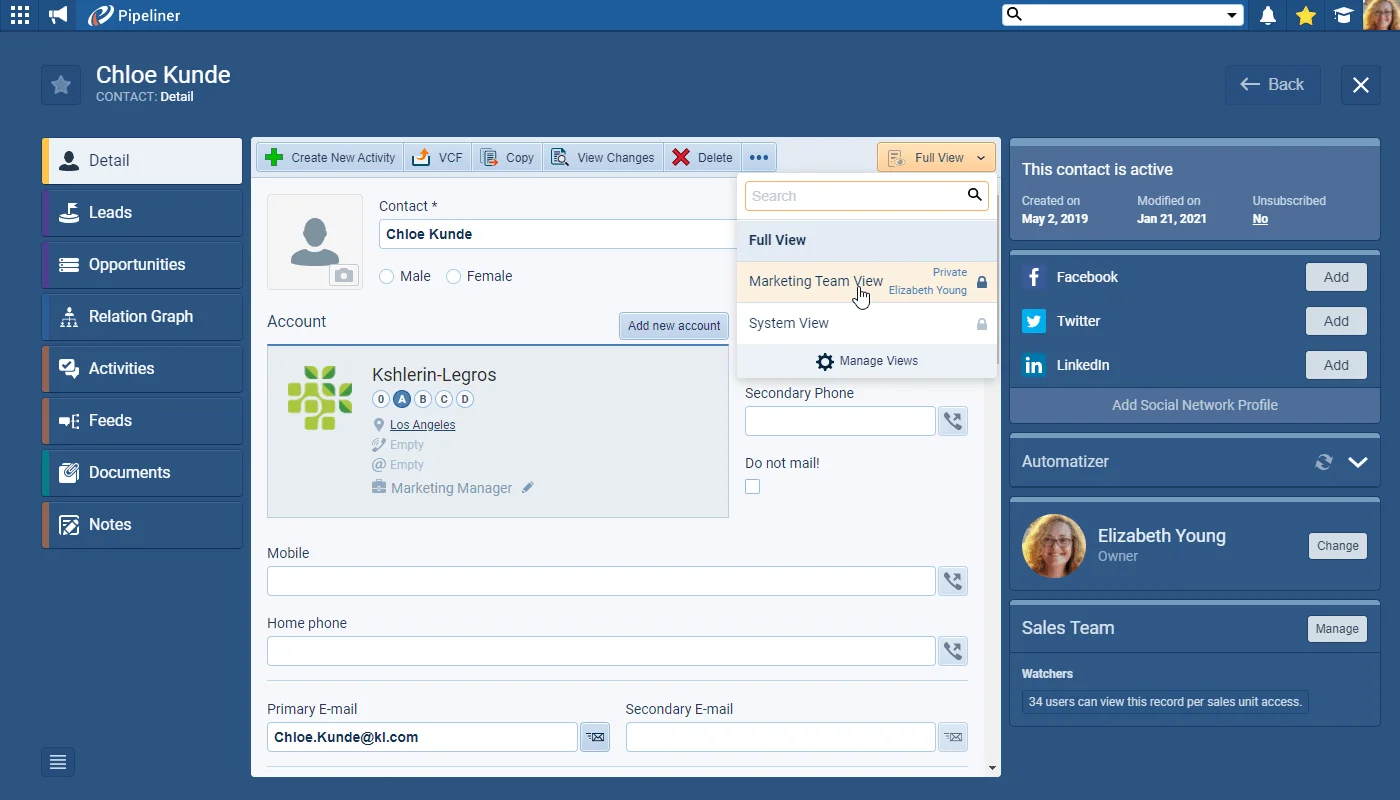
Users can now set up their own Views on the Detail tab of Accounts, Contacts, Leads and Opportunities. Users can choose which fields they commonly use — and need to see — and exclude those they never use from these Views.
Views are created by selecting the Manage Views option and then clicking on Create New. Once a name for the view has been entered, all fields available to view in the Detail tab of that type of record are listed and the user can deselect those that they do not want to see in their custom view.
There are 2 default views — “Full View” (this view shows all data on the form and cannot be modified) and “System View” (this view shows all default fields). Views can be private to the individual or be shared with other users. Users can also select Views when adding new records.
