v2.5.0MinorReleased

Automation Hub Enhancement, Microsoft Office 365, List View and more

Coevera 2.5.0 expands the Automation Hub with new Calendly, Outreach, and Clearbit integrations, adds Field Level Security for role-based access to sensitive fields, and ships usability updates including inline list-view editing, Microsoft and Google sign-in, and an Office 365 Template Builder add-in.

Integrations
Share
Features
1
Improvements
4
Security
Prossimamente

Overview

This release centres on the Automation Hub. Three new integrations connect Coevera Cloud to tools sales teams already use: Calendly automatically adds booked meetings to Coevera as Appointments and links the invitee to a contact record, Outreach keeps Leads, Accounts, and Contacts in sync in real time between SDR and Sales teams, and Clearbit enriches Account and Contact records with company and contact data when records are created or updated. Alongside the integrations, Field Level Security lets you hide sensitive fields and set read-only or per-role access across the whole application — reports, exports, views, and forms.

Beyond the Automation Hub, a set of usability improvements speeds up everyday work: you can edit records directly in the list view, sign in faster through Microsoft or Google accounts, and — for Microsoft Office 365 users — send standard or mass emails straight from Coevera with the Create Email option. A new Coevera Template Builder add-in for Office 365 embeds Coevera fields into Word and Excel templates and outputs the result to Word, Excel, or PDF. Some of these features are available only on the Business or Enterprise tiers.

What's in this release
  • Calendly integration automatically adds booked meetings to Coevera as Appointments and links the invitee to the contact record.
  • Calendly can optionally create a new Contact when none is found, create a new Lead, and auto-create custom fields on Coevera Appointments.
  • Outreach integration creates automatic, real-time updates, syncing Leads, Accounts, and Contacts from Outreach into Coevera with duplicate checking.
  • Clearbit integration enriches Coevera Account and Contact records with company and contact information when records are created or updated.
  • Clearbit matches data to Accounts by website and to Contacts by email, automatically adding custom fields for profiling and segmentation.
  • Field Level Security lets you hide fields and set permissions per sales role such as manager, executive, or sales rep.
  • Field Level Security can make a field read-only per role and hides information across reports, exports, views, and forms on all records.
  • Records can now be edited directly in the list view for faster small changes across your data.
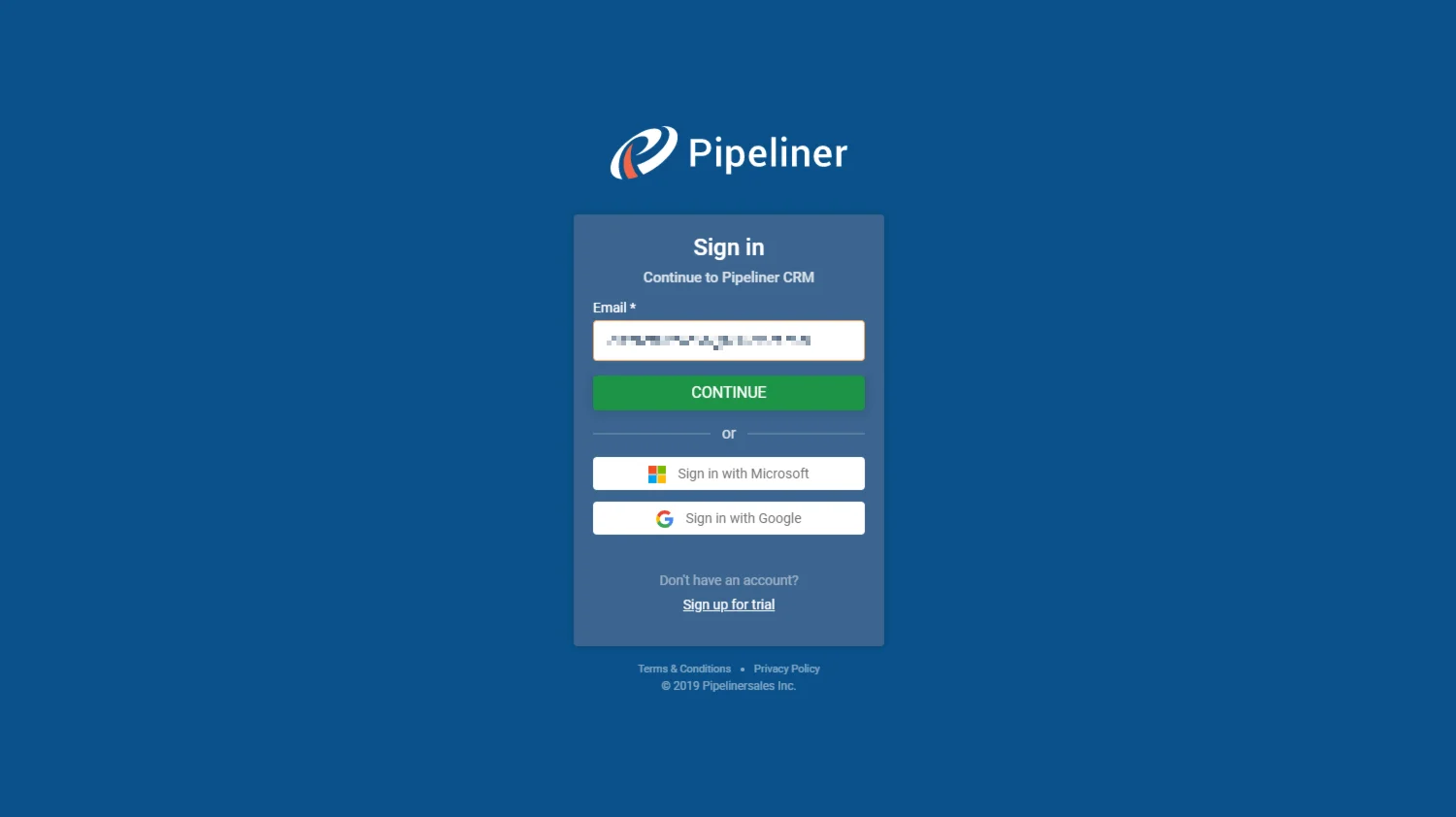
  • Users can log in faster through their Microsoft or Google accounts.
  • Microsoft Office 365 users can send standard or mass emails directly from Coevera with the Create Email option, to a single recipient or a group.
  • The Create Email option supports rich text formatting, file attachments, and embedded links.
  • The new Coevera Template Builder add-in for Office 365 embeds Coevera fields into Word and Excel templates.
  • Templates can output to Word, Excel, or PDF and be saved back into Coevera for any user to access from the Documents tab.
  • Some of these features are available only on the Business or Enterprise tiers.
How to Login to Pipeliner

What we're proud of

New integrations join the Automation Hub

Calendly, Outreach, and Clearbit now connect to Coevera Cloud — booking meetings as Appointments, syncing Leads and Contacts from your SDR stack in real time, and enriching records with company data the moment they are created or updated.

01New · Integrations

Automation Hub Updates

We have added new integrations into Coevera Cloud and included a few enhancements:

  • Fresh new Integrations
    • Calendly integration saves your sales team valuable time by having all of their Calendly meetings automatically added to Coevera as Appointments. It also links the invitee from a new appointment to the Coevera contact record. If no contact is found, there is an option to create a new Contact. Advanced options include the ability to have a new Lead created and the automatic creation of custom fields in your Coevera Appointments.
    • Outreach integration helps collaboration between your Sales and SDR teams. The integration creates automatic, real-time updates for data transfer from Outreach to Coevera. Leads, Accounts & Contacts can be automatically created in Coevera when team members using Outreach are ready to send information to Sales (checking for duplicates of course) and can then update Contact details from Outreach directly into Coevera on an ongoing basis.
    • Clearbit integration enriches your Coevera Account and Contact records with key company and contact information from Clearbit when new records are created or existing records updated. Data is matched to Coevera Accounts based on website and to Coevera Contacts based on email. Custom fields are automatically added to hold key data from Clearbit to help with customer profiling and segmentation.
  • Field Level Security
    • You can now hide fields from your sales to avoid exposure of some sensitive information.
    • Set permission per role as managers, executives, sales reps usually have different access to data.
    • Create a read-only field per sales role on the form. Some data have informative character and can be modified only by managers; sales reps have only read-only access.
    • Field level security functionality includes hiding information across whole application including (reports, exports, different views in the application, forms on all records…).
#automation-hub-updates

Various Improvements

Various ImprovementsIntegrations
How to Login to Pipeliner

A batch of usability updates — inline editing in the list view, faster sign-in with Microsoft or Google accounts, an Office 365 Create Email option for standard and mass emails, and a Coevera Template Builder add-in that outputs Word, Excel, or PDF.

All screenshots

5
#various-improvements

Frequently Asked Questions

It adds three integrations to Coevera Cloud: Calendly, Outreach, and Clearbit.

It automatically adds your Calendly meetings to Coevera as Appointments and links the invitee to the contact record. If no contact is found, you can create a new one, and advanced options can create a new Lead and auto-create custom fields on Appointments.

It enriches Coevera Account and Contact records with company and contact information when records are created or updated, matching data to Accounts by website and to Contacts by email, and adding custom fields for profiling and segmentation.

You can hide sensitive fields, set permissions per sales role, and make fields read-only per role. It hides information across the whole application, including reports, exports, views, and forms on all records.

Yes — you can now edit records directly in the list view. Users can also log in faster through their Microsoft or Google accounts.

They can send standard or mass emails directly from Coevera with the Create Email option, and use the new Coevera Template Builder add-in to embed Coevera fields into Word and Excel templates and output the result to Word, Excel, or PDF.

See it in your own pipeline

Start a free trial and explore what's new in Coevera 2.5.0 for yourself.

Nessuna carta di credito richiesta · Prova gratuita di 14 giorni

groupsTrusted by clients around the globeverified_userISO 27001 CertifiedshieldGDPR CompliantblockData never used to train AI