- In Administration › Units, Users and Roles we made it easier for you to edit individual roles you created. You no longer need to double-click to open the roles settings. Instead, simply click on the role and the menu with Edit Role button will slide out.
Brand New CSV Import, Dashboard Charts, Compact View Enhancements and more
Coevera 1.2.0 brings Google integration for Contacts, Calendar, and Tasks, adds CSV import and dashboard charts, and streamlines record creation and administration across Coevera Cloud.
- Features
- 3
- Improvements
- 5
- Security
- —
Overview
The headline of this release is Google Integration: you can now connect your Google Apps to Coevera Cloud and create, update, and edit data across Google Contacts, Google Calendar, and Google Tasks. Everyday work gets faster too — Leads and Opportunities can be created by double-clicking anywhere in the Pipeline View step area, and in Administration › Units, Users and Roles a single click on a role now slides out a menu with an Edit Role button, so double-clicking is no longer needed.
A bundle of usability updates rounds out the release. A new CSV Import brings leads, opportunities, accounts, and contacts into Coevera, and a brand-new dashboard charts experience lets you build a dashboard report within Reports using up to 50 charts for Leads, Opportunities, Accounts, Contacts, and Activities. New trial users get an expanded bottom menu by default and go straight into the product without selecting a Space, and Compact View record boxes now show the five most recently updated records.
- Google Integration connects Coevera Cloud with Google Contacts, Google Calendar, and Google Tasks to create, update, and edit that data.
- Leads and Opportunities can be created by double-clicking anywhere in the Pipeline View step area.
- In Administration › Units, Users and Roles, a single click on a role slides out a menu with an Edit Role button — no double-click required.
- CSV Import lets you import leads, opportunities, accounts, and contacts into Coevera.
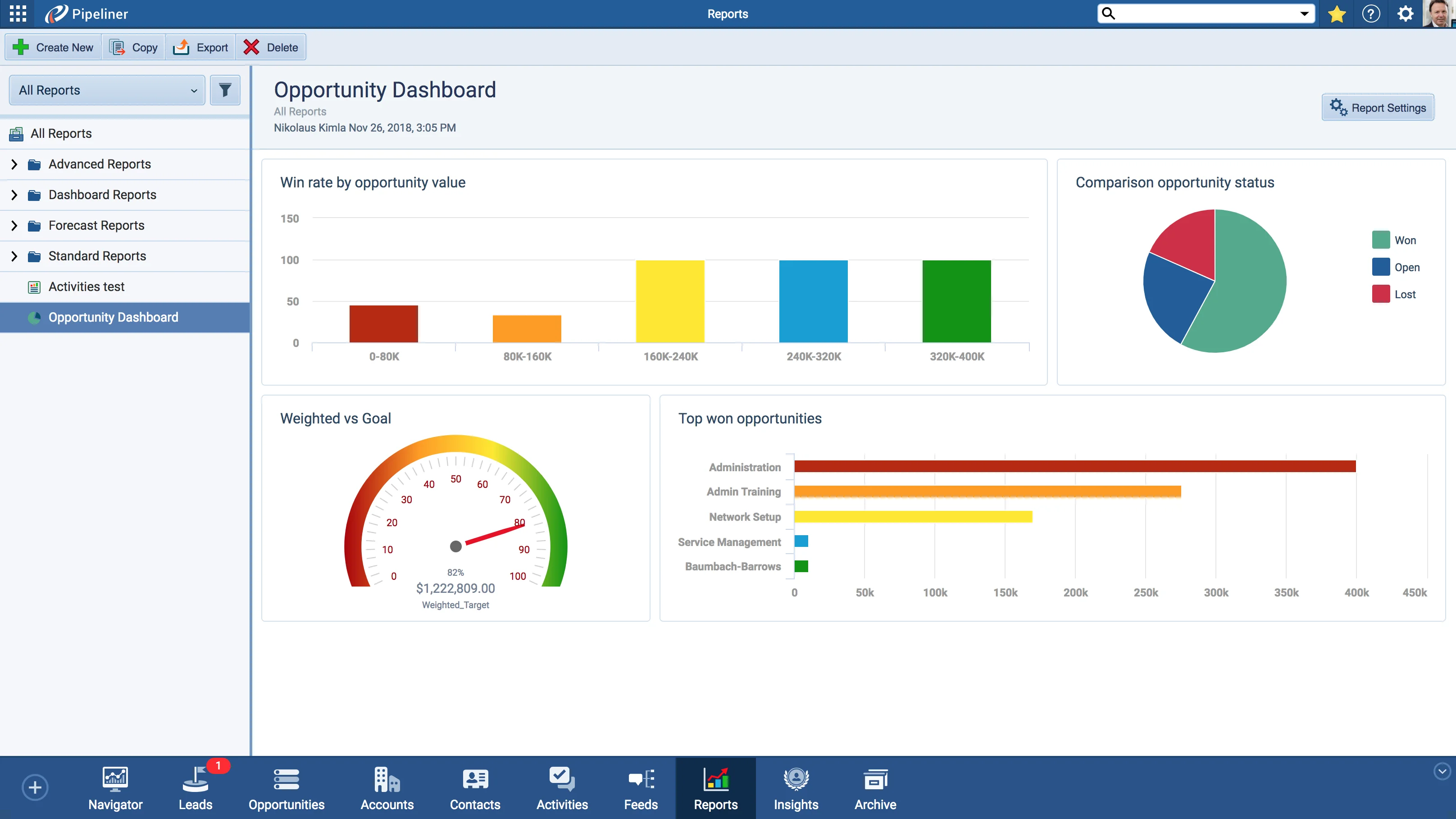
- A new dashboard report can be built within Reports using up to 50 charts.
- Dashboard charts can be created for Leads, Opportunities, Accounts, Contacts, and Activities.
- The bottom menu is expanded by default for all new trial users, and can be hidden via the arrow in the bottom-right corner.
- New users go straight into the product without needing to select a Space.
- Compact View record boxes now show a maximum of the five most recently updated records.

What we're proud of
Your Google Apps, connected to Coevera Cloud
Coevera 1.2.0 integrates Google Contacts, Google Calendar, and Google Tasks with Coevera Cloud, so you can create, update, and edit that data through the CRM you already work in.
Administration Improvements
Leads and Opportunities Improvements
- You can now create Leads and Opportunities by double-clicking anywhere in the Pipeline View step area.
Google Integration
You can now integrate your favourite Google Apps with Coevera Cloud! With this integration you can create, update and edit data integrating with:
Google Contacts
Google Calendar
All screenshots
3Various Improvements
Bundled updates: CSV import for leads, opportunities, accounts, and contacts; new dashboard charts with up to 50 charts per report; a default-expanded bottom menu for new trial users; onboarding straight into the product without selecting a Space; and a five-record limit in Compact View boxes.
Frequently Asked Questions
See it in your own pipeline
Start a free trial and explore what's new in Coevera 1.2.0 for yourself.
Keine Kreditkarte erforderlich · 14 Tage kostenlos testen
