The phrase "AI agent in a CRM" now covers everything from a chatbot that answers questions to a system that quietly updates your pipeline overnight. That range is the problem, because those two things carry very different risks. Before you switch one on, it is worth pinning down what an agent actually does, and what it should ask you first.
AI agent vs AI assistant: what the words mean
Vendors blur these two words, so start by pulling them apart. An AI assistant answers when you ask. You type a question, it returns a draft or a summary, and it stops. Useful, but you still string the steps together yourself.
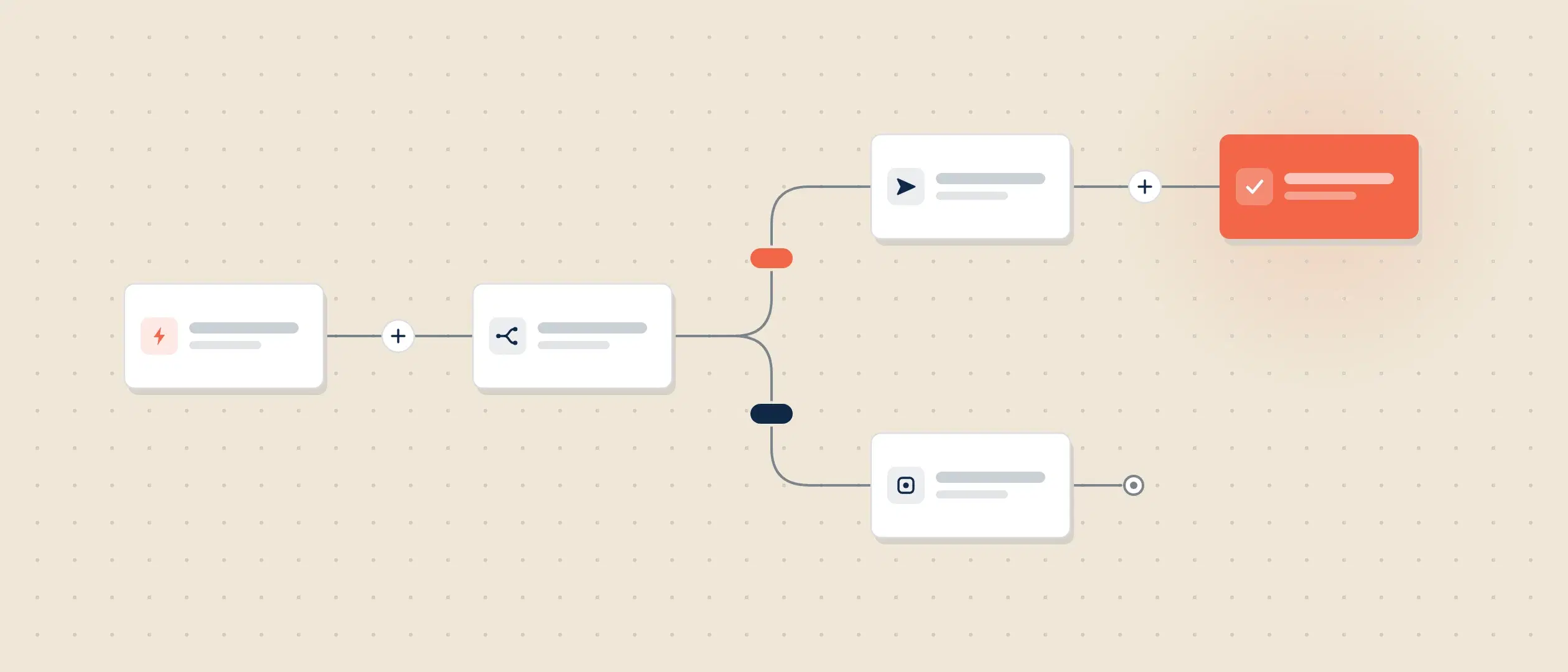
An AI agent works differently. It takes a goal and moves through the steps on its own. Ask it to prep you for a renewal call, and it can pull the account history, scan recent emails, note open tickets, and hand you a short brief. This multi-step, goal-driven behavior is what people mean by agentic AI.
Here is the simple test: an assistant responds, an agent acts. An agent chains several actions together, uses what it learns along the way, and comes back with a result. An assistant waits for your next prompt.
What an AI agent can do inside your CRM
Your CRM is where the busywork piles up: logging calls, updating fields, chasing next steps, and digging for context before a meeting. An AI agent in a CRM can take a lot of that off your reps' plates, and the time savings show up in the research.
Gartner surveyed 210 sales leaders in early 2026, who reported that AI tools were saving sellers an average of 4.8 hours per week. That is the better part of a working day, every week. The scale is not a surprise either. McKinsey estimated in 2020 that about a third of sales and sales-operations tasks could be automated, and that estimate predates the current generation of AI agents.
Common jobs for an AI agent in a CRM include:
- Research an account and summarize what changed since last contact.
- Draft a follow-up email or a call recap for you to approve.
- Prep a call with history, open items, and suggested next steps.
- Keep records current after a meeting.
- Flag deals that look stuck and suggest a next move.
None of this replaces the rep. It clears the runway so the rep can sell.
Why approval-based autonomy matters
Here is the catch, and it is the most useful finding in that Gartner survey. The hours come back, and then most teams put them somewhere other than high-value work. Gartner found that 72% of sales organizations report low reinvestment of those time savings into high-value sales activities. The returns are already splitting too. A quarter of organizations report a return of 50% or more on their AI investment, while a fifth report a negative return of that same size.
AI is not the hero of this story; AI is the accelerant.
Dan Gottlieb, VP Analyst in the Gartner Sales practice
An accelerant needs something to push. In the same survey, organizations that achieved moderate to large AI time savings and then reinvested that time in high-impact sales activities were 2.2x more likely to exceed customer growth goals than organizations that reinvested less. The tool is not the whole story. What you do with the hours tracks closely with the result.
Control is the other half. An agent that acts on its own can act wrong at scale. It emails the wrong contact, changes the wrong field, or pushes a deal it should have left alone. More CRMs are adding AI agents, so the question is not whether you get one. It is how much control you keep.
This is where a lot of AI falls short. Black-box tools hand you an answer, or take an action, with no view into why. You cannot check the logic, so you either trust it blindly or switch it off.
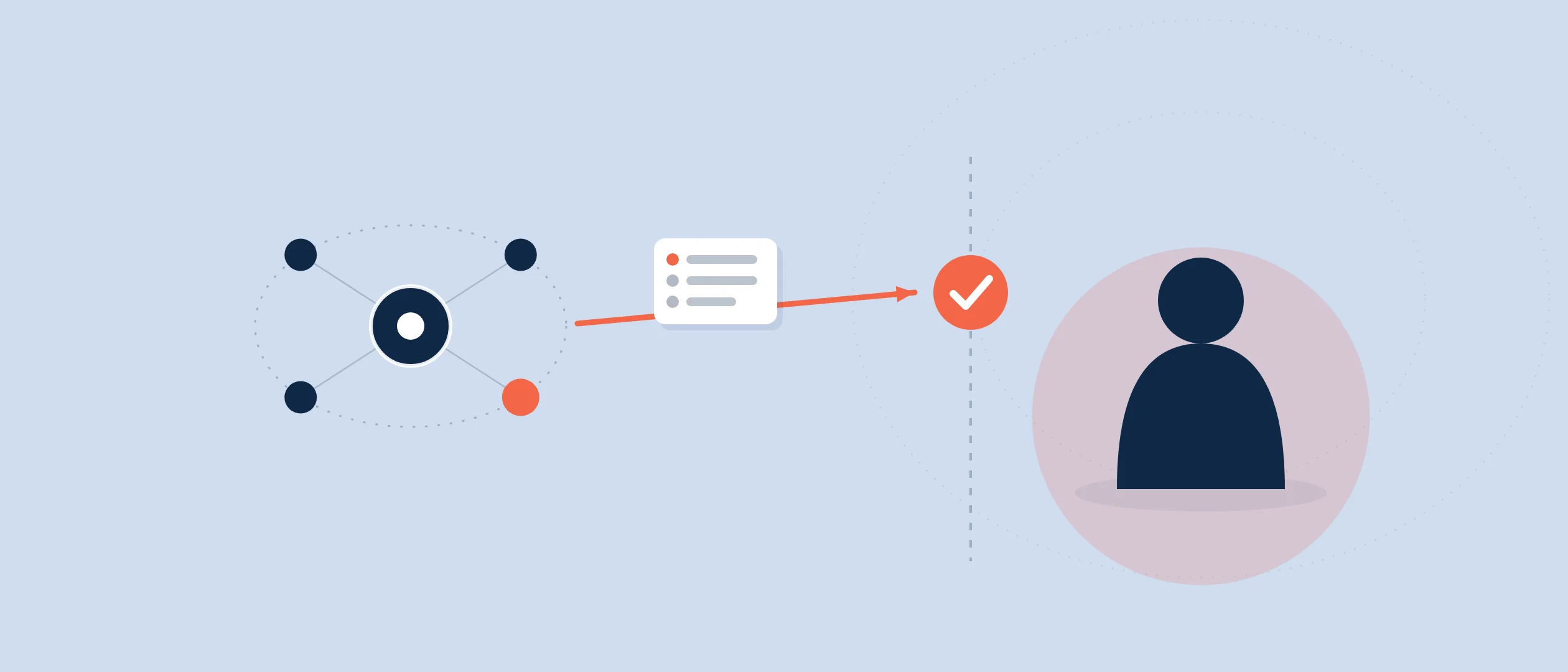
Approval-based autonomy is the fix. The agent shows its reasoning, asks before it acts, and learns when you correct it. You see the plan, approve or edit it, and only then does the agent move. The work still gets done. You stay in command.
How Coevera approaches AI agents
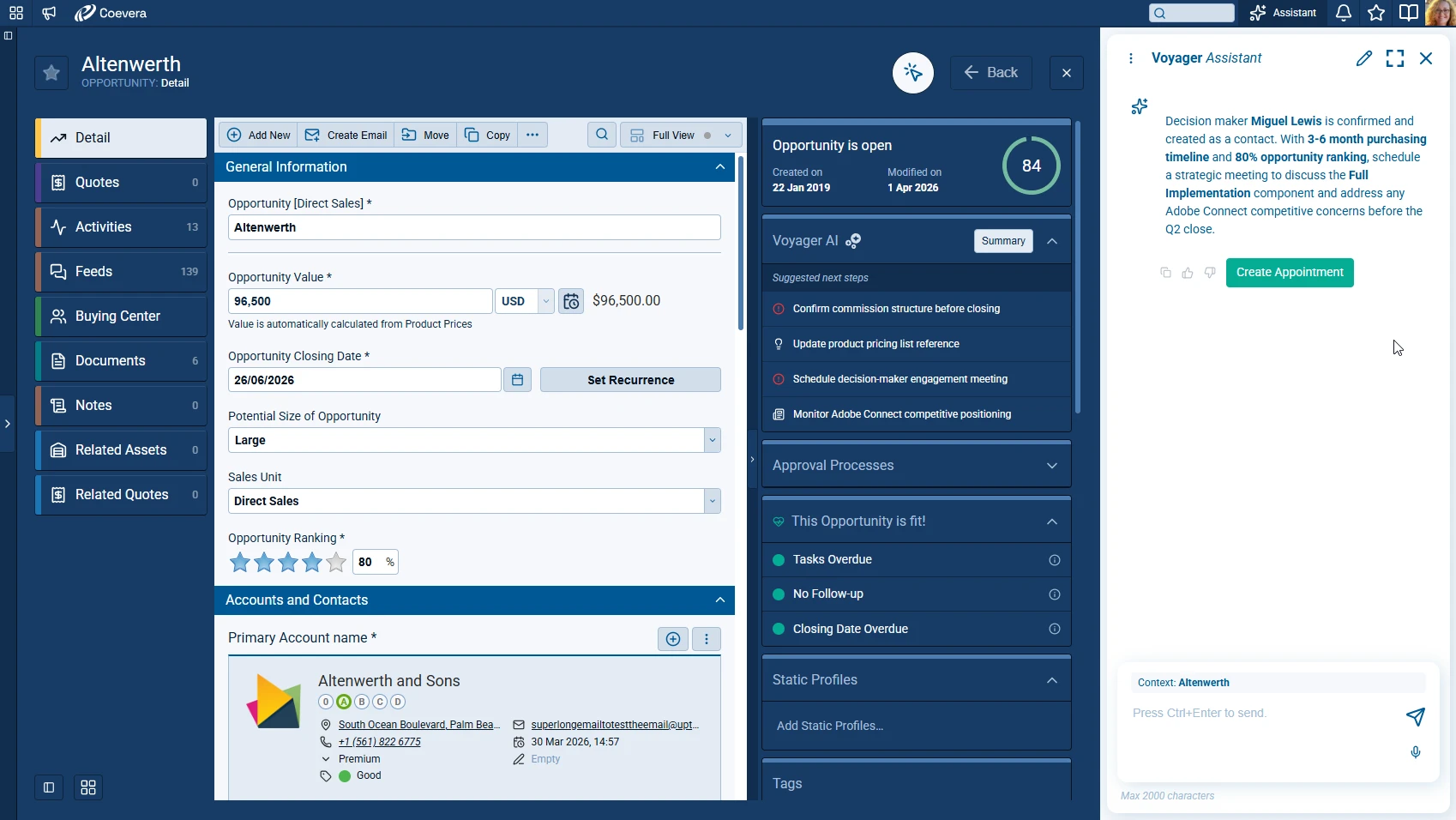
Coevera builds its AI around staying in command. Its AI layer is Voyager AI. Voyager 1 comes with every plan and handles the assistive work: creating email, searching documents, and summarizing opportunities and calls when you ask. Voyager 2 is the agentic tier and is a paid add-on on every plan. It adds agents for call preparation, contextual guidance, report creation, automations, and forms, plus a Super Agent that coordinates the other agents.
The control model is approval-based autonomy, which Coevera describes plainly: nothing happens to a deal or record without a human in the loop. Voyager shows its reasoning, asks for approval before it acts, and learns when you correct it. Because it surfaces the reasoning rather than just the output, a manager can audit the thinking behind a recommendation instead of taking it on faith.
Coaching sits in the same flow. Sales POP! is evolving into The Collaborator under Coevera, and its catalog powers contextual advice while you work. The guidance shows up next to the deal in front of you, not in a separate course.
How to start using an AI agent safely
You do not have to switch everything on at once. A safe rollout looks like this:
- Decide what the hours are for
Name the high-value work the freed time goes to before you turn the agent on. Gartner's data links that reinvestment to stronger goal attainment.
- Start with low-risk work
Let the agent draft emails, summarize calls, and prep meetings. Nothing sends or changes without your yes.
- Keep approval on
Read the agent's reasoning before you approve, and correct it when it is wrong so it learns your standards.
- Expand as trust grows
Once the drafts hold up, let the agent handle more routine record-keeping and updates.
- Review what it did
Check the reasoning behind the calls it made and where it helped, then widen its scope from there.
That is how an AI agent in a CRM earns its keep without surprises. The repetitive work moves off your reps. The judgment stays with them.
See how it handles your own deals
Try Coevera on a live pipeline and keep approval on from day one. No credit card required.
Start free trial