Watch a rep work for an hour and count the tasks a machine could do: logging the call, creating the follow-up task, updating the stage, drafting the recap email, copying numbers into a report. None of that is selling. All of it is why deals go quiet. Sales workflow automation is the discipline of handing that work to the system, and 2026 is the first year the tools are good enough to hand over most of it.
To automate your sales workflow, work through five steps: map your repetitive tasks and pick the two biggest time sinks, define the trigger and action for each (deal moves stage, task is created; call logged, follow-up email drafted), build those rules in your CRM's automation engine rather than in separate tools, add AI agents for multi-step work like research and call prep with a human approval step, and measure the hours saved so you can reinvest them in selling. Yes, CRM software can manage sales team tasks: modern CRMs create, assign, and complete tasks automatically from pipeline events. The rest of this guide walks through each step.
What sales workflow automation is
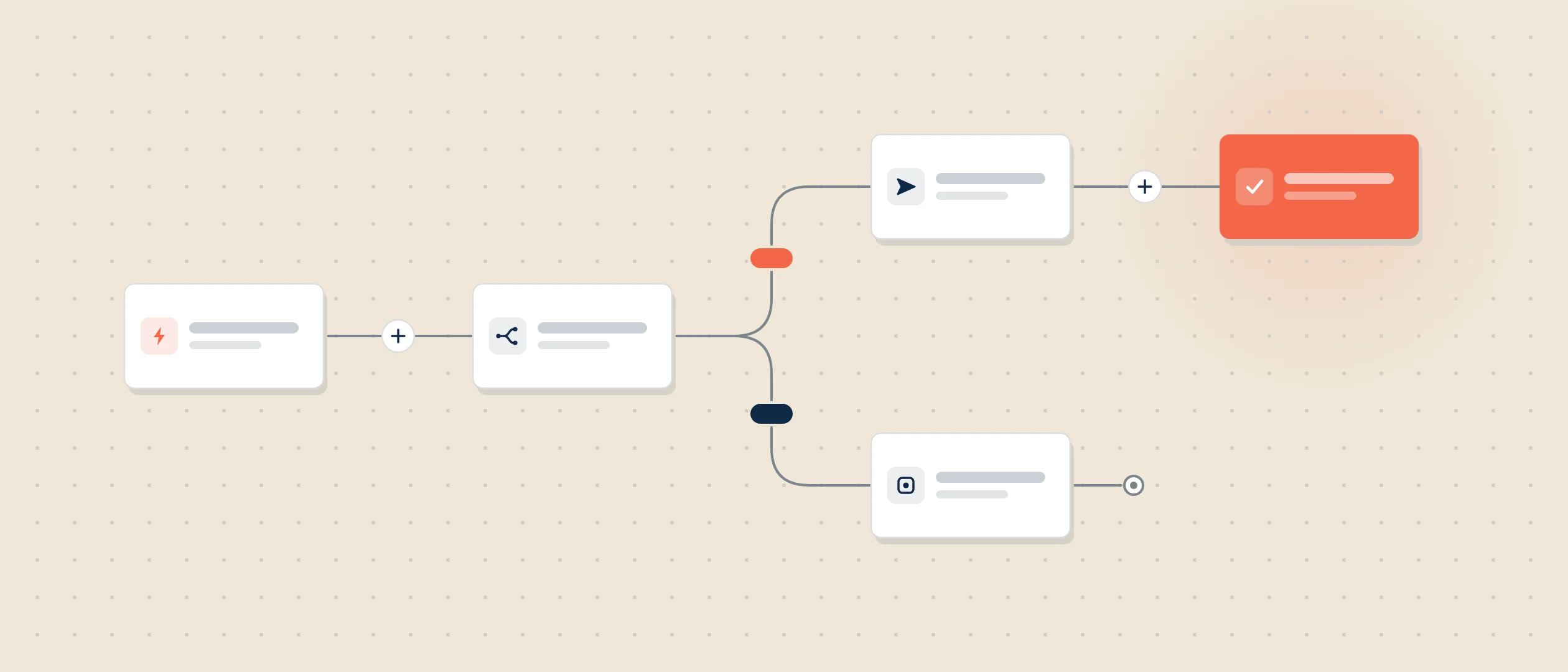
Sales workflow automation uses rules and AI inside your CRM to execute the repetitive parts of the sales process automatically: routing leads, creating tasks, sending follow-up sequences, updating records, and assembling reports. A workflow automation has two parts: a trigger (something happens, like a deal entering a new stage) and an action (something follows, like a task landing on the right rep's list with a due date). Chain enough of those rules together and the process starts running itself, while reps keep the judgment work: discovery, negotiation, relationships.
The payoff is documented. Reps spend around 60% of their time on non-selling tasks, according to State of Sales research, and a Gartner survey published in May 2026 found AI tools save sellers an average of 4.8 hours per week. The catch from the same survey: 72% of sales organizations fail to reinvest those savings in high-value work. Automation without a reinvestment plan just makes room for more admin.
What to automate first
- Follow-up emails. Trigger a drafted follow-up when a call is logged or a deal stalls past a set number of days. Reps review and send; nothing customer-facing goes out untouched.
- Task creation. Every stage change generates the next task automatically: send the proposal, book the technical call, confirm legal review. No deal sits without a next step.
- Data capture. Emails, meetings, and calls log themselves. This is the automation that quietly fixes your data quality, because clean data stops depending on rep discipline.
- Lead routing. New leads land with the right rep in minutes, by territory, size, or product line, with an SLA task attached.
- Reports and rollups. Pipeline summaries and forecast rollups assemble themselves on schedule instead of consuming a manager's Friday.
The five steps, in order
- Map the repetitive work
Shadow one week of real activity for two or three reps. List every task that repeats, takes minutes not judgment, and follows a rule you can write down. Rank by hours consumed.
- Define triggers and actions
For your top two time sinks, write the rule in one sentence each: when X happens, do Y. If you cannot write the sentence, the task is not ready for automation.
- Build in the CRM
Use your CRM's automation engine so the rules live where the data lives. Every extra tool adds a login, a sync, and a place for deals to hide.
- Add AI agents behind an approval step
Agents handle multi-step work rules cannot: researching an account, preparing a call brief, drafting a report. Keep a human yes between the agent and anything a customer sees.
- Measure and reinvest
Track hours saved monthly, then schedule where they go: more customer conversations, more deal inspection, more coaching. Unplanned savings evaporate.
Automate in the CRM, not with another tool
The tempting path is a new point tool for every automation: one for sequences, one for scheduling, one for enrichment, one for reporting. The research argues against it. Sellers already use an average of 8 tools to close deals, 42% of reps feel overwhelmed by the number of tools, and overwhelmed sellers are 45% less likely to attain quota, according to a Gartner Sales Survey (2024) that Salesforce cites. Every tool you add also fragments your data, which weakens every AI feature downstream. The default should be: automate inside the CRM first, and add a specialist tool only when the CRM's engine truly cannot do the job.
Where AI agents fit
Rules-based automation handles single steps with clear conditions. AI agents extend automation to multi-step jobs: research this account and summarize what changed, prepare me for Thursday's call, build the weekly pipeline report. The rule of thumb for trusting them: favor agents that show their reasoning and ask before they act, and keep customer-facing output behind human approval until the agent has earned trust on that specific task. Agents are teammates you review, not features you switch on.
How Coevera automates the sales workflow
Coevera splits the job the way this guide does. Automatizer is the workflow engine: visual, rules-based automation for triggers, tasks, sequences, and updates, built so a sales manager can create a workflow without a developer. Voyager 2 adds the agentic layer with approval-based autonomy: agents for call preparation, contextual guidance, report creation, automations, and forms that show their reasoning and ask before they act. Competitors offer workflow automation and AI agents too. The difference Coevera aims for is that both layers live inside the CRM, on one data set, with the human veto built in. See the product tour or pricing.
For a worked build where what a prospect does decides the next step, see Blueprint 016.
Automate the busywork this quarter
Try Coevera free for 14 days. No credit card required.
Start free trial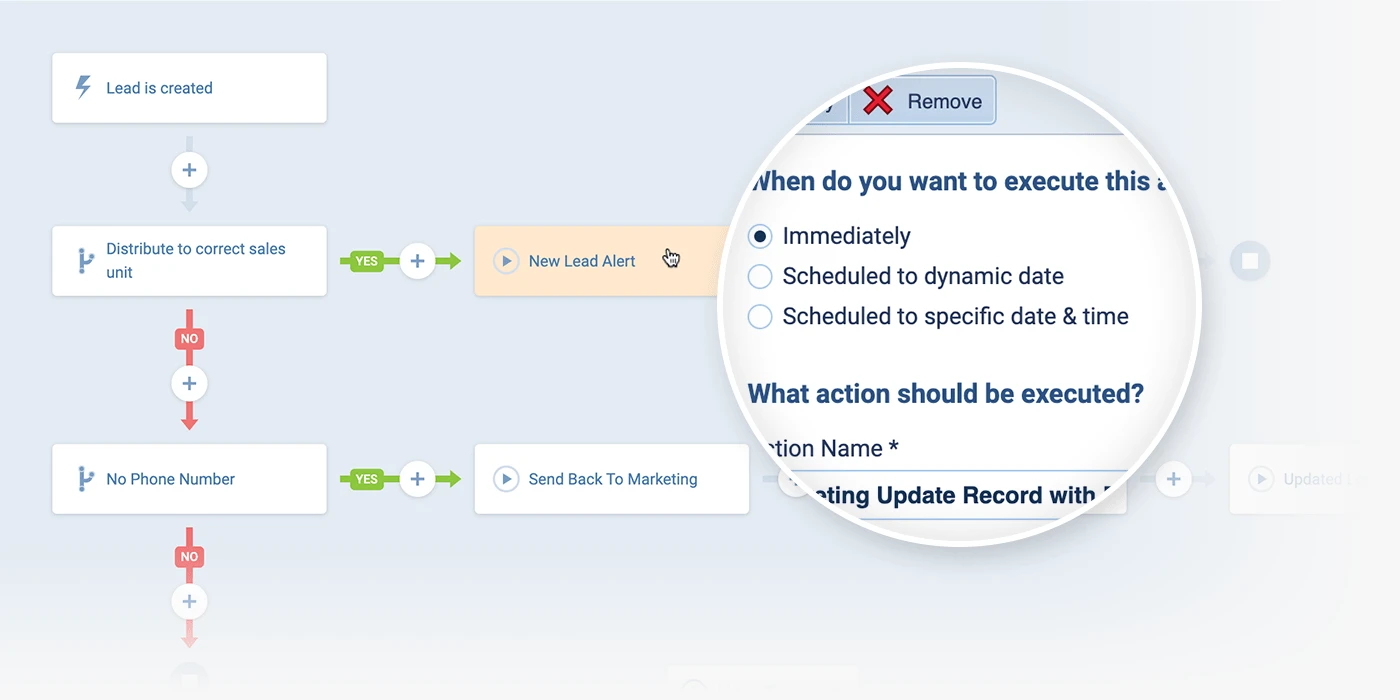
Plan the reinvestment before you build
The teams that win with automation decide where the recovered hours go before the first workflow ships. Gartner found organizations that reinvest AI time savings into high-impact activities are 2.2x more likely to exceed customer growth goals and 3.1x more likely to exceed lead-to-opportunity conversion goals. Write the plan in one line per role: reps reinvest in customer conversations, managers reinvest in coaching and deal inspection.
Before the estate grows: Blueprint 011 on keeping hundreds of automations maintainable.