Account management is a considerable job—and one of the most important for a sales professional. Account management consists of several key functions, all of which add up to happy customers. Account management is most precisely conducted through CRM.
Existing accounts are the foundation and stability of a company. Moreover, it is far less complex and costly to keep an existing account satisfied and happy than it is to generate new business.
For all of these reasons, account management is a primary important function of an enterprise.
Account Classes
For any company there are very important accounts, there are many who fall “in the middle,” and there are those who bring up the rear and are less important. They’re all important to one degree or another because they provide income—but it’s vital to get accounts properly classified.
Any company will establish its own parameters for classifying accounts. Such parameters can include the level of revenue, renewal, maintenance, potential, and more. These classifications allow the company to accurately deal with and service accounts.
The reasons for such differentiation are obvious. An example is someone who walks into an airport, ready to fly out. A frequent flyer, a customer who spends lots of money for travel on a particular airline, can check in a bit late and not be turned away. Someone flying coach for the first time, however, will likely be turned away for being late—and all levels of service follow along the same lines.
Classifying Accounts Through CRM
Trying to classify all of your accounts, and keep track of their activities and issues, is virtually impossible without a powerful and efficient CRM solution like Coevera. You can differentiate accounts by class—however you set those classes up—and then, through Coevera’s precision filters, you can filter each class and look at them separately when needed. You can create reports on classes, share them with team members in a report, and set goals for a week, month, quarter, half-year, or year.
Coevera empowers you to create intelligent fields so that you will have insights into customers. For example, a field could become active if the account’s number of seats start declining, so that the successful manager could take action. Or, someone could be alerted when an account has a certain number of open support tickets, so that account could be properly serviced. Not paying attention and taking care of your accounts means that you’re risking your most valuable asset: your account base.
Policy
Account classes dictate how you treat your customers, especially your important customers, and these classifications and their actions must be the subject of precise policy.
While technology will provide you all the necessary data you need to write policy, the technology cannot write the policy for you. You must do that. Policy does not come from CRM—but it is certainly executed through CRM.
That policy must really be nailed down. And it’s not only a matter of how you treat your best customers (although that is obviously very important), but also how you treat your worst customers. You may look at an account and realize that you put plentiful time into servicing them, but get very little back. You finally have to ask yourself, “Why are we keeping that customer?” Disengaging from a non-cost-effective customer will also free your staff for other, more important activities. Remember: the only truly limiting factor we all share in common is time. Freeing it up, when possible, is very important.
Time obviously isn’t scalable—but policies are. Get them down and in force now, for in the words of Mikhail Gorbachev, “Life punishes those who come too late.” An important customer not well-treated will likely wander off to a competitor.
Key insight: When qualifying a potential account, the author argues you should weigh not just the traditional factors of budget, authority, need and timing, but profit too — because if you don't make money on every customer, you'll soon be out of business, even when a costly account looks like a springboard.
Account Cost
But important customers—like any customers—should always be monitored for account cost. Unless it is examined and brought out into the light, cost of account can stay hidden and impact you when you least expect it. For example, you have a SaaS customer that brings you $100k per year in renewals, which is good; after 5 years you’ve brought in $500k. But in order to bring in that $100k per year, you’ve got to have 4 people working on the account, who actually cost you $120k per year. So it’s obvious that policies should cover account cost, too.
Evaluating Prospects
Utilizing data from CRM, such as information on activities that normally take place with a certain type of account, you can evaluate a prospect and approximate where that prospect will fit in with your classes.
When qualifying a potential account, you should not only qualify by the traditional factors (budget, authority, need and timing) but also for profit. Remember, if you don’t make money with every customer, you’ll soon be out of business. Sure a costly account might be a springboard to other customers…but what if that doesn’t work?
Org Chart and Buying Center
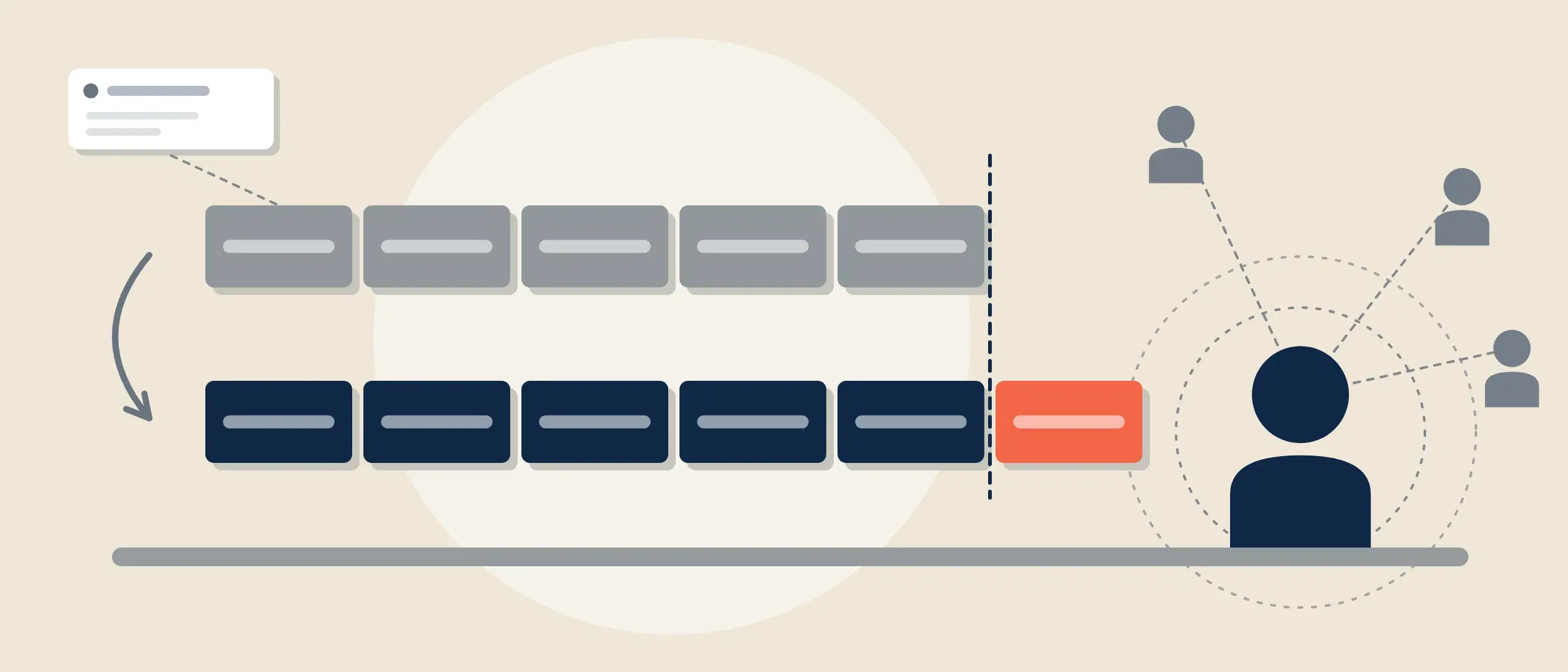
Coevera has two interrelated features that are vital for account management: the Org Chart and the Buying Center.
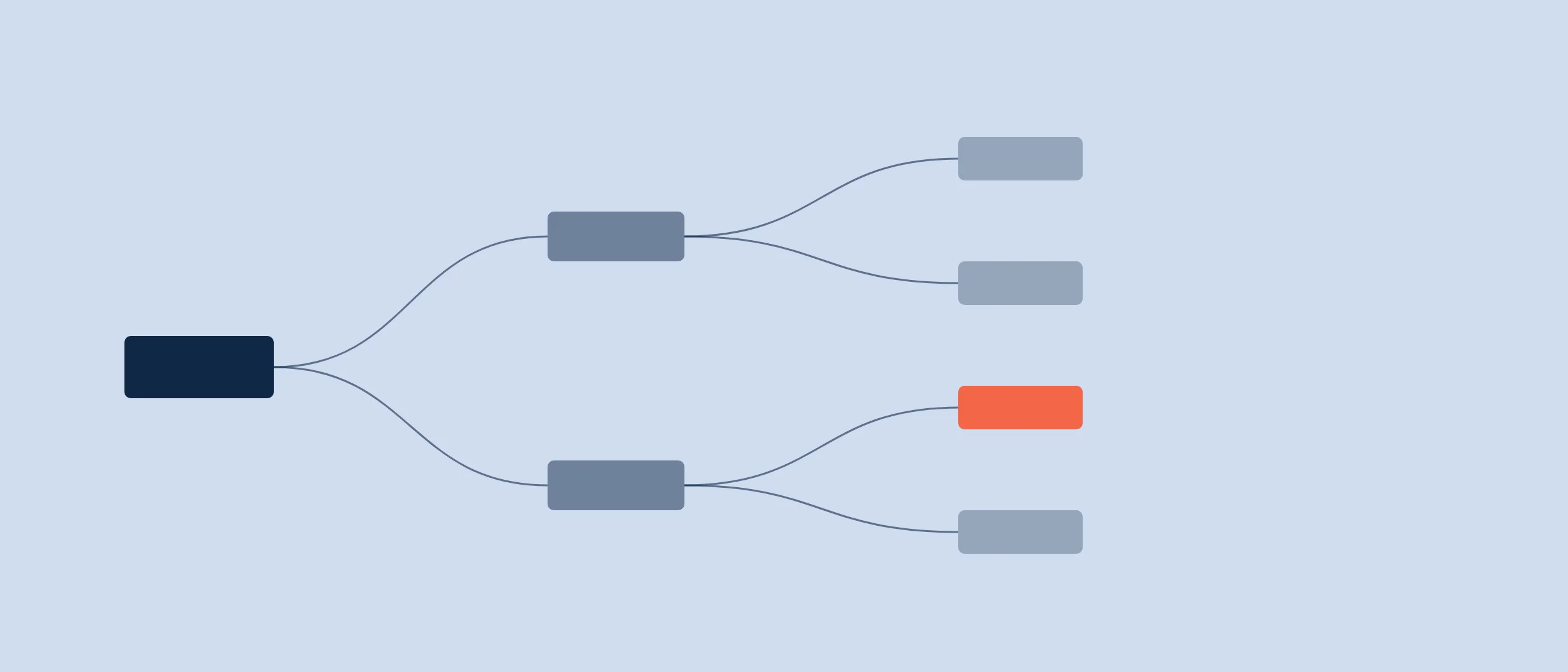
The Org Chart visually shows you your account’s hierarchy—where in your prospect company your buyer stands, and who they report to. You can also see the “chain of command” and where your deal might need to travel to be approved.
The Buying Center visually shows all the influence on the purchase, and where it comes from—even if it comes from outside the company, as in the case of a consultant.
It can also happen that 2 or more companies within your database are connected—for example, if one owns another. With Coevera, you can show all relationships between related companies.
Relationship Graph for Accounts and Contacts
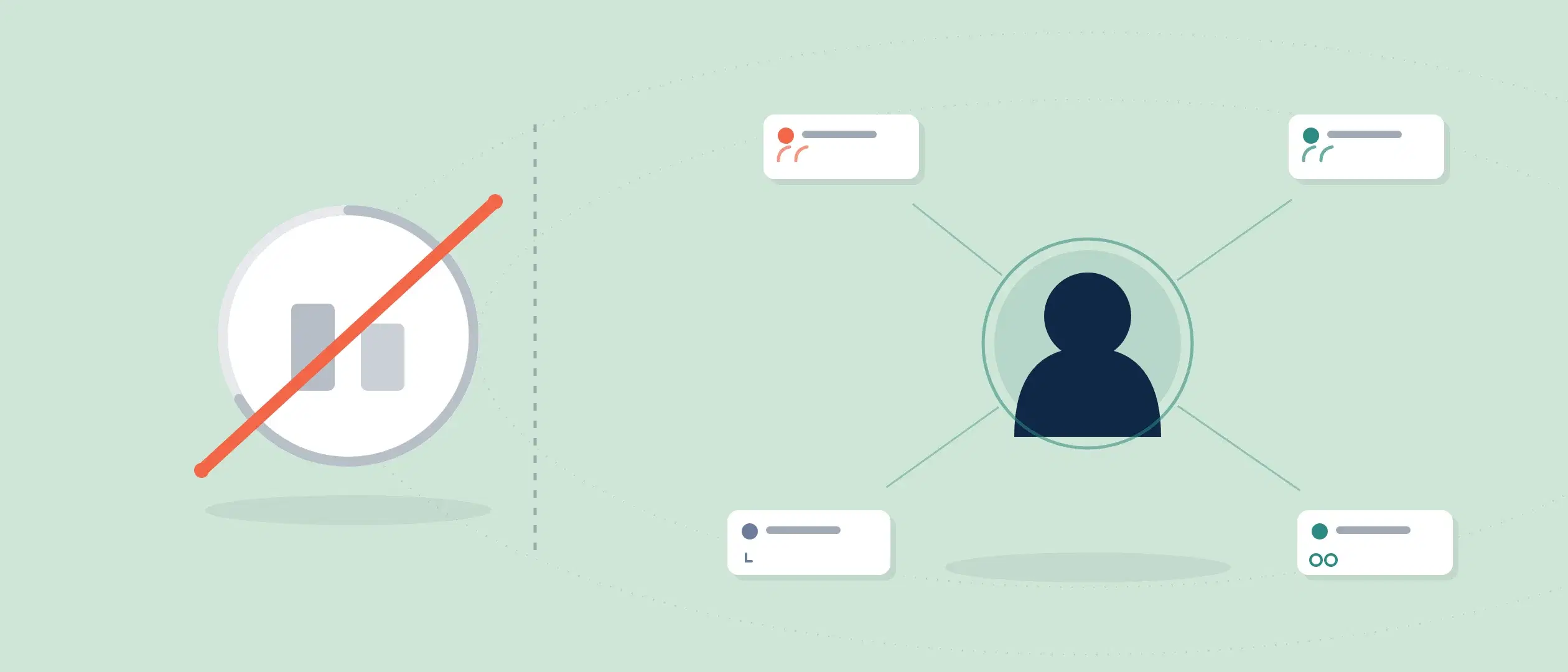
In addition to the Org Chart and Buying Center, the Relation Graph gives you an additional level of understanding the relationships between account records and contact records by allowing you to map the networks and relationships that you need to be aware of — “Which other companies does my prospect have relationships with”; “I wonder if we know anyone who used to work with my decision-maker”; “Who can I talk to who will be our advocate to help deepen this relationship?” — these are the sorts of questions that the Relation Graphs help answer.
As you add an Account into the Relation Graph for the company you’re working on, the relationships that Account has with other Accounts are now visible so you can see how the whole network of organizations relates to each other. The Contacts Relation Graph works the same way as Accounts.
Account Field Permissions
For account management, there are some circumstances where you might want only certain users to be able to see or update a custom field. An example might be a “Credit Limit” field on an account record which you may only want the accounts team to be able to update or, perhaps, a “Quote Approved” field on an opportunity that should only be updateable by your Sales Managers. The Field Permissions function in Coevera allows you to control this access.
Vital Views and Analyses
All of this means proper account management. It is done through analyzing activities, accurately classifying your accounts, creating and enforcing account management policies, properly evaluating prospects, and making full visual use of the Org Chart and Buying Center and the Relationship Graph. Coevera facilitates it all, ensuring the entire team is all going in the same direction.