You are probably aware that the Coevera user experience is constantly being expanded and enriched. We have just added a feature that users will find amazing: Opportunity Fitness.
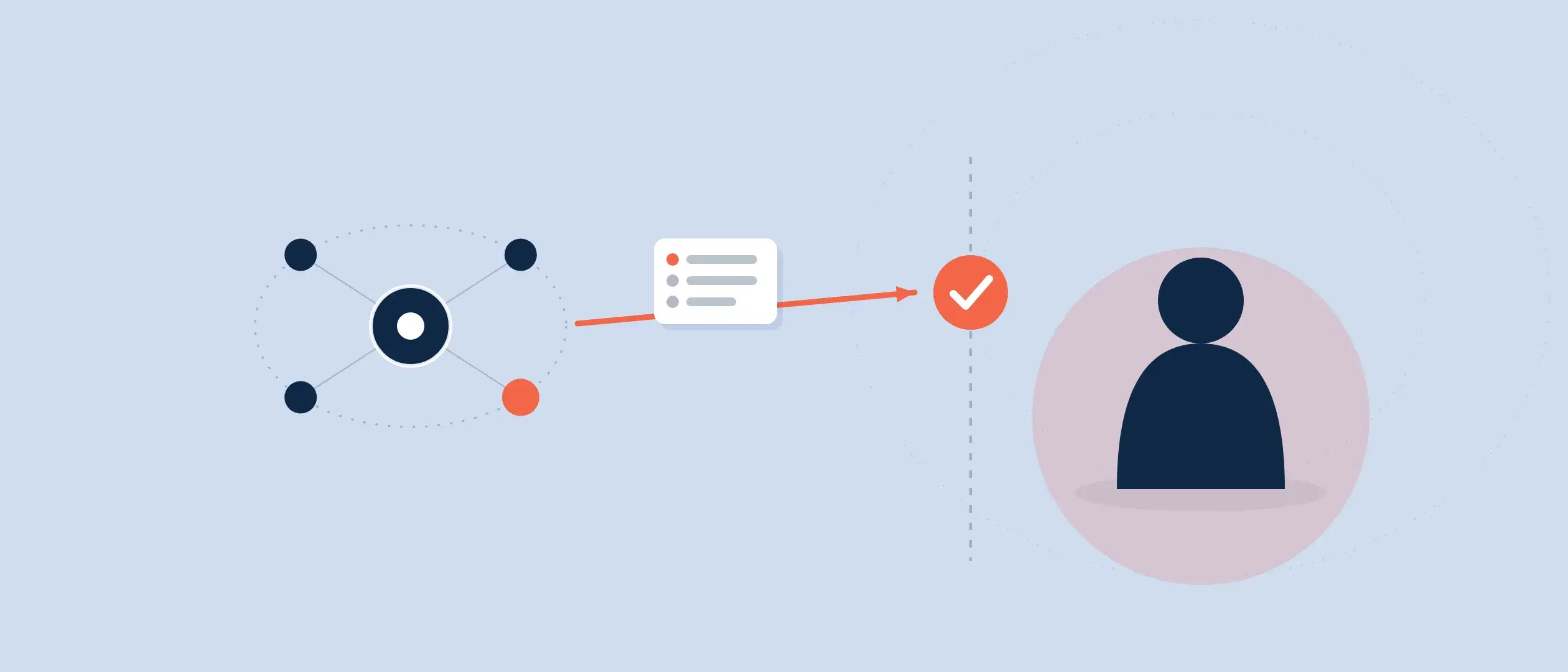
How is fitness evaluated for an opportunity? Fitness answers questions such as: Is it ready to come in? Is something holding it up? What needs to occur for this opportunity to happen? What actions need to be taken?
We’re certainly going to reveal details of this exciting new innovation. But let’s first explore how other CRM systems approach this function, why we developed opportunity fitness in the way that we did, and how our method places us far ahead of our of competitors.
Artificial Intelligence Versus Endless Variations
Artificial intelligence (AI) functionality has been implemented by some CRM systems in an effort to accurately assess opportunity fitness. These systems seek to evaluate a deal and how hot or cold it is through complex algorithms. There are several problems with this approach.
Fitness for an opportunity, in actual fact, is going to vary for every industry. Beyond that, it will be different for every business. CRM developers are attempting to answer questions of deal readiness for every possible industry, every customer—with a single set of algorithms. Given the endless variations of deal types and company types, just mathematically this cannot be accurately done.
You’ll even find variations throughout a single industry. Take manufacturing, for example—how many different kinds of manufacturing exist? What would be the considerable difference between manufacturing an automobile and manufacturing a coffee maker? How could the same deal evaluation possibly be applied to both?
Use of AI in Coevera
We have written about AI and its overall relationship to sales at length. Several leading CRM developers have spent millions of dollars attempting to create AI that will literally replace salespeople so that they don’t have to actually sell. While this might work in lower-priced B2C sales, AI cannot possibly succeed in B2B selling. We honestly believe this approach is a dead end.
We have operated from the view that AI does not replace salespeople, but assists them. We earlier developed our own AI functionality with Coevera Voyager. It in no way attempts to replace the salesperson, and we will never develop AI for that purpose.
In examining current AI’s effectiveness, we can take playing a game of chess as an example. Yes, artificial intelligence is used and can be competitive in playing chess, but it still can be beaten by humans because AI cannot possibly be programmed for every single strategy that a player will take.
Coevera Opportunity Fitness
Because AI cannot possibly demonstrate efficiency in every variation of deal evaluation, our Opportunity Fitness feature is a completely different approach than AI. We set out to create functionality that a company can use to evaluate the fitness of every one of its opportunities. It is a true game-changer for CRM.
Two different categories of fitness indicators are used to determine current opportunity fitness:
- Default indicators predefined by Coevera
- Custom indicators defined by a company
Predefined Indicators
Utilizing extensive research along with decades of experience servicing our customers, we isolated 11 default indicators of opportunity fitness that can be utilized and tailored by most enterprises:
- Closing date overdue
- No Follow-up
- Tasks overdue
- Low email outreach
- Low engagement
- Many closing date updates
- Moved to the previous step
- Ranking decrease
- Sales cycle overdue
- Sales step velocity overdue
- Value decrease
These indicators are flexible and can be tailored to the requirements of any particular business. Each indicator can be set for all pipelines, for a selected pipeline, or for each stage of a particular sales process. For each indicator, different levels can be set to appear: “notice,” “pay attention,” or “take action.” These levels are customized by each company to the urgency of the indicator as it applies to a particular opportunity.
When enabled, these indicators will show up on any opportunity and inform salespeople and managers. They are set as risk factors, with increased risk as the level of the indicator moves higher.
In practice: each fitness indicator carries three tunable alert levels — notice, pay attention, take action. A deal losing 5 percent of its value might only earn a notice, 25 percent a pay attention, and 40 percent a take action, with thresholds set by each company.
Examples
Closing date overdue
Let’s take an example of the indicator “closing date overdue.” Using this indicator, a company can set different levels by how it views an overdue closing date. “Notice” might appear when a closing date is only a few days overdue. “Pay attention” might appear when a closing date is a few weeks overdue. If it’s nearly a month overdue—which may affect the overall sales statistics of the company for the sales period—”take action” could be set to appear. Or, the notifications could be set by sales stage: a deal falling behind in only the second stage of a sales process might only warrant “notice” but by the time it reaches the next-to-last step, though, it’s time to “take action.”
Value decrease
“Value decrease” is another great example of how an indicator can be utilized.
At the beginning of a month, a salesperson (as many of them are) can be overconfident and claim a particular deal is worth $50,000 and will close by the end of the month. Near the month’s end, the sales manager comes along and asks about this deal. The salesperson says, “Oh, the prospect only wants half the licenses they originally wanted.” The deal has lost 50 percent of its value! This is a common occurrence.
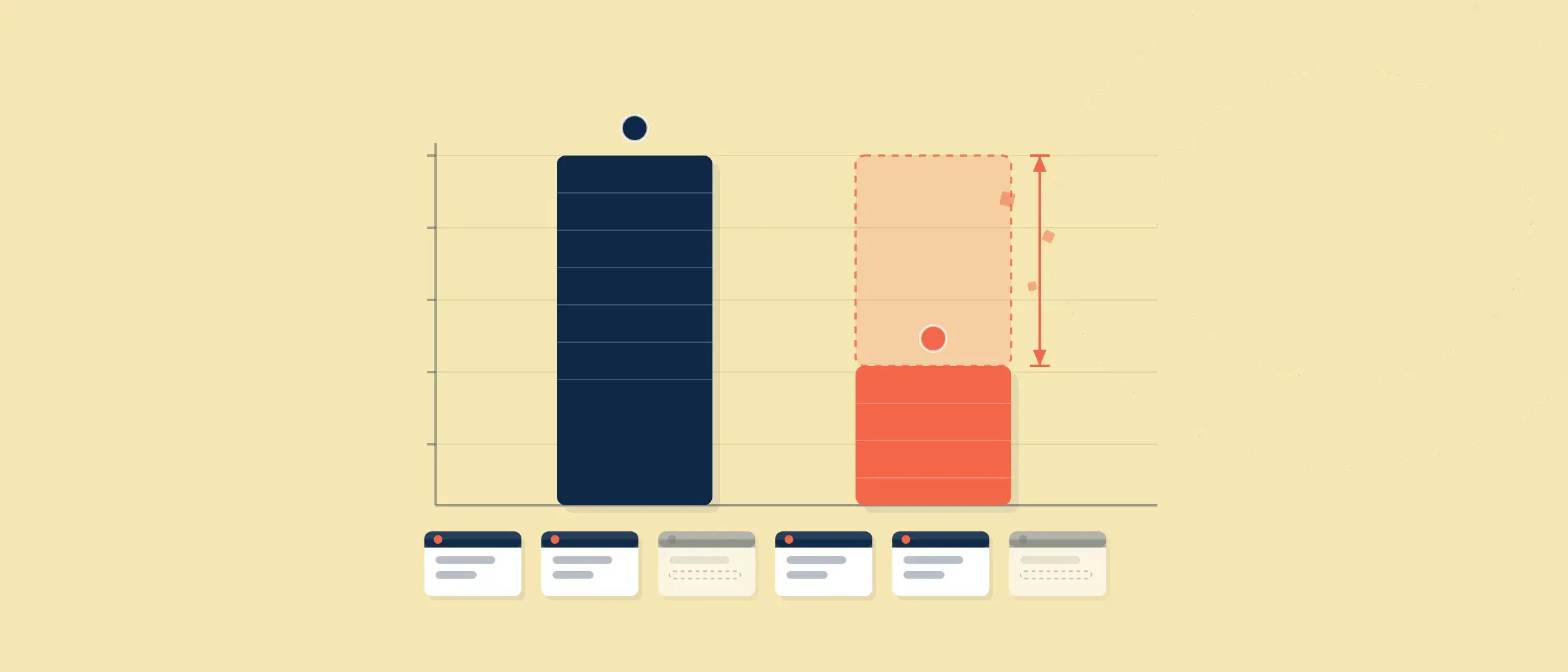
This indicator can be set to various levels of alert based on a percentage of total value. For example, 5 percent might warrant a “notice” notification. 25 percent might cause the “pay attention” notice to appear. The “take action” notification might appear at 40 percent.
Sales process stage could also be used for this indicator. When a deal loses value in the first sales process step, it’s not a major issue for the company. But when it happens in the later stages, it’s a big issue with an impact on the sales team’s numbers. Earlier, you “notice,” midway through you “pay attention” and later you “take action.”
Custom Indicators
Our predefined indicators have been created as most likely for many organizations. We know, however, that not all companies are alike. Therefore, we have made it possible for enterprises to create totally customized indicators in addition to preset indicators, depending on their business model. They could, for example, create an indicator based on commission, or many other variables or factors. In actual fact, customer indicators can be created from any field within each entity (“entity” is how we refer to individual Coevera functions: contact, lead, opportunity, account, task, or appointment).
Custom indicators can be applied in the same way as predefined indicators—to single process steps, to one or more selected pipelines, or to all pipelines.
This extremely flexible option provides endless possibilities for opportunity fitness assessment.
Views
Fitness ratings for opportunities can be viewed in multiple ways. For example, you can use List View to see the fitness of every opportunity. Using Coevera’s Power Panel, you can filter opportunities within List View to see all of those that need action, or all that look good. You can view by any other indicator also.
Simply click on any opportunity to analyze its details, and determine a course of action.
Report
A report can be created for all opportunities or a particular category, through Coevera’s dynamic reporting features. You can set up a report to be regularly generated and sent to your inbox, or distributed to managers or executives. To fully utilize this function, make sure to enable Coevera Email Integration.
Forecasting with Fitness
Today, sales and sales management are impossible without forecasting. Forecasts must be as accurate as possible—and with Opportunity Fitness, that accuracy is incredible.