Coevera regularly adds more features than any other CRM on the market. As a result, we don’t always have the chance to spotlight every new feature. We’re going to take the time to do so now, however—two very powerful new features came out with the last Coevera release which we haven’t had a chance to bring to your attention. Now we will—for you should really know about them.
Details Now Customizable
Users have always had the ability to view the details of every Coevera entity—activity, opportunity, task, account, lead and contact.
We’ve now made the details feature far more flexible. The user can now add or order details as they need to. For example, when viewing opportunities, it might be that the Coevera Feature called Buying Center, which graphically maps relationships within prospect or client companies, is very important to a user or a sales team. Therefore, the user can place the buying center high in the list of details, and it will show up on the right-hand side of the screen under “details” navigation.
Providing Real Focus
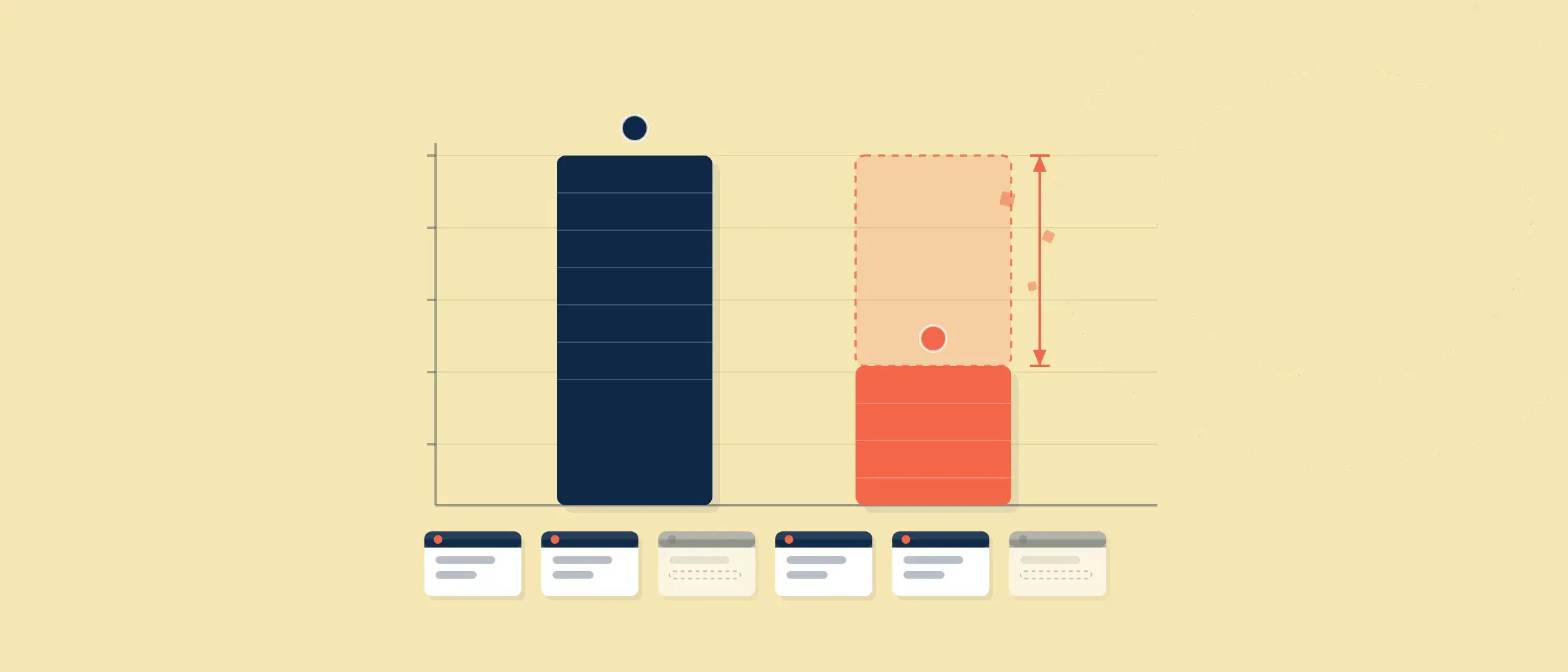
Why is this feature important? Because each company’s, team’s, or user’s preferences are going to be different. The more that Coevera provides flexibility, the more we provide potential preferences for users. In so doing, we’re helping users focus, as each type of user and team has a different focus and level of importance.
Focus is vital because it brings about efficiency. Efficiency, in turn, leads to productivity, and productivity leads to profitability.
Another crucial factor of focus is the provision of clear guidance. With a focus on too many factors, attention becomes scattered and confused. Removing a few factors and trimming down the focus by changing the order of details brings positive focus.
You Need The Appropriate Tool
We’ve often pointed out that the secret of efficiency is making use of the correct tool because without the right tool you can never be truly efficient. As an example outside of the digital world, if you try and use the wrong kind of hammer—say a sledgehammer—to put tiny nails in a wall for hanging pictures, you’ll do nothing but destroy the wall. One could hardly say this is effective, nor even close to being efficient.
In practice: The reorderable details panel lets teams surface a feature like the Buying Center — which graphically maps the relationships within a prospect or client company — at the top of an opportunity, so the most decision-critical context appears first on screen.
A Variety of Account Forms
The other feature we want to bring to your attention is creation of multiple different account forms. Different types of accounts can require different fields within forms, and now Coevera users have this flexibility. This can actually lead to a whole new business model.
As an example, you’re likely to have a different sales process for a partner account, which would require a different account form, with different fields, from that of a regular customer. Or in another example, let us say one of your customer types is resellers, that too would require a whole different set of fields than a regular customer. You might even have different kinds of customers, say for different types of products, which would require different forms with different fields.
Under Fields and Forms in Coevera’s administration backend, different forms for different customer types can be customized. Needed fields can be simply dragged and dropped into forms.
A Brand-New Approach for Business
The new flexible Fields and Forms feature allows an entirely new business approach. Traditionally within CRM, there has been one data form for customers, and companies would add additional fields for different types of accounts. This would make for an awfully lengthy form, inhibiting focus and, therefore, efficiency and profitability.
Actions Differing for Type
Using Coevera’s Automatizer feature, specifically directed cascading email campaigns can be created within these different forms. This would be impossible with only one type of available form—and now the options are endless.
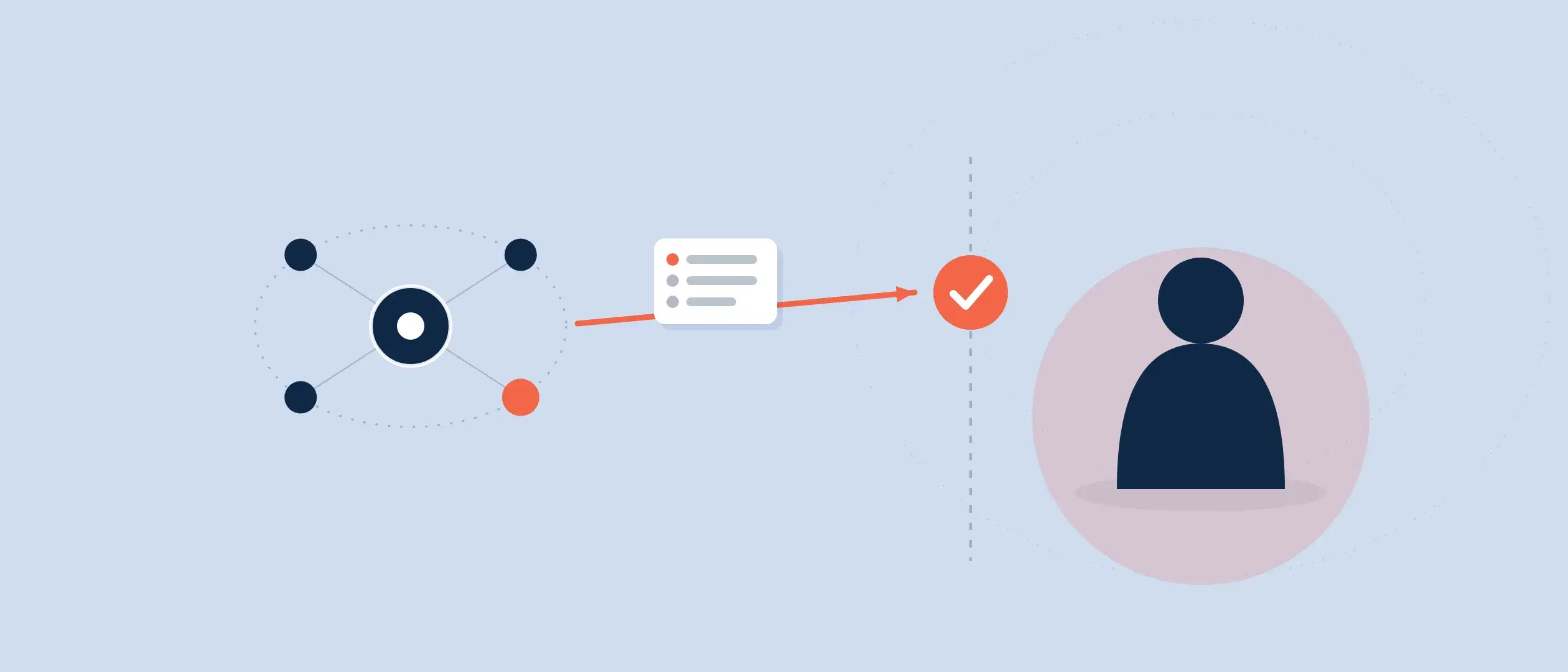
As another example of the use of these forms, an account manager reaching out to a reseller will know, from the form, the kind of information they need to obtain from that account. Likewise, when an account manager reaches out for a partner, they’ll have other types of information they’ll want.
Within these different forms, different types of actions can be accounted for. Just as an account manager will want to obtain different kinds of information from different kinds of accounts, different types of accounts will require different kinds of information to be sent to them. You’d want to send reseller rules and regulations to resellers, but not necessarily to partners.
Many more features are coming up this year. Take advantage of all of them by adopting Coevera. Start your free trial now.