Unternehmen

Über unsPresseKontakt

Anmelden

loginCoevera CRMsettingsAbrechnung

Sprache

EnglishEspañol
Kostenlos testen

Mastering Field Permissions: How to Restrict Access in Software Applications

Not every user should see every field. Field-level permissions are how administrators draw that line — securing critical data role by role, controlling who can view and who can edit, in a handful of deliberate steps.

Published Updated 2 min read
Share
Mastering Field Permissions: How to Restrict Access in Software Applications

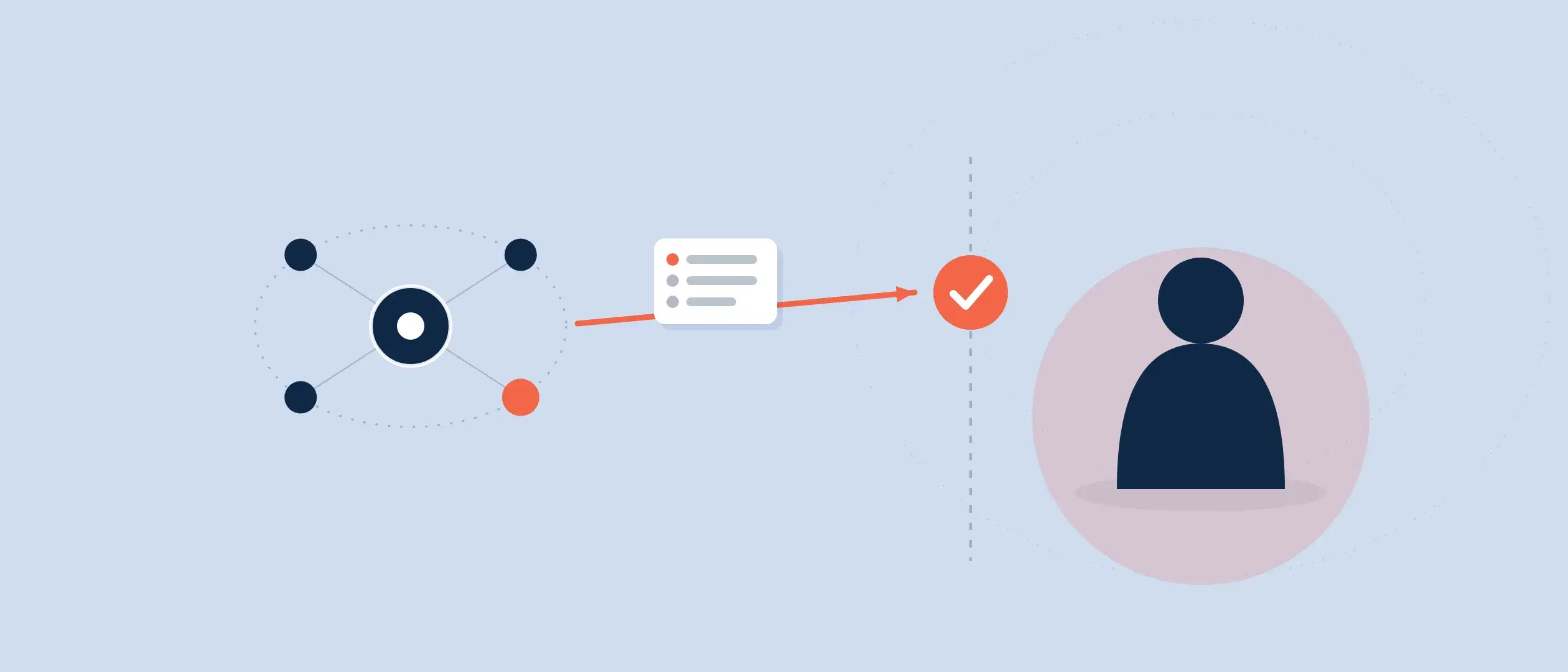
Software applications need field-level permissions to allow administrators to regulate data access. This function helps secure critical data. Field-level permissions allow managers to limit user role access to relevant data.

Field-level permissions for a user role may be configured in a few easy steps. Choose the role on your software’s user roles tab. This opens the user role settings where you may set permissions.

After selecting the role, click the fields tab to see all fields and associated permissions. The fields tab displays your application’s fields and checkboxes to govern visibility and editability for that role. Selecting the right checkboxes lets you restrict access to software fields.

Field-level permissions can help restrict access to sensitive data. Imagine your company saves client names, addresses, and credit card details. Only authorized people need access to this sensitive information. You can restrict access to this information to those with field-level rights.

Field level permissions might assist your business when putting up a new field or form. Configuring permissions for each user position improves data security and streamlines your team’s experience.

Field level permissions can help your company comply with HIPAA, GDPR, and PCI DSS, which demand rigorous restrictions on sensitive data access.

In conclusion, field-level permissions allow administrators to regulate data access. By establishing field-level permissions for each user role, you can secure your data, streamline the user experience, and comply with laws. Field-level permissions can help your company, therefore consider them when creating a new field or form.

With Coevera it’s simple to change edit or customize user roles by following these steps.

Here’s a list summarizing the key points of configuring field level permissions for a specific user role:

  1. Navigate to the user roles tab in your software application
  2. Select the desired role
  3. Click on the fields tab to view all fields and their corresponding permissions for that role
  4. Control who has access to specific fields within your software application
  5. Ensure that sensitive information is only accessible to those who need it
  6. Improve security and protect your data
  7. Provide a seamless user experience for your team
  8. Remember to consider field level permissions when setting up a new field or form
  9. Benefit your organization by using field level permissions to manage sensitive information.
Video thumbnail: Coevera field permissions overviewplay_arrow
FAQ

Common questions about field-level permissions

What are field-level permissions in software applications?
Field-level permissions let administrators regulate data access by limiting which fields each user role can see and edit. They help secure critical data by ensuring sensitive information — such as client names, addresses, and credit card details — is only accessible to authorized people who actually need it.
How do you configure field-level permissions for a user role?
Navigate to the user roles tab in your software application and select the desired role to open its settings. Then click the fields tab to view all fields and their checkboxes governing visibility and editability, and select the right checkboxes to restrict access for that role.
How do field-level permissions improve security and user experience?
Field-level permissions secure sensitive data while also streamlining the interface by showing each user role only the fields relevant to them. This reduces the time users spend exploring the program to find what they need, improving both data protection and productivity.
Do field-level permissions help with regulatory compliance?
Yes. Field-level permissions can help your company comply with HIPAA, GDPR, and PCI DSS, which demand rigorous restrictions on sensitive data access. By establishing permissions for each user role you secure your data and meet these legal requirements.
Can you customize user roles and field permissions in Coevera?
Yes. With Coevera it's simple to change, edit, or customize user roles by navigating to the user roles tab, selecting the role, and clicking the fields tab to control who can access specific fields. It's worth considering field-level permissions whenever you set up a new field or form.

Ready to see Coevera in action?

Start your 14-day free trial — no credit card, no commitment.

Keine Kreditkarte erforderlich · 14 Tage kostenlos testen

groupsTrusted by clients around the globeverified_userISO 27001 CertifiedshieldGDPR CompliantblockData never used to train AI
How to Restrict Access in Software Applications - Coevera