.svg)


All About Activities!
An in-depth look at Coevera's capabilities including "Customizing Activity Types, Fields, Views & Profiles", "Best Practice Sales Process Activities", "Intelligent Scheduling with Automatizer", "Standard, Pivot, and Advanced Reporting on Activities" and "Activities with Integrations"

Your First Pipeline
Pipelines hold the steps/stages of your sales process (or any process). Pipelines can be used for the pre-sales process, sales process, post-sales process, implementation process, fulfilment process, customer services process, new hire process and so much more.

BI Feeder
The BI Feeder allows you to export Coevera data to a PostgreSQL that you can access directly using your Business Intelligence solution.
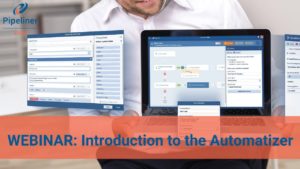
Introduction to AUTOMATIZER!
Graphically build your organization’s processes into Coevera, Streamline your workflows and empower your teams working with Coevera, Automate repetitive tasks and communications, Build both organizational & personal automated processes
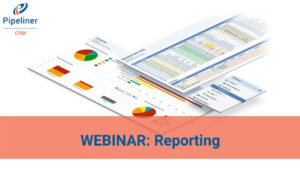
Reporting for Sales Management
An in-depth look at Coevera's capabilities including "Five Opportunity Reporting Views", "Pivot & Advanced & Forecast Reports", "Leading & Lagging Indicators", "New BI Feeder › Seeing your Coevera data in Google Data Source & Microsoft Power BI".

All About Email!
An in-depth look at Coevera's email capabilities including "Email Integration (Outlook & Gmail)", "Coevera mass and individual Emails", "Automatizer Emails".

Mobile Document Scanner
Use your phone’s camera in order to scan in documents to records in Coevera.

Creating New Units, Users and Roles
How to invite/add new users to your Coevera, modify user roles to manage the security of what users can see and do, and manage sales units.

Using the Power Panel
The Power Panel is a place in Coevera where you can modify the things you see in your current view. Learn how to use it properly.

Adding New Pipelines
Coevera makes it simple to create, add, and change any process that you have as part of your business.

Automatizer #1 • How-To Tutorial
Selling today is complex and the number of variables, data points and inefficient processes can slow down and impact the sales cycle — but not anymore!

Himanshu Kanwar, Precious Alloy
Coevera Customer Testimonial: Himanshu Kanwar, Precious Alloy

Mactech Uses Coevera for Sales Contests!
Mactech delivered its best sales results for January in 5 years using Coevera to run a Super Bowl-themed sales contest.

Drummond uses Coevera to manage sales staff
Our organization was faced with a challenge after we made three acquisitions in two years which meant the organization was now scaling at 18 times the industry average growth. We needed to get more predictability in the sales channel...

Mactech is using Coevera to run sales campaigns
One of my favourite parts as a sales manager is using Coevera to run sales campaigns that drive our team to have fun and use the system in a way that drives sales. For example, our January Super Bowl contest resulted in our best...

Coevera: It’s All About Sales
How do You stay focused and cut through the noise in an increasingly complex selling environment?

CRM App for Finance Industry
Financial industry demands trust and credibility as clients are trusting you with their money.

Coevera: How to Measure Quota Target
Presenting the CRM Target. It reveals how you stand against quota using 5 different target types.

Coevera- Automatically Fill in the Contact / Accont Info
Auto Profilling Accounts and Contacts will automatically fill information about your contacts.

Coevera- Scan Contacts from Business Cards
Add new contacts by scanning a visit card and it will then automatically fill all available information.

Coevera- Geolocation of Accounts and Contacts
Reveal your records on the map instead of a list for smart route planning and prioritization.

The CRM for the Boating Industry
Spending on recreational items has been slow to recover but boating is leading its way.
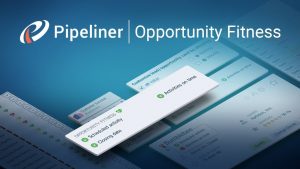
Coevera: How Fit Are Your Opportunities?
New Opportunity Fitness label will tell you how "fit" an opportunity is to close.
Coevera: It’s All About Sales!
Coevera is all about Real Sales Empowerment: Pipeline, Process, Focus & Analytics.
Business Intelligence Visualized
Having your finger on what is happening with your sales organization and being able to act on that intelligence is critical to successful sales management.
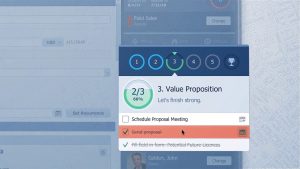
Opportunity Tracking
Instantly see how many opportunities you have in each stage with ALL-IN-ONE Pipeline view. Move them easily by Drag and drop in real time.
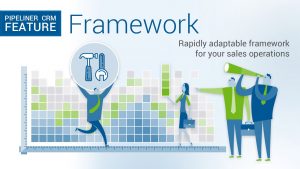
Coevera Framework
Your business is unique to you and as so is how you probably want to use your CRM, so let’s look at how we provide you with extensive customization options.
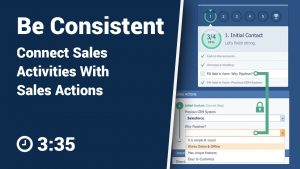
Connecting Sales Activities + Actions
Connect Sales Activities with Sales Actions so that you would benefit from best of both.
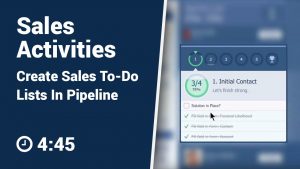
Sales Activities
Checkboxes that allow you to stay focused. Set up criteria that should be met before moving the opportunity to the next stage.
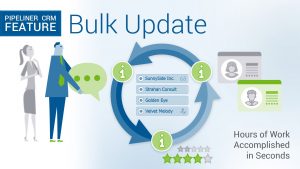
Make Bulk Updates With Coevera
Learn how simple it is to make Bulk Updates to your records.
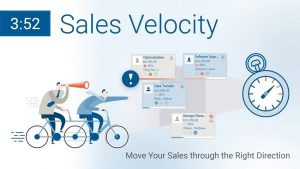
Sales Velocity
You can always have your eye on the right sales velocity with Coevera's customizable, visual Sales Velocity functionality.
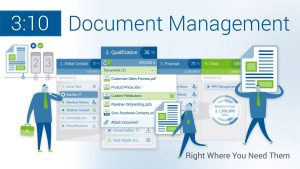
Document Management
This document is important. But I have other pressing tasks. Where can I put it so it is easy to come back to and easy to find?
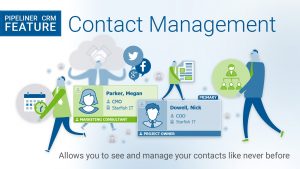
Contact Management
Acces your contact or account from opportunity or activity attached to it, or just go for Accounts and Contacts or vice versa.
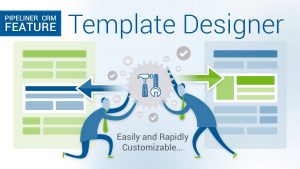
Coevera Template Designer
Let’s look at how you can adapt Coevera to your business with our easy customization functions.
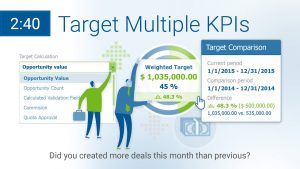
Multiple Target KPIs
You can now compare values of any numeric field in Coevera to previous period. Including the fields you yourself create.
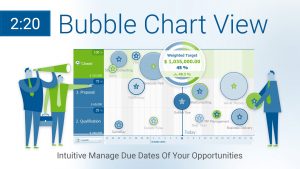
Coevera Bubble Chart
The Bubble chart helps me with prioritizing my opportunities because I can instantly see what opportunity has nearest due date, what is the value and at which stage they are.
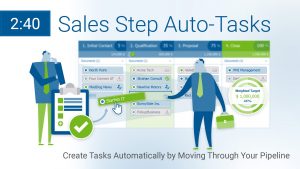
Coevera Automated Sales Step
Task Automatization allows you to setup tasks that are created automatically when moving from stage to stage. It saves both managers and salespeople from having to manually create tasks.
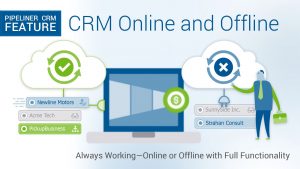
CRM Online and Offline
Offline capability for your CRM means that you can go off the grid, but keep your business alive even with no Internet access.
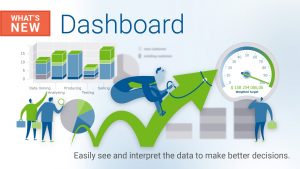
Dashboard Improvements
See what's new with our KPI Dashboards! You can now see the most lost reasons, or opportunity value vs. won ratio.
New User Rights Management
We have extended and simplified the way you manage user rights and roles within Coevera. Learn how, and what it means for you.
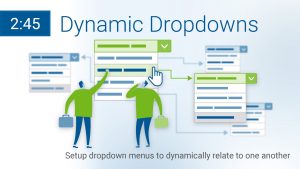
Dynamic Dropdowns
Create dropdowns that are interdependent so that your users won't have to choose from tens of options in one field.
Forecast Reports
Set quotas, track them and share them with Coevera forecast reports.
Multiple Pipelines
Watch how to setup multiple pipelines within Coevera and how to move opportunities from one pipeline to another.
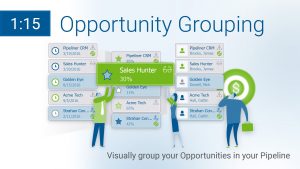
Group Your Opportunities Visually
Group opportunities by visual groups of owners, accounts, ranking and others for different instant views.
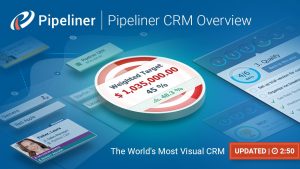
Coevera: The Most Visual CRM in The World
And thanks to this visual approach, information is instantly communicated.
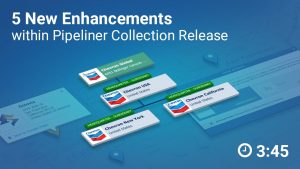
5 Enhancements of Collection Release
With the new Coevera Collection release, we have added multiple new enhancements.
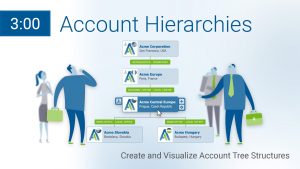
How to Organize Account Hierarchies
What if your rep are selling to Chevron New York and next is selling to Chevron Nevada? Organise your Accounts.
Create Full Product Catalog
You can easily choose what products your prospect is interested in, with prices that will automatically update your Opportunity Value.
Continuity: What’s New for Sales Admins
New enhancements that allow Admins to provide greater value to sales teams. Let’s look at them.
What’s New for End Users
You will find multiple enhancements that will help you efficiently manage your daily duties.
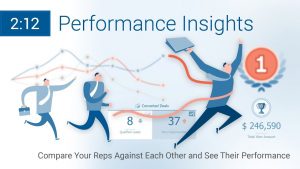
Insights: Visual Sales Performance Management
Display performance metrics visually and make it competitive to motivate your team.
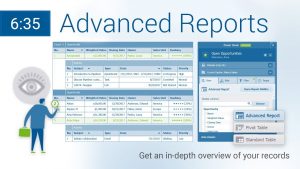
Coevera: Advanced Reporting
Advanced Reports allows you to create report of records and their subsidiary records in just one view.

Coevera Feeds: Sales Collaboration Tool
Coevera feed displays all tasks, meetings or messages created in Coevera. Feeds is also an internal instant messenger tool.
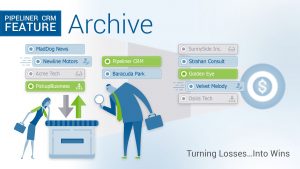
Learn How To Win From Lost Deals
Archive is a place where your lost sales deals are saved, frozen complete in the sales step in which they were lost.
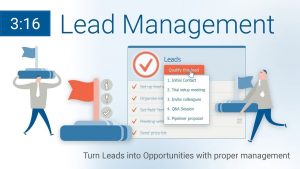
Leads Management
In Coevera, Leads live in two places - the first is under the Leads button, where you can see all the leads separately. The second is in the pipeline view in their own sales step.
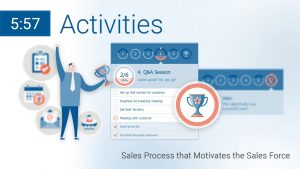
Coevera: All About Sales Activities
Managing your sales activities is managing your time. The better you can organise yourself, the more efficient and valuable you are going to be.
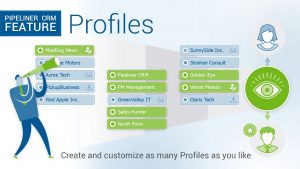
Create, Save and Share Profiles
Define what you are looking at and then save those settings as Profiles.
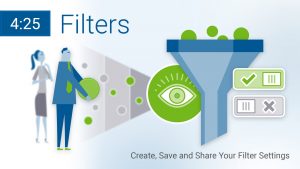
Coevera Filters
Coevera allows you to set what you see using robust filtering and then save and share those settings.
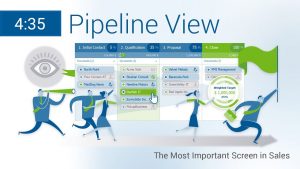
Coevera: Pipeline View
The pipeline view delivers an instant snapshot of how your business is performing now and how it is likely to perform in the future!
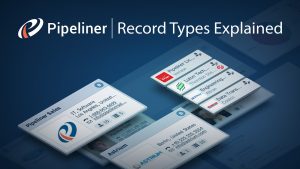
Record Types Explained
Records types such as Leads, Opportunities, Accounts, and Contacts are all available from the bottom navigation.

Quick Guide to Navigating Coevera
There are only a few basic concepts that you have learn that will make everything clear and straightforward and have you confidently moving around the app in no time.

6 Simple Reasons Why Coevera!
6 reasons why Coevera is the most effective and easy-to-adopt CRM on the market.

Coevera Mobile App
Sell on the go with the best mobile CRM available today!

Managing Your Contacts
Adding, updating & viewing your contacts has never been easier!
Effectively using the Pipeline
Now that your sales process is set up in Coevera, you'll want to learn about filters, profiles, targets and other tasks.
Customize Your Sales Process
How to setup sales stages, velocity, and sales activities.
Importing Contacts (CSV, Gmail, Outlook)
Learn how to import your existing contacts from Outlook, Gmail or as a CSV file.

Performance Insights Tutorial
Managing the performance of your team is a crucial aspect of your work as a sales manager. Performance insights enable you to do so.

More about Mobile!
In this video, we will cover some more of the features in the Coevera mobile app.
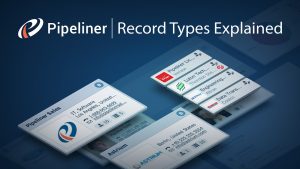
Coevera Entities (Records) Explained
In Coevera you will find 4 main entities types (or records): Leads, Opportunities, Accounts, and Contacts.

Coevera: How To Pay Invoice
Short guide on how to pay for your Coevera invoice.
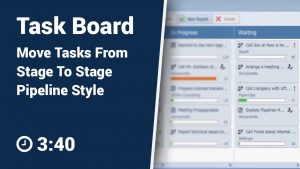
Task Board Explained
Visually track your tasks and identify which of them you should focus on.

Sales Process Made Easy
See how Coevera really is the truly effective sales enablement tool for Sales Managers & Salespeople!
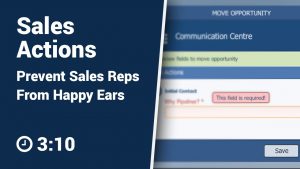
Sales Actions
You can define actions a salesperson needs to take within each pipeline stage - even mandate them if you like.
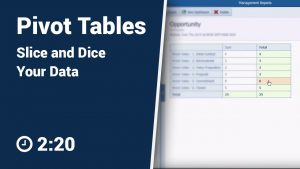
Coevera Pivot Tables
See how you can use pivot table functionality right in the Coevera management reports!
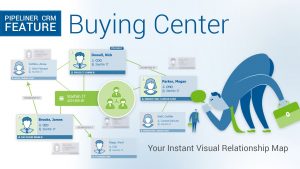
Org Chart & Buying Center
Quickly map out "who's who" in the company you are selling to and then identify which of them is going to influence each opportunity and how!

Leading from the War Room
Coevera CEO Nikolaus Kimla summarizes his recent eBook-- Building a Battle-Ready Sales Force.
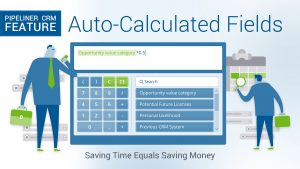
Auto-Calculated Fields
See how you can use auto-calculated fields to display data like sales commission amount.