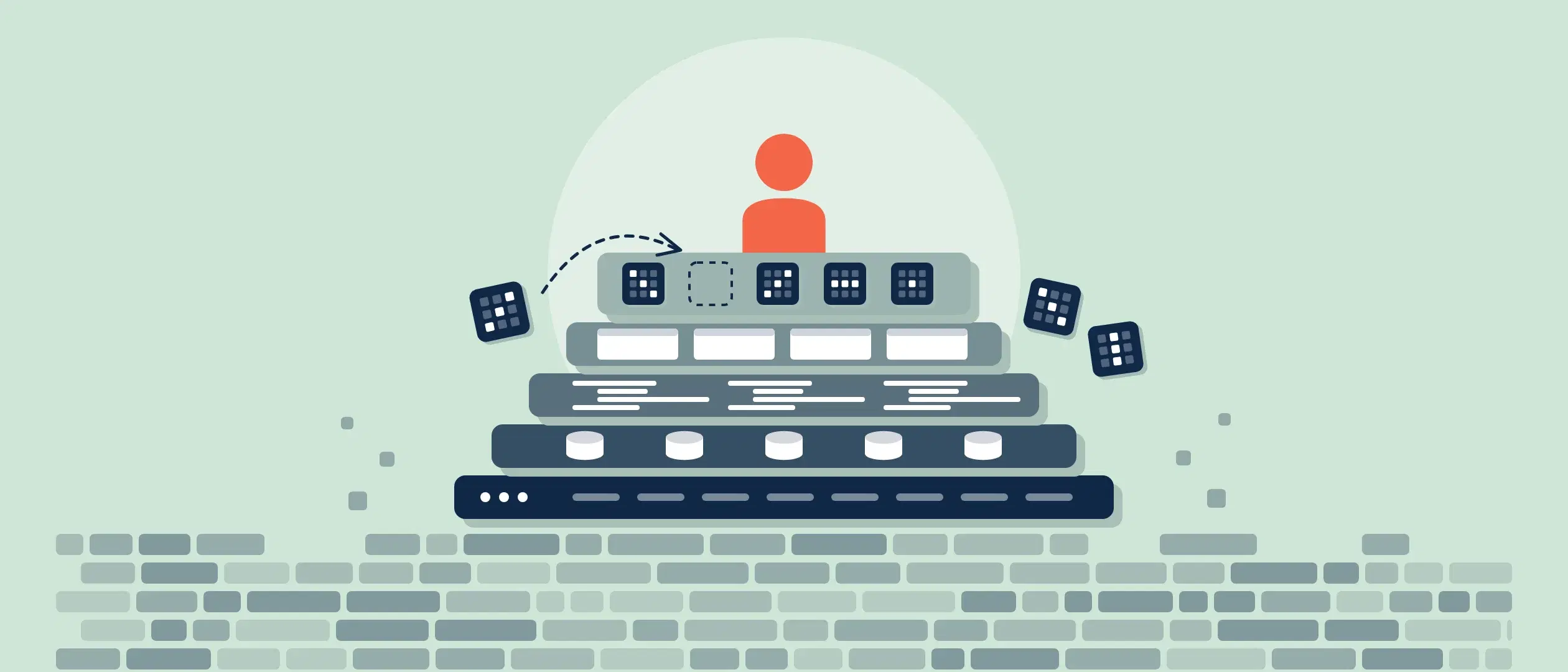
Businesses may manage customer data, increase sales, and streamline operations by implementing sales CRM software. Choosing the best CRM software may be complex—but getting it up, running and, most importantly, in use, can be even more difficult.
Before implementing a sales CRM (Customer Relationship Management) software, it’s crucial to have a thorough understanding of your company’s sales process. By creating a detailed map of your customer’s journey, marking each step in the sales process, and listing the critical points of contact, you can ensure the CRM software you choose aligns with your business needs. This article provides an in-depth look at describing your sales process and determining the necessary CRM features for your company.
To assist you in effectively using Sales CRM Software and advancing your company, we have developed this easy—to-follow guide.
Step 1: Describe Your Sales Process
Determining your sales process is crucial before deploying Sales CRM software. Doing so will enable you to decide which CRM software features are necessary for your company.
To break down your sales process into precise steps that will lead a sale from lead to close and beyond, analyze your customer’s journey. The sales process should approximate the customer’s journey as closely as possible and could break down into stages such as:
- Awareness: Potential customers become aware of your products or services.
- Interest: They show interest in your offerings and seek more information.
- Evaluation: Prospects compare your offerings to competitors and consider their options.
- Decision: They decide to purchase your product or service.
- Purchase: The transaction is completed.
- Post-purchase: Customers receive ongoing support and potentially become repeat buyers.
Step 2: Choose the Best CRM Software
Once you have outlined your sales process and mapped your customer’s journey, it’s time to select the best CRM software for your company. A wide variety of CRM options offer unique features and advantages, so choosing the right one can be challenging.
Factors that should be taken into account are company size, sales process complexity, and budget. You should also pay close attention to how rapidly a CRM solution is to onboard, its ease of use, and how quickly users can be trained, as this will affect your bottom line.
Here are the most popular CRM choices and some of their benefits:
- Coevera: Known for its visual interface and customizable features, as well as its rapid user adoption, Coevera is an excellent choice for businesses seeking a user-friendly, cost-effective CRM solution.
- Salesforce: One of the most widely used CRM platforms, Salesforce offers a broad host of robust features. Note that there are added costs for implementation, such as long user training runways, full-time administration, and often required consulting.
- HubSpot: With its focus on inbound marketing, HubSpot offers a comprehensive CRM solution for companies looking to improve their lead generation and customer nurturing efforts.
- Zoho: Zoho CRM provides an affordable option for small to medium-sized businesses, with a variety of customizable features and integrations.
- Pipedrive: A basic CRM solution for tracking contacts, leads and deals, Pipedrive can be an excellent choice for small businesses.
Step 3: Customize your CRM Application
Once you have created your sales process, you must customize your CRM to precisely fit your sales and business requirements. Customization includes:
- Conforming CRM to your exact sales process.
- Adding sales activities and tasks into each sales process stage.
- Customizing CRM for the various types of users, such as sales reps and managers.
- Customizing fields to streamline the sales process and velocity through the pipeline.
- Implementation of KPIs to track sales performance right within CRM.
Before building anything, sort each requirement with the six-verdict test in Blueprint 003: already live, a switch, config, a real build, a hard limit, or not a product problem.
Step 4: Integrate Your CRM Software
Your sales team most likely utilizes applications they’ve become familiar with and depend upon. Rather than having to click in and out of CRM to use these applications, it is best to integrate them with CRM. Integrate with your company’s favorite:
- Accounting software
- Email automation
- Word processing
- Document management and storage
- Helpdesk software
- And many more.
The CRM you choose should integrate with the most-used third-party applications. The CRM should also be flexible enough to utilize its own or other third-party APIs.
Step 5: Train Your Sales Team on CRM
Next comes training your salespeople and other applicable users on your chosen CRM software. Hopefully, you’ve chosen a CRM application with rapid onboarding and training as part of its benefits. Here are the basic steps:
- Make sure your sales team—and any other employees needed—fully understand your exact sales process and how it is used.
- Walk them through the basic functions of CRM so they can get up and running as quickly as possible.
- As part of training, ensure users understand how to access the help functions of the CRM software. Applications such as Coevera make it possible to answer most user questions from right within the software.
- Have someone available to answer any questions once training has been completed.
Offering continuous support is crucial to ensuring your sales team feels comfortable using the CRM software.
Step 6: Track and Assess
Having your CRM software up and running is not the end of implementation—it is a continuous process. You should continuously monitor and analyze it, as you’ll discover CRM functions that need to be adjusted and streamlined for more efficient selling. The more flexible the CRM software, the easier it will be to make adjustments on the fly as necessary.
In conclusion, no company can operate today without sales CRM software. It is quite literally the heart of a business, and installing it will significantly affect your company’s expansion and profitability. You will maximize the advantages of your CRM software and boom your sales by defining your sales process, selecting the appropriate CRM software, configuring and integrating it successfully, training your sales staff, and tracking and assessing your results.