.svg)


In today’s fast-paced sales environment, the last thing your team needs is friction. Yet, many organizations struggle with a fragmented workflow—constantly juggling between their CRM, calendar, email, and document storage. This endless context-switching kills momentum, introduces errors, and prevents sellers from focusing on what matters most: the customerCustomer Customer is an individual or an organization that purchases a product or signs up for a service offered by a business..
Coevera addresses this by providing a deep, two-way integration with Microsoft 365, seamlessly integrating your disconnected tools into a single, high-efficiency sales machine. We don’t just connect apps; we unify your entire sales environment so that you can access Coevera’s unparalleled insights right within your familiar Microsoft tools.
Maximize Productivity Right From Your Inbox
Imagine managing your entire sales pipelineSales Pipeline Sales Pipeline is a type of visualization showing the status of each sales prospect in the customer life cycle or sales process. without ever leaving your email. That’s the power of the Coevera Outlook Add-in. This intelligent feature embeds a Smart Pane directly in your Outlook Inbox (desktop and web), giving you immediate, context-aware access to your CRM dataData Data is a set of quantitative and qualitative facts that can be used as reference or inputs for computations, analyses, descriptions, predictions, reasoning and planning..
When you receive an email from a customer, the Smart Pane instantly recognizes the sender and pulls up their complete profile. You gain a 360-degree view of the relationship, seeing associated accounts, open opportunities, and recent activities—all while reading their message.
- Accelerated Record Creation: No more manual data entry. If an email comes from a new prospect, you can instantly turn it into a new LeadLead Lead refers to a prospect or potential customer (who can be an individual or organization) that exhibits interest in your service or product; or any additional information about such entity., Contact, or Opportunity, with key information intelligently pre-populated from the email contentContent Content refers to a material or document released in various forms (such as text, image, audio, and video) and created to inform, engage or influence specific audiences..
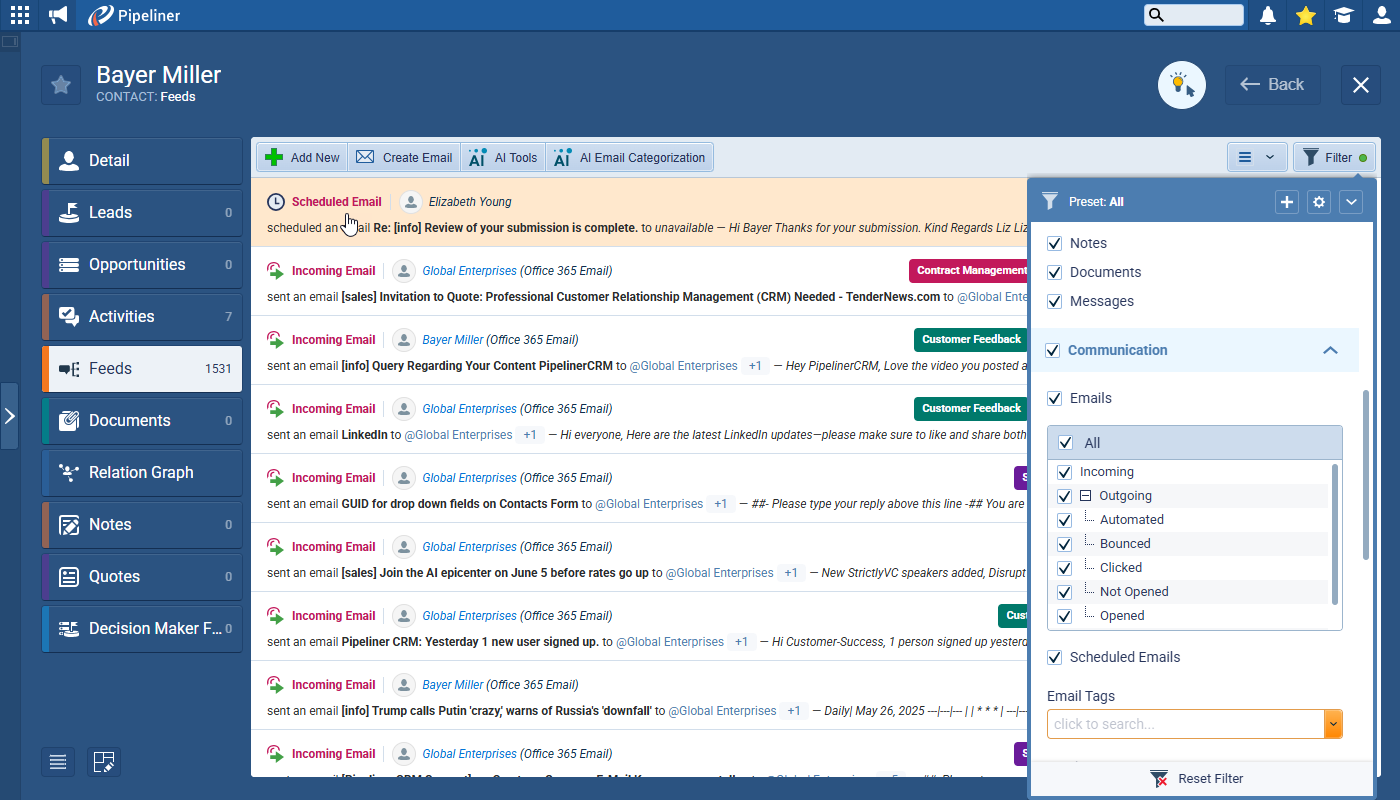
- Seamless Communication History: Effortlessly log a copy of the email and its attachments to the appropriate Contact or Opportunity feed, guaranteeing a comprehensive chronological record for everyone on the team to view.
- Intelligent Email Tracking: Send an email from Outlook, and Coevera will notify you the moment it’s opened, helping you prioritize follow-ups and time your following action perfectly.
- Consistent MessagingMessaging Messaging is the process of communicating your brand’s value proposition, the benefits you offer, and the perceived meaning of such communication among your target audience.: Access and deploy your professional Coevera email templates directly within Outlook, ensuring your communication is always on-brand and effective.
Never Miss a Beat with Bi-Directional Synchronization
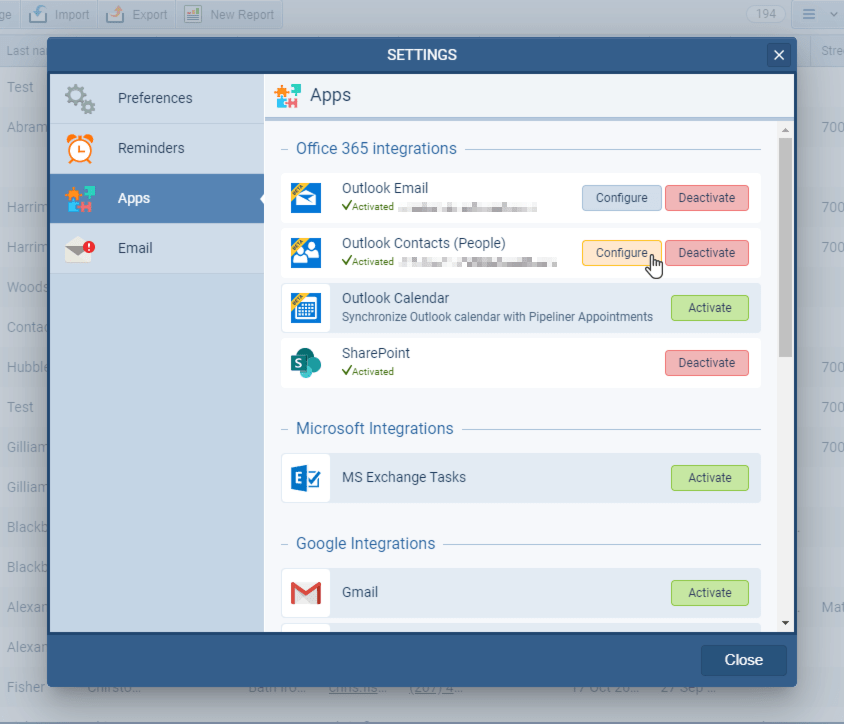
Manual data synchronization is tedious and error-prone. Our Microsoft 365 integration ensures that your critical activity data and contact records are always up-to-date across both platforms—automatically and instantly.
A Unified Calendar Experience
The Microsoft 365 Appointments Integration enables any meeting you schedule in your Outlook Calendar to appear in Coevera’s Activities menu, and any Appointment Activity you create in Coevera to appear in Outlook.
- Eliminate Scheduling Conflicts: By keeping both calendars perfectly synced, you ensure you and your team are always aware of commitments, regardless of where they’re scheduled.
- Effortless Collaboration: Changes to meeting times, subjects, or attendee lists in one application are instantly updated in the other, ensuring everyone works from the latest information. Recurring appointments sync seamlessly, providing read-only visibility in Coevera with a quick link back to Outlook for any necessary amendments.
Consistent Contact and Task Management
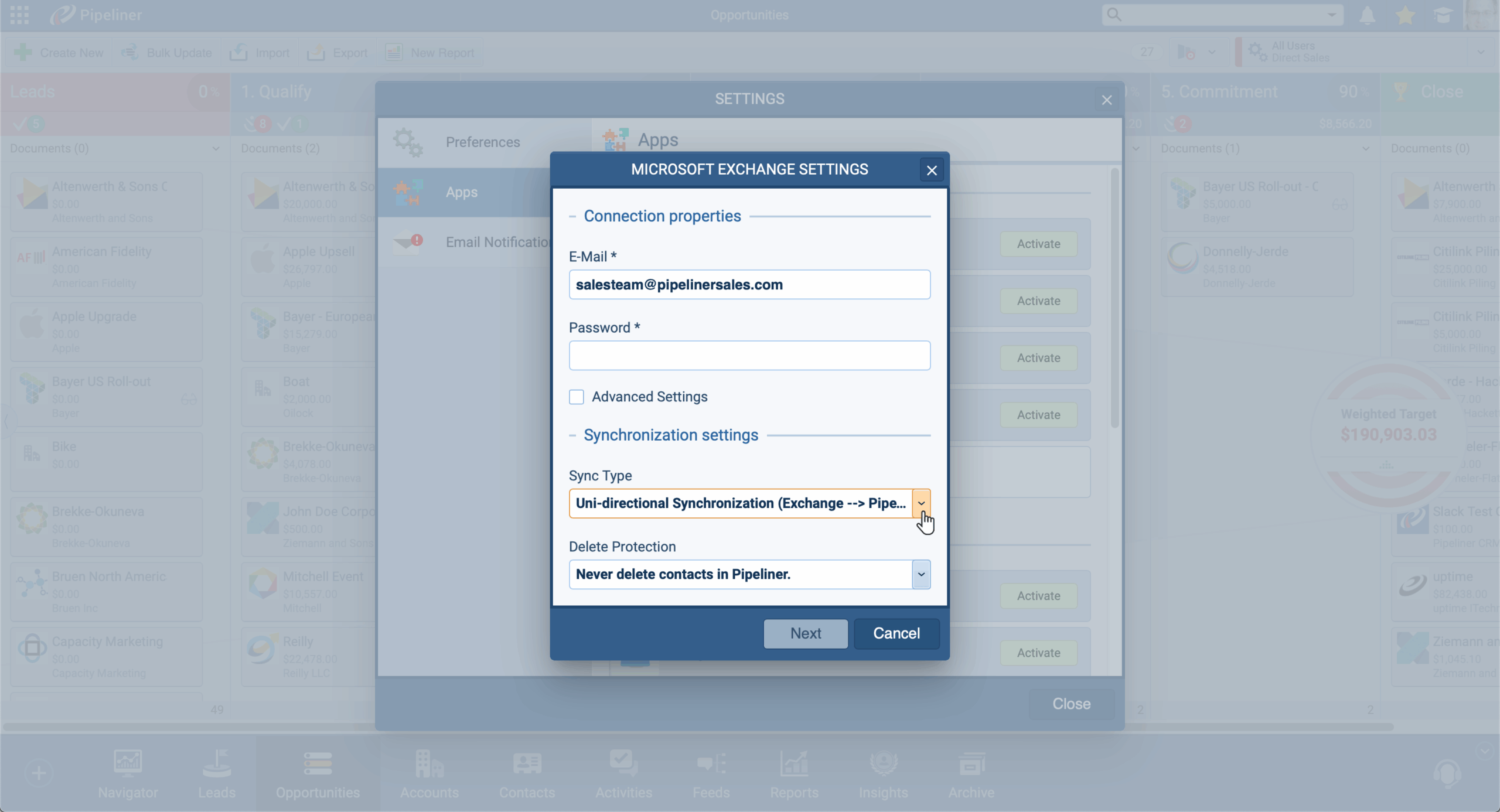
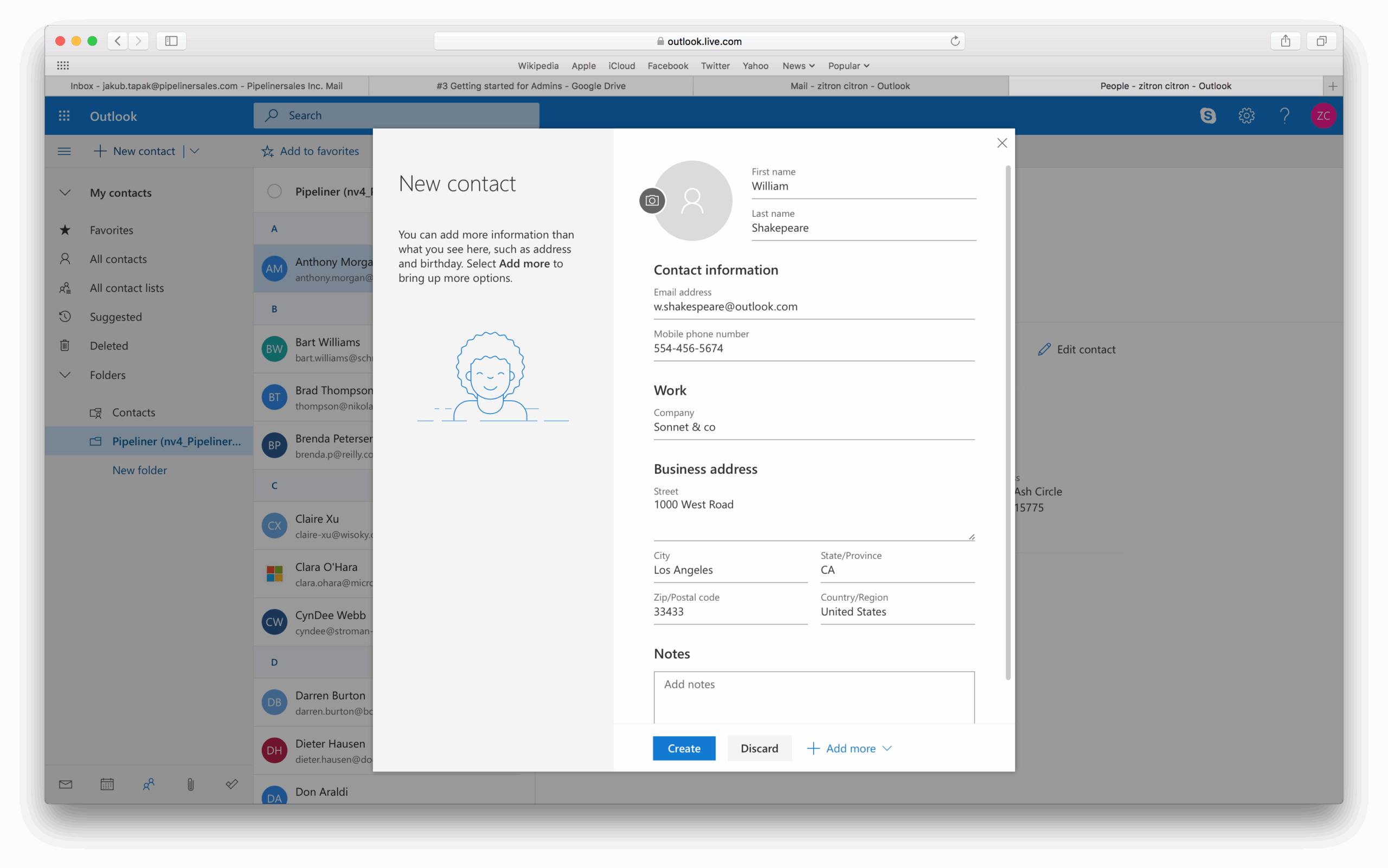
You have the flexibility to choose how to keep your contact data aligned—from a one-way sync that adds Coevera contacts to Outlook, to a robust two-way synchronization that maintains identical records across both systems.
- Reliable Data Integrity: Specific contact details, job titles, addresses, and company names are intelligently mapped between Coevera and Outlook, ensuring data consistency and accuracy for your communication and targeting efforts. Deletions are mirrored, preventing obsolete records from cluttering your lists.
- Simplified Task Prioritization: Your tasks in Coevera become visible in Microsoft To Do (and vice versa), allowing you to manage your daily to-do list from the application you prefer. Status changes, due dates, and priorities sync instantly, ensuring your activity reporting in Coevera is always accurate.
Centralized Content and Powerful Document Generation
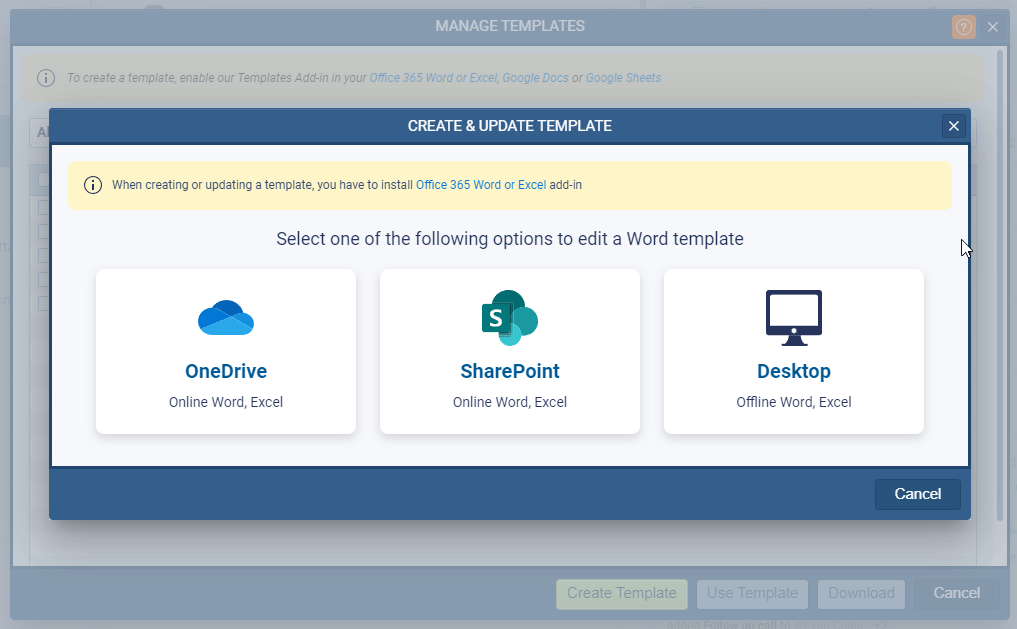
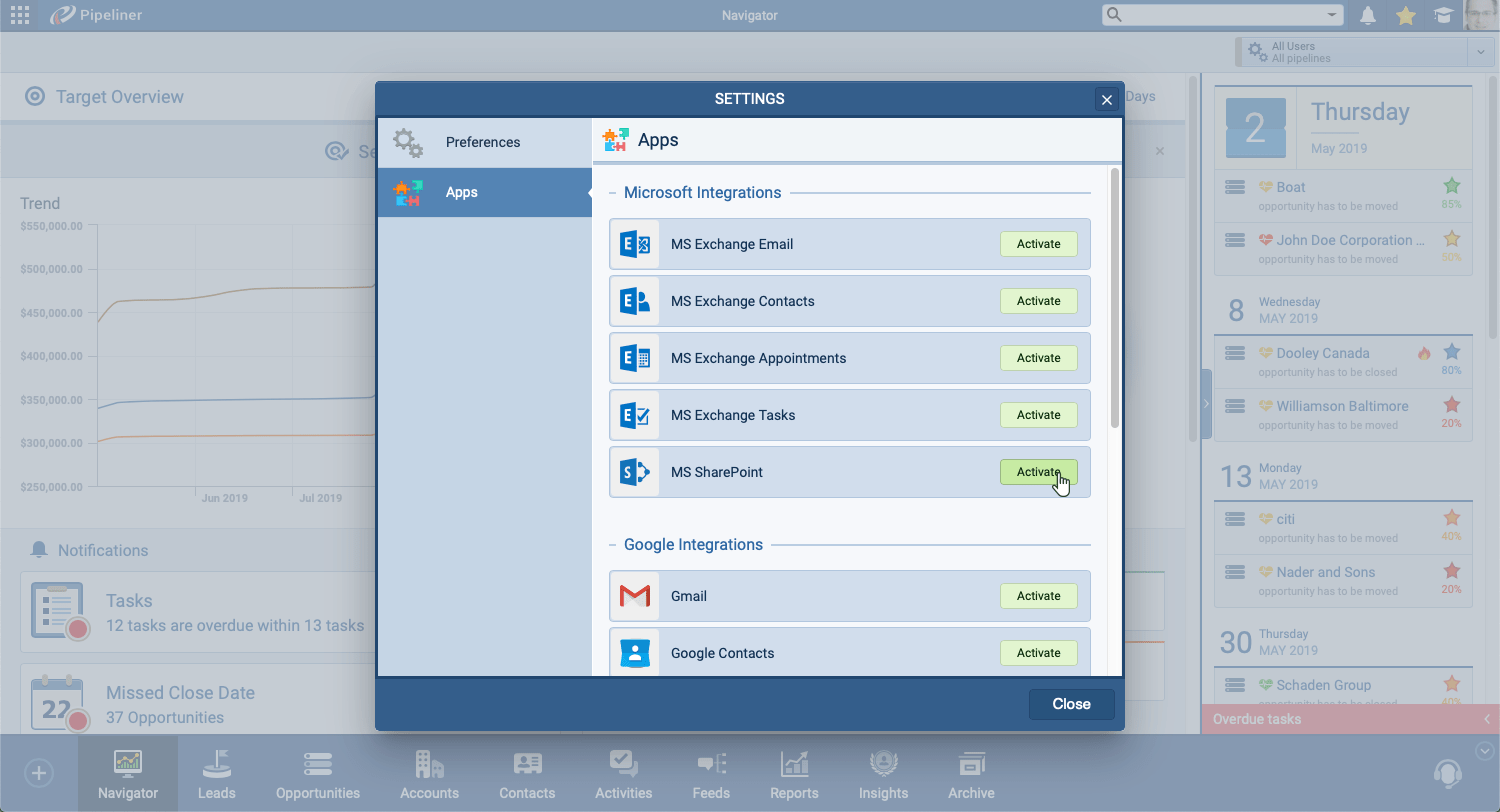
Finding the right sales collateral at the right time shouldn’t be a hurdle. Coevera integrates deeply with Office 365 SharePoint/OneDrive, creating a seamless connection to your centralized document management system.
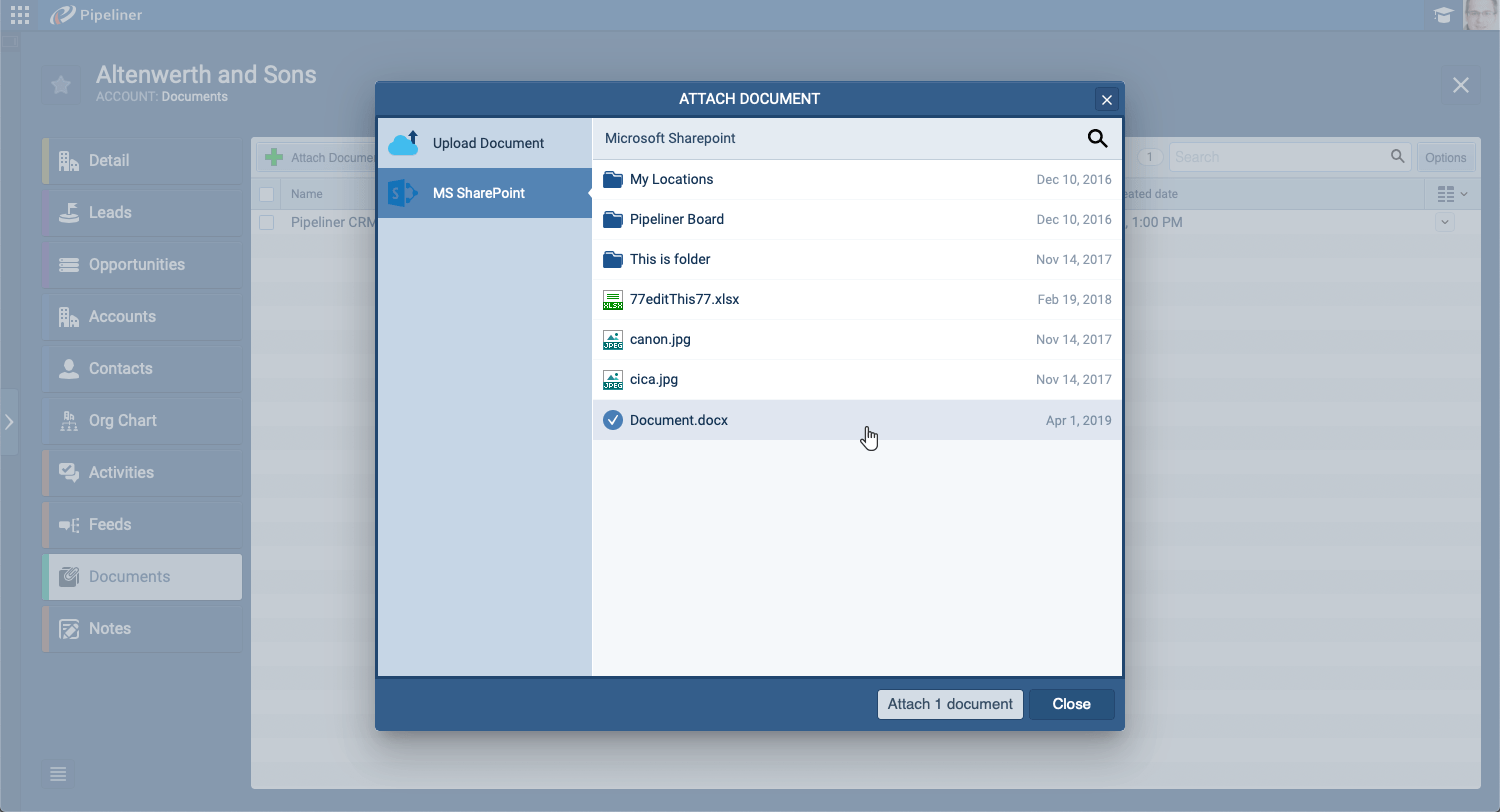
- Quick Document Access: Link files stored in SharePoint or OneDrive directly to any Coevera record—Opportunities, Accounts, Contacts, or Leads. This ensures that every team member has immediate access to critical documents without needing to navigate away from the customer record.
- Instant Quote & Proposal Creation: Leverage the Coevera Templates add-in for Word and Excel to generate polished, data-rich documents instantly. Create letter templates in Word or complex quote templates in Excel by pulling live data—like productProduct Product refers to anything (an idea, item, service, process or information) that meets a need or a desire and is offered to a market, usually but not always at a price. tables and pricing—directly from the Coevera record. Generate the final document (Word, Excel, or PDF), then automatically save it back to the record, download it, or attach it to an outbound email to the customer with one click.
By bridging the gap between your CRM and your favorite Microsoft tools, Coevera empowers your team to work faster, smarter, and with complete confidence in their data.
Ready to stop switching tabs and start closing deals? Discover the unified power of Coevera and Microsoft 365 today.
Screenshots
Share this page