.svg)


August 18th, 2022
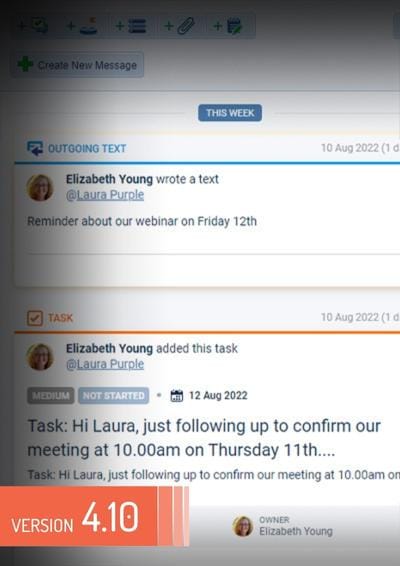
New Calling & Text Messaging, Lead Scoring, Automatizer updates and more (v4.10.0)
Coevera 4.10.0 introduces brand new Text MessagingMessaging Messaging is the process of communicating your brand’s value proposition, the benefits you offer, and the perceived meaning of such communication among your target audience.. Using the Coevera Calling & Messaging feature, users can initiate a call directly from your Coevera cloud web application using a personal phone number and then log the call as a completed task. They can also send one-off or mass text messages directly from within the web app - using a purchased Coevera VOIP number - making keeping in touch with your company’s customers and prospects even more seamless and efficient. Text conversations... Read More
July 14th, 2022
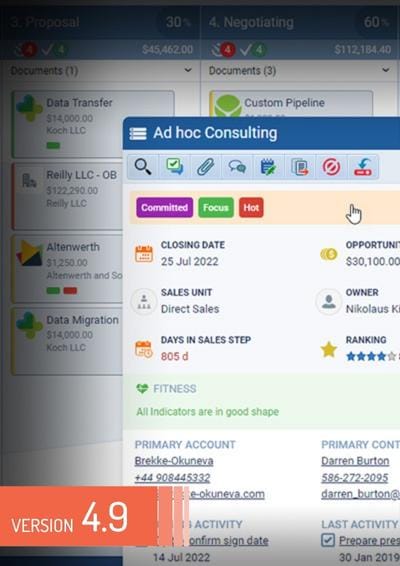
New Tagging, Email Sequence Enhancements and more (v4.9.0)
Coevera 4.9.0 introduces brand new Tagging. Tags are an incredibly useful way to flag - or categorise - Accounts, Contacts, Leads or Opportunities in Coevera. Users can select multiple Tags per record as needed and - if their userUser User means a person who uses or consumes a product or a service, usually a digital device or an online service. role allows - can create new Tags “on the fly” from inside the web app. Tags can be color-coded when they’re created. We are also improving continuously our application and adding various other small enhancements and fixes throughout the whole application. Read More
June 9th, 2022
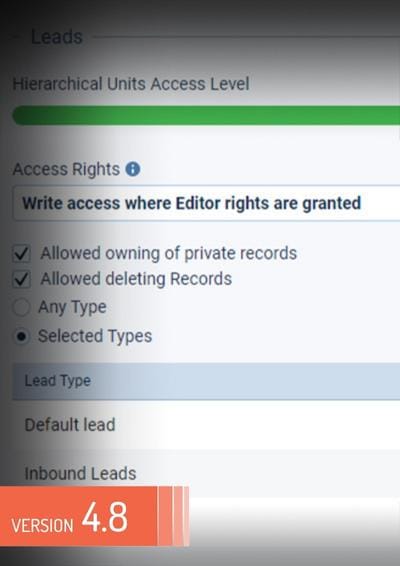
New Lead Forms, Lead Processes, Email Permissions and more (v4.8.0)
Coevera 4.8.0 introduces brand new LeadLead Lead refers to a prospect or potential customer (who can be an individual or organization) that exhibits interest in your service or product; or any additional information about such entity. Forms. Coevera Admins can now create multiple Lead Forms — similar to those we’ve already implemented for Opportunities (by pipelinePipeline Sales pipelineis a visual representation of the stage prospects are in the sales process.), Accounts, and Contacts. Our new Lead Management functionality allows Coevera Admins to create an unlimited number of lead Processes, each with different steps and associated Activities Checklist made up of text prompts, field prompts or activity prompts, each of which can be made “required” — just as when creating a pipeline for an Opportunity... Read More
May 5th, 2022
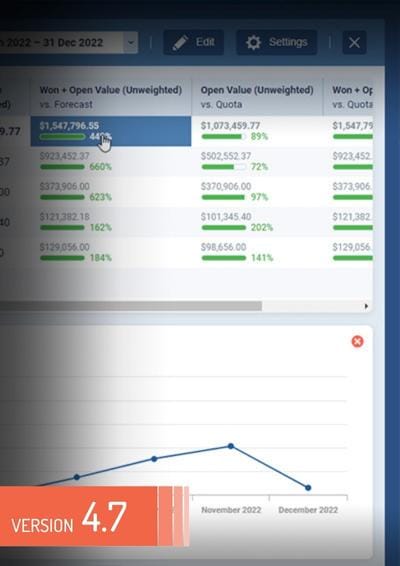
New Forecasts, Fitness and more (v4.7.0)
Coevera 4.7.0 introduces a brand new Opportunity Fitness which gives you an “at-a-glance” view of the current health of any Opportunity using indicators — both pre-defined and custom — that you can configure to meet your own organisation’s specific business needs. There are 11 system indicators — these are pre-defined but have customisable rules — and custom indicators — based on Opportunity fields — can also be created. Each indicator can be set for all pipelines, for a selected pipeline,... Read More
April 6th, 2022
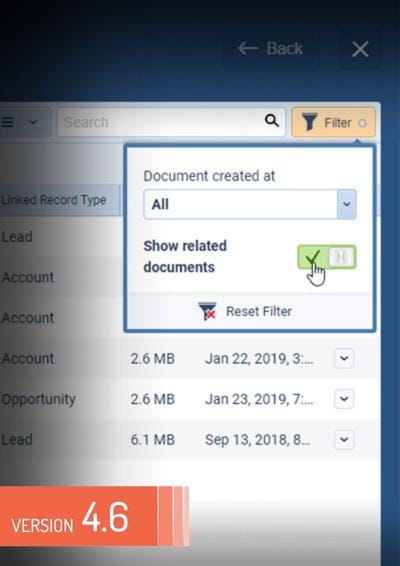
Document Management, Custom Entity Names, 2FA Authentication and more (v4.6.0)
Coevera 4.6.0 introduces a brand new Document Management which allows an easy and intuitive managing all files and documents inside Coevera. The system is structured so that there are two primary types of documents — "Company" and "Record" documents. Documents can be as large as 200 MB, and those with multiple uses can be available from multiple locations. We took the dynamic visual approach we take with all of the other elements in Coevera, so that anyone using the system... Read More
February 24th, 2022
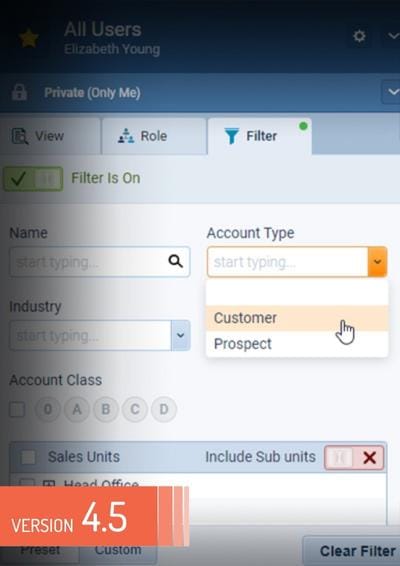
New Multiple Account & Contact Forms, Customization of Record Detail, Hubspot Integration and more (v4.5.0)
Coevera 4.5.0 introduces a brand new Customization of Record Detail which allows Admins select which Tabs should be available and which Widgets should be displayed in the sidebar. Users can then choose to reorder the Tabs and Widgets to suit their own preferences from inside the Web App. If your organisation adds records for different types of company (Accounts) or different types of Contact into Coevera, Admins can now manage these different scenarios by creating different Forms for each type... Read More

Visit our Resource Center
See what our customers say about us
Learn about what makes Coevera different