.svg)


September 26th, 2019
We are happy to announce the v2.5.0 release of Coevera.
This release includes even more new features for the desktop app as well as other improvements to existing functionality.
New Features and Small Enhancements
General Improvements
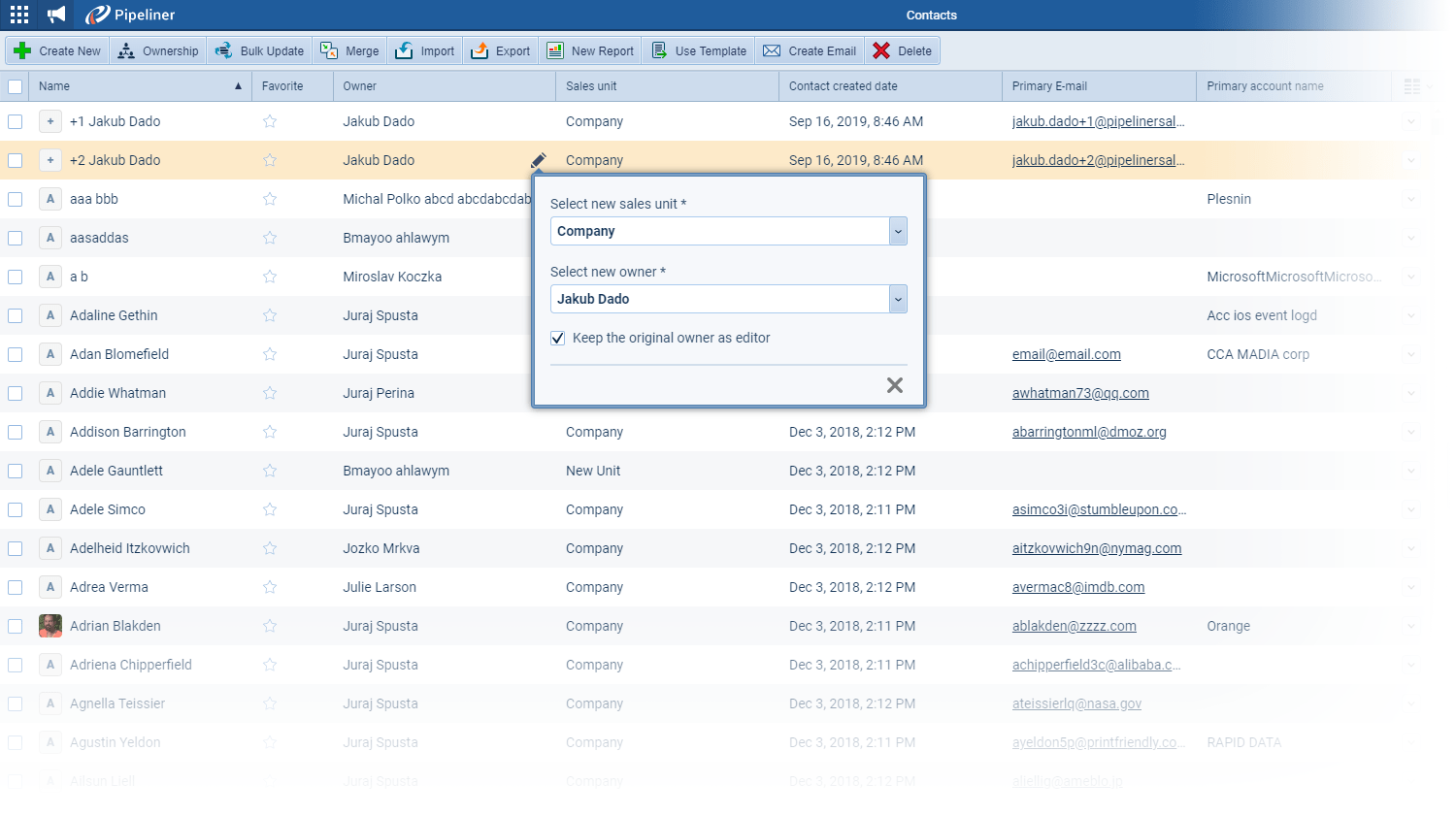
- You can now edit records directly in the list view. This feature allows you to work in a more efficient way and speed up your performance when doing small changes across your dataData Data is a set of quantitative and qualitative facts that can be used as reference or inputs for computations, analyses, descriptions, predictions, reasoning and planning..
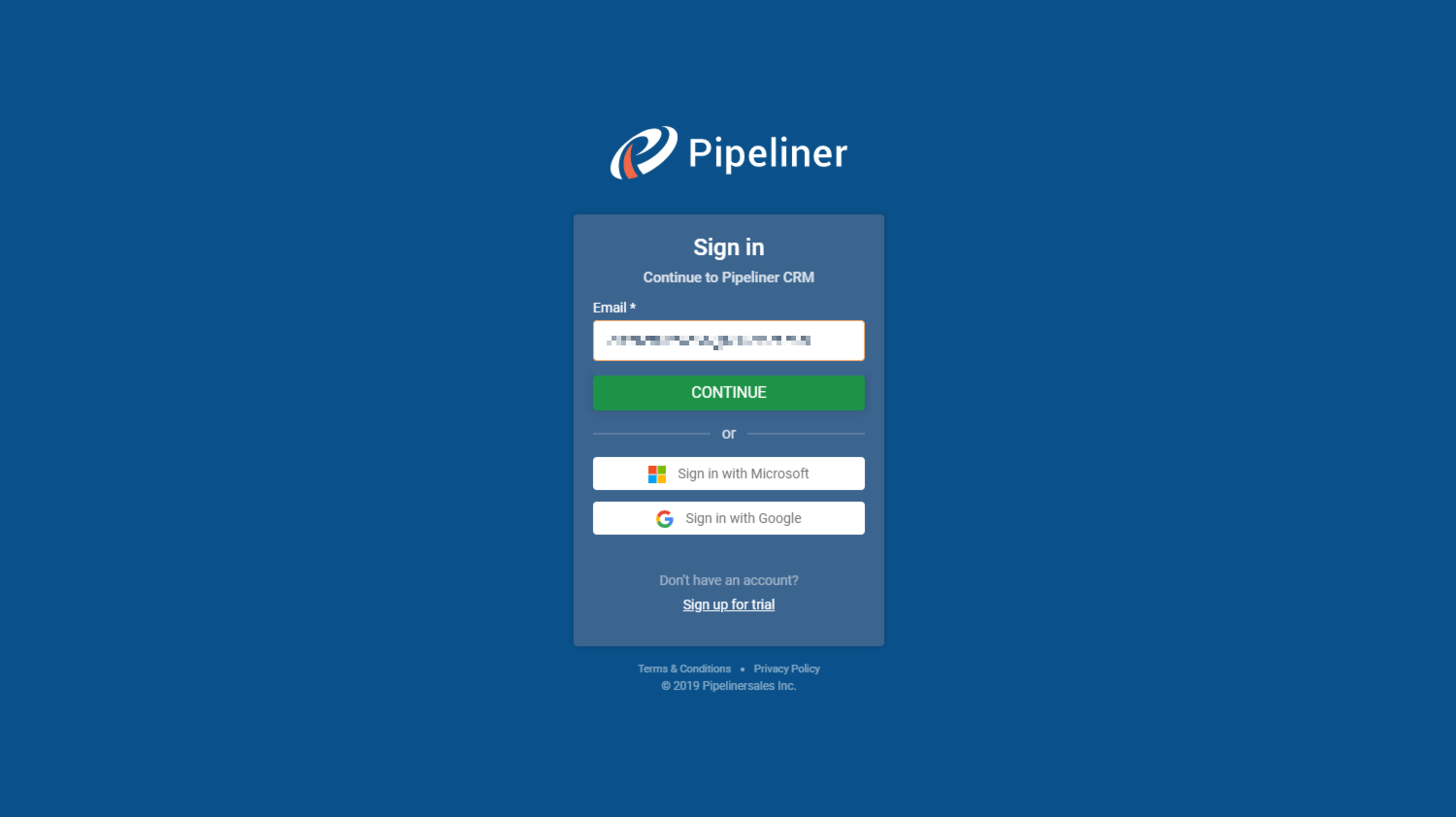
- There is a new and faster way of log-in in to the application through major business providers by using Microsoft/Google accounts.
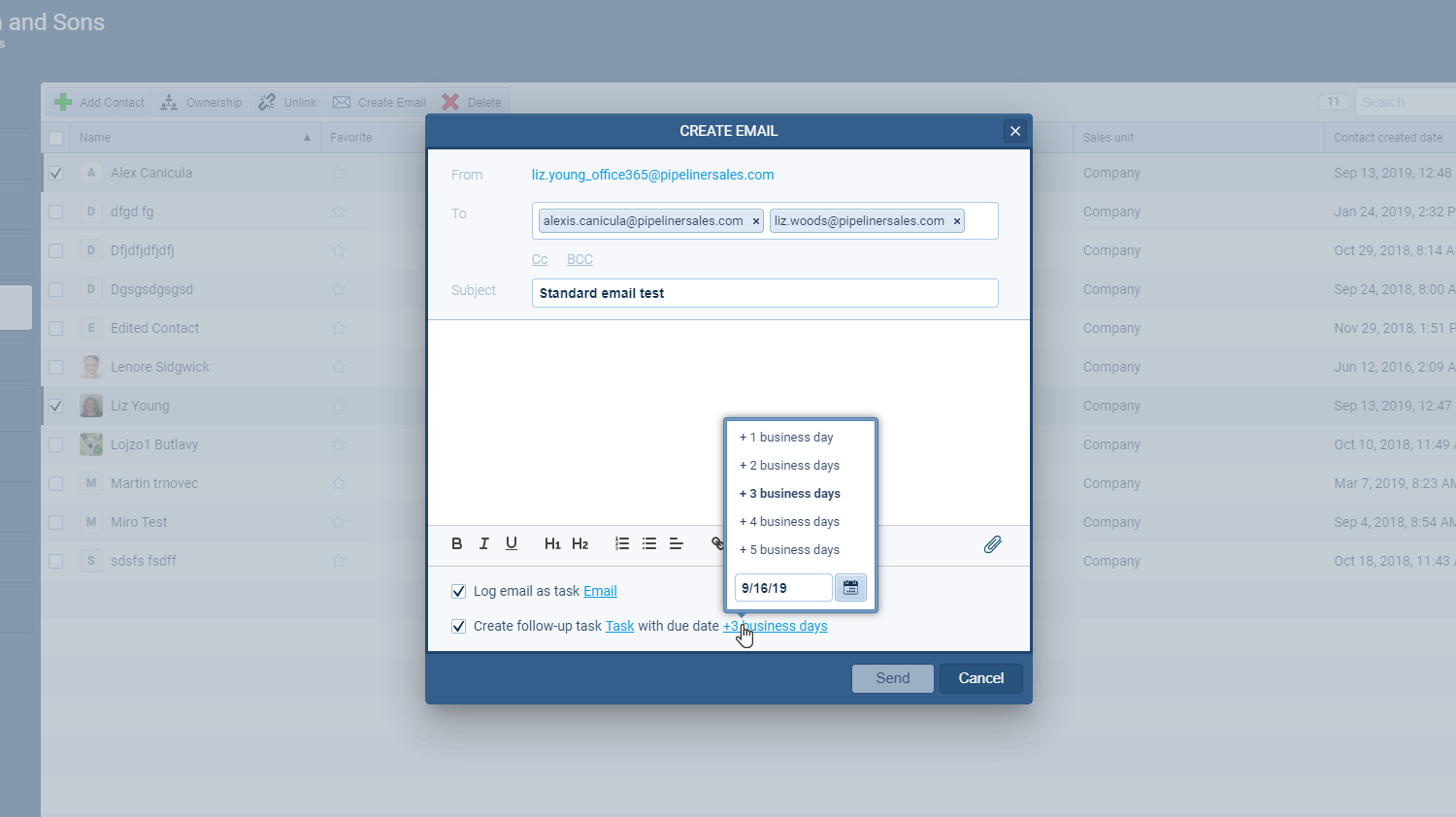
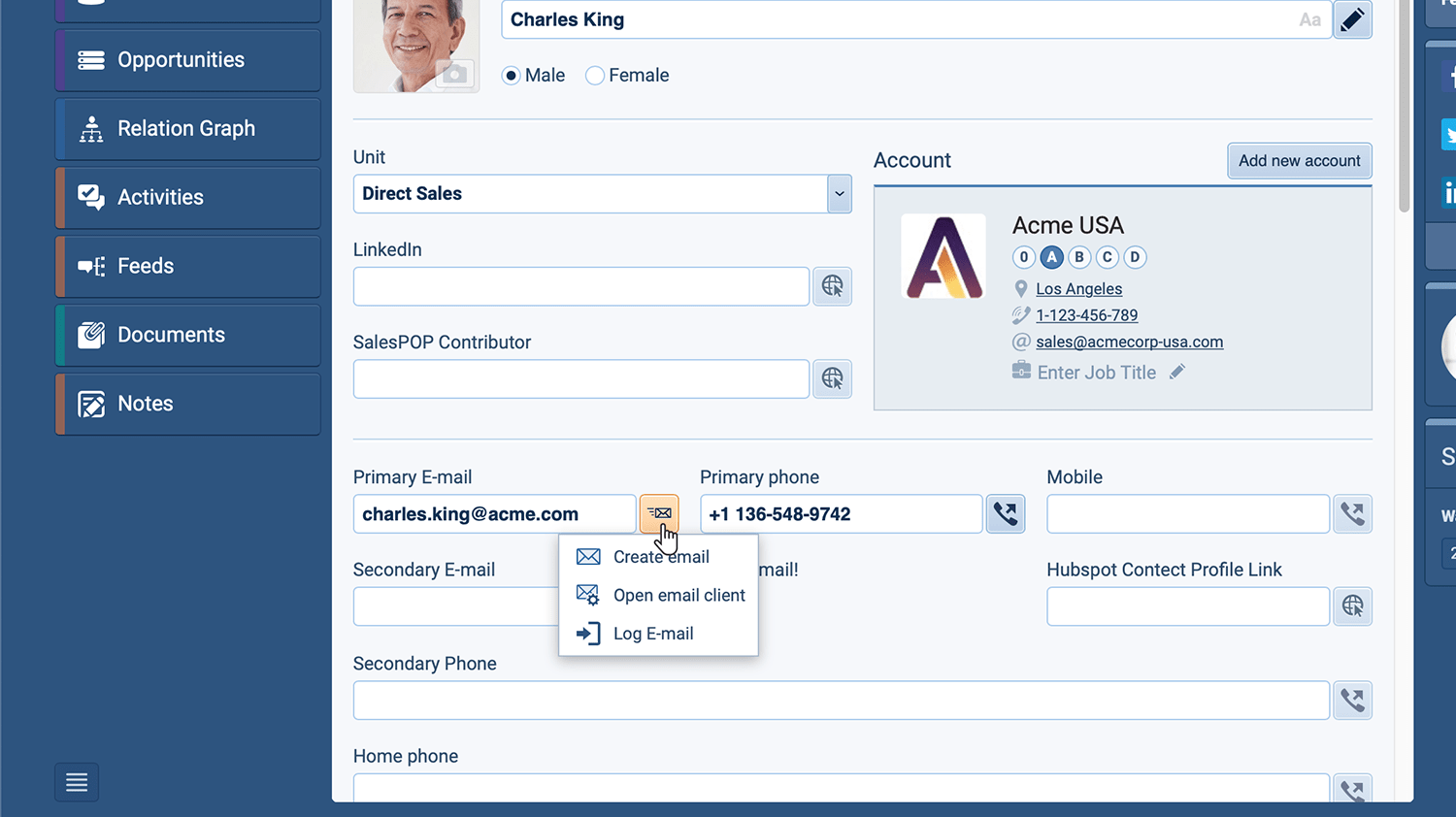
- Microsoft Office 365 users can now also use our Create Email option to send emails directly from Coevera choosing a single recipient or a group. You can send mass emails to a selected list of contacts as well as unique emails. “Standard” emails send a separate email to one or more recipients whereas “Mass” Emails send a single email to each recipient. You can compose your emails using rich text formatting and can attach files and insert embedded links.
- We’re making it even easier to use your Coevera data seamlessly within your Office 365 Suite. The new Coevera TemplateTemplate Template is a generic file with a framework showing the standard sections or features of a specific kind of document, used to create a new document of the same type faster and easier. Builder Add-in for Microsoft Office 365 allows you to embed Coevera fields within templates that you create in Word and Excel and pull in the data directly from Coevera outputting the result to Word, Excel or PDF. Create your template using fields from different records — an Opportunity, and it’s Primary AccountAccount Account refers to a record of primary and background information about an individual or corporate customer, including contact data, preferred services, and transactions with your company., for example — and then save the template into Coevera so any userUser User means a person who uses or consumes a product or a service, usually a digital device or an online service. can access it from the Documents tab. Save your template directly to the record as Word, Excel or PDF and download when needed. Templates can be easily updated and re-saved into Coevera.
Please note that some of these features are only available for our Business or EnterpriseEnterprise Enterprise (in the context of sales) is a relatively large organization typically composed of multiple levels, locations, and departments which need multi-layer software systems that support collaboration across a large corporate environment. Tiers.
Screenshots
Automation Hub Updates
We have added new integrations into Coevera Cloud and included a few enhancements:
- Fresh new Integrations
- Calendly integration saves your sales team valuable time by having all of their Calendly meetings automatically added to Coevera as Appointments. It also links the invitee from a new appointment to the Coevera contact record. If no contact is found, there is an option to create a new Contact. Advanced options include the ability to have a new LeadLead Lead refers to a prospect or potential customer (who can be an individual or organization) that exhibits interest in your service or product; or any additional information about such entity. created and the automatic creation of custom fields in your Coevera Appointments.
- Outreach integration helps collaboration between your Sales and SDR teams. The integration creates automatic, real-time updates for data transfer from Outreach to Coevera. Leads, Accounts & Contacts can be automatically created in Coevera when team members using Outreach are ready to send information to Sales (checking for duplicates of course) and can then update Contact details from Outreach directly into Coevera on an ongoing basis.
- Clearbit integration enriches your Coevera Account and Contact records with key company and contact information from Clearbit when new records are created or existing records updated. Data is matched to Coevera Accounts based on website and to Coevera Contacts based on email. Custom fields are automatically added to hold key data from Clearbit to help with customerCustomer Customer is an individual or an organization that purchases a product or signs up for a service offered by a business. profiling and segmentationSegmentation Segmentation is the process of subdividing a large market into distinct partitions (or segments) based on demographics and other factors, with the aim of formulating and implementing separate strategies to better engage the consumers in each segment..
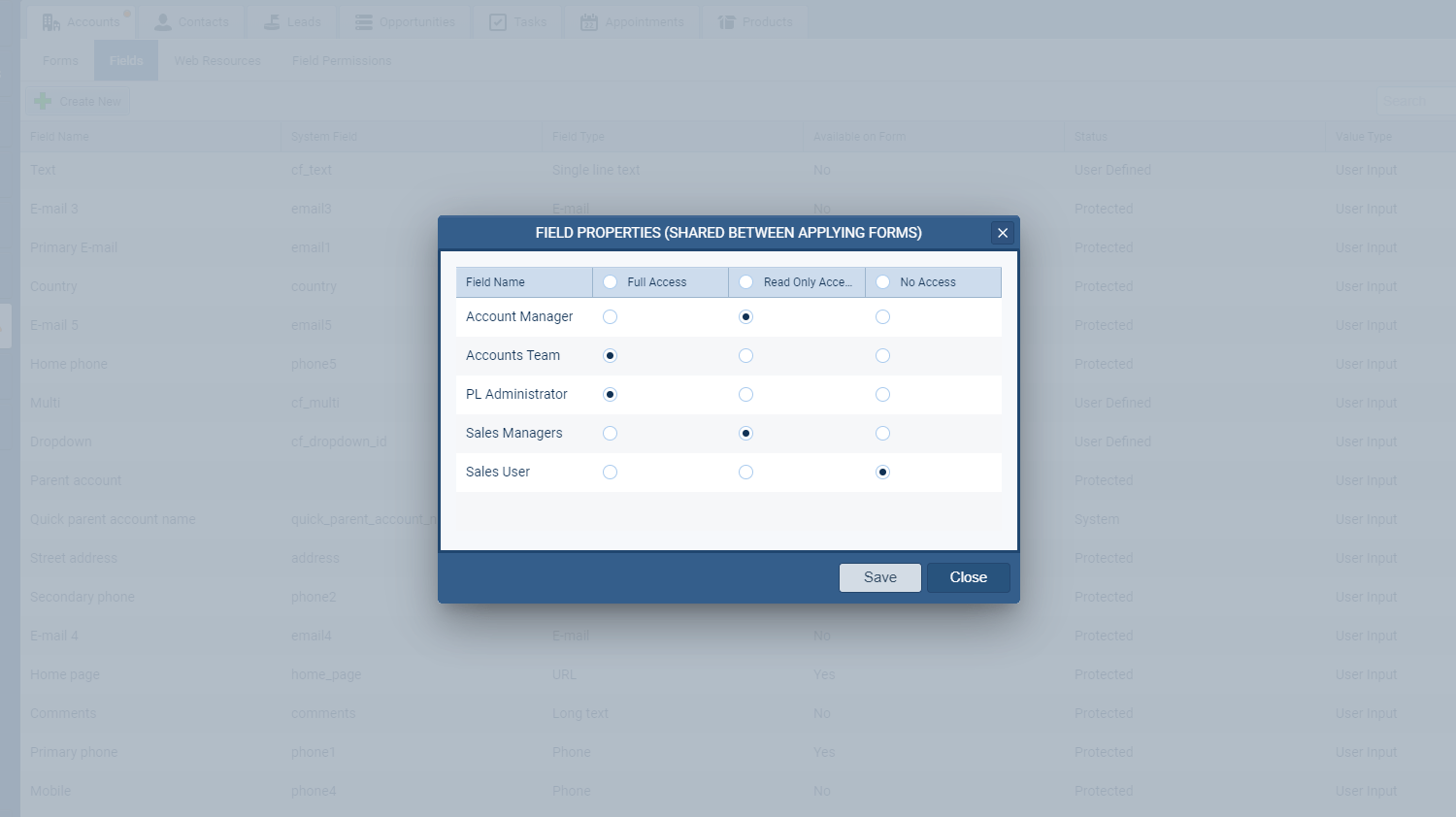
- Field Level Security
- You can now hide fields from your sales to avoid exposure of some sensitive information.
- Set permission per role as managers, executives, sales reps usually have different access to data.
- Create a read-only field per sales role on the form. Some data have informative character and can be modified only by managers; sales reps have only read-only access.
- Field level security functionality includes hiding information across whole application including (reports, exports, different views in the application, forms on all records…).