Without a clear-cut sales process, no medium-to-large B2B sales team or enterprise can attain success. Coevera is the only CRM solution to allow a company complete flexibility in adapting its sales process to CRM and to allow a company’s sales process to be rendered in seven different completely visual views.
For different product lines, products or functions, today’s business may have separate sales processes. Coevera was the first CRM to provide the ability to set up multiple pipelines.
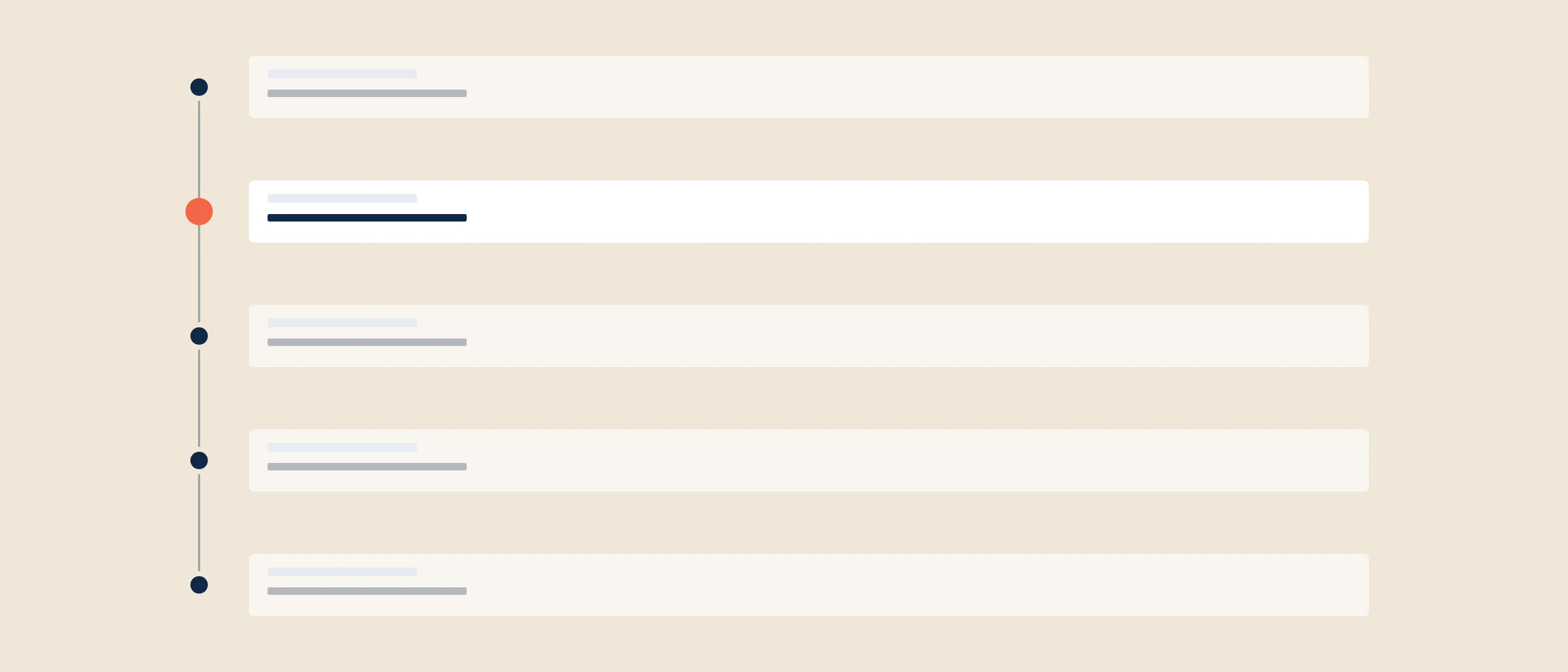
How many stages should a company have for its sales process? We have always recommended between three and ten. We don’t believe it’s efficient to have more than 10 steps in a sales process because the steps can become redundant—in such a case, it might be better to combine steps.
Activities Per Sales Step
Sales enablement—relating seller activity to buyer action—has been part of Coevera for some time. We have now taken this function to a whole new level. Our new Sales Step Activities feature allows companies to embed a real sales playbook—again, like no other CRM solution available today—providing true sales guidance to salespeople.
This new functionality is totally visual, just like all Coevera features, allowing a salesperson to rapidly grasp and use it. We have also made implementing this feature very easy for a CRM administrator.
Sales Step Activities allows an enterprise to lay out particular steps to take in order for a deal to move out of that stage and into the next one. But here is where we leave other CRM solutions in the dust: since no two companies are alike, we provide eleven different types of activities that can be added to a sales process step, including:
- Filling in an opportunity description
- Creating a task
- Using a document template
- Running a campaign
- Creating a note with an image
- Attaching a document
- And more
Automation can even be applied to sales process steps. You can:
- Create An Influencer Map—create a map of relationships influencing the opportunity within the prospect company.
- Map Sales Roles—visually display the various roles within your prospect or customer company.
- Enroll to an email sequence—the prospect or customer will now be sent a series of emails you have set up.
- Run Automatizer—automate any routine or repetitive tasks for that sales process step.
You may make any of these activities mandatory. In other words, an opportunity can only be moved from that stage once a particular activity has been completed, or a number of activities have been completed.
You may apply sales step activities to any pipeline within CRM.
In practice: Coevera recommends keeping a sales process between three and ten stages — more than ten tends to make steps redundant, in which case combining them is more efficient. The same applies to building out step activities: start with a few and add more as real-world use reveals gaps.
Setting Conditions
Any step activity may be based on a particular condition. A condition could be, for example, the size of the company being sold to—you would send a different ebook or document to a company with over 500 employees than one with 50. Another condition could be the deal size; a larger opportunity might have other activities than a smaller one.
The person to whom a salesperson is communicating might dictate another condition. They would communicate differently to the actual buyer than the person who is simply reaching out to evaluate their product and who, themselves, don’t have any real interest.
Utilize Any Sales Methodology
Any sales methodology a company is utilizing may be incorporated through this new Sales Step Activities Feature. This includes SPIN Selling, SNAP Selling, Challenger Sale, RAIN Selling or any other set of sales techniques.
Step Activities Creation
The person acting as CRM administrator will need to research and outline activities for each stage of the sales process. This should be done with the assistance of the sales manager if the administrator and the sales manager are different people.
Don’t aim for perfection with each stage’s sales activities right at the outset—just as you shouldn’t attempt a perfect formulation of the sales process itself right in the beginning. I always make this suggestion in both cases: start somewhere. Begin with a few steps, and then a few weeks later you’ll realize another should be added. A few months later, you’ll see another is needed. Just begin with something and continue from there.
Fantastic Analysis Tool
Because of precise activity guidance within each sales process step, sales team and sales process analysis can be conducted with equal precision. You can see which opportunities are closing and which are not, what kind of activities your salespeople have performed, and why a salesperson wins more than loses deals or the opposite. Better analysis means improved support, and education and training, for your team.
Coming Soon: Process Approval
Another robust Coevera feature, Process Approval, will be released shortly, and it will work in tandem with Sales Step Activities. This feature will mean that, for example, any proposal over a certain size must be approved by management, and until it is, it cannot be moved forward.
Start your free, no-obligation 14-day Coevera Cloud unlimited trial!