We are often asked how Coevera can be integrated with a company’s other applications. In this article, we’ll answer the most frequently asked questions on this vital topic.
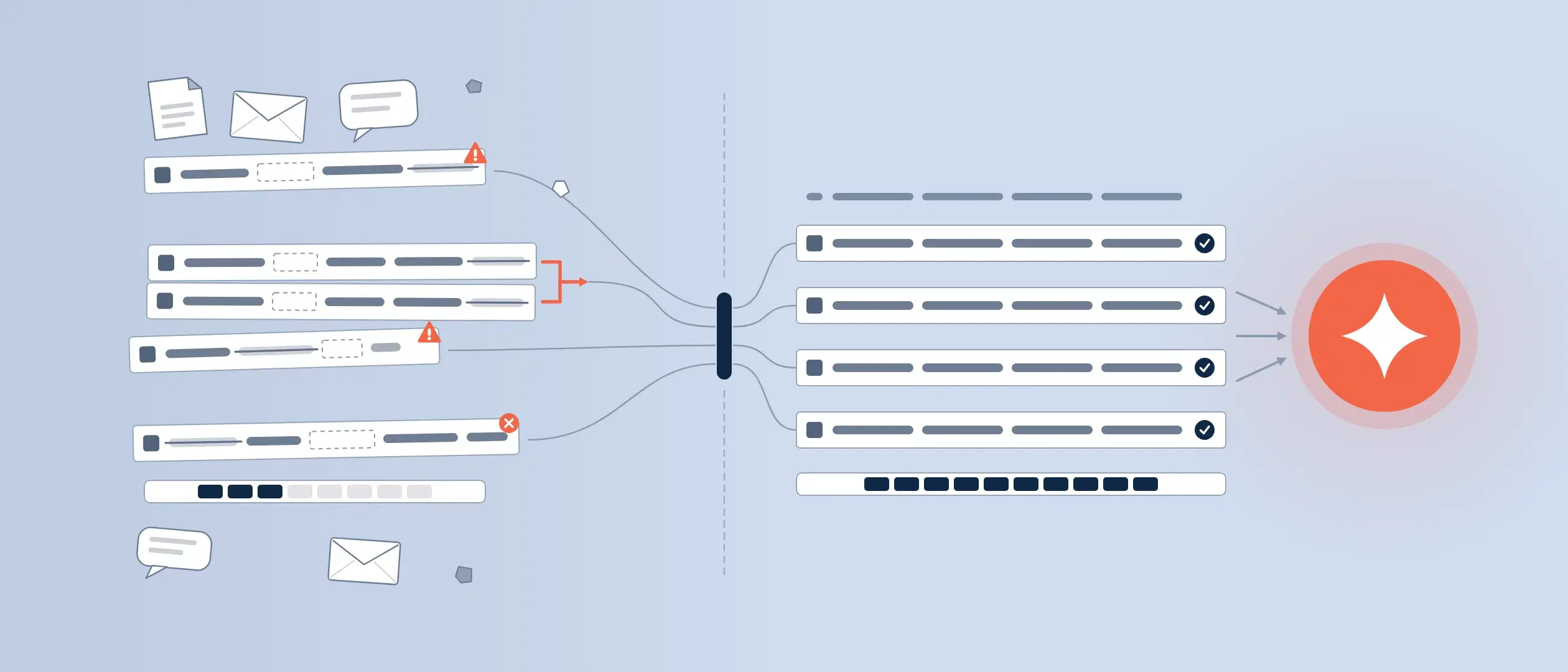
A Seamless Data Flow
Any company undergoing digital transformation will be seeking one thing:
Seamless integration of data from A to Z across the enterprise.
An analogy can be drawn between core systems not communicating and lack of coordination within a restaurant. Let’s say the chef and the server don’t communicate, and the customer sits waiting for their order. The chef has baked an amazing cake that will be the dessert of the customer’s life, but the server does not bring it over. The customer wanted a perfectly prepared hot chocolate cake, but the server doesn’t know it’s ready. The cake finally arrives at the customer’s table, but it is late, cold, and the customer is not satisfied.
A customer-centric company must have all of its applications seamlessly working together, just as that restaurant’s chef and server must be in precise coordination to please a customer.
Businesses today utilize a myriad of applications. At Coevera, for example, we run 58 different SaaS applications. Larger organizations run even more. Today, a company typically sticks with “best of breed” applications. With so many robust applications available today, it is easy to see that any “all-in-one” application that tries to do everything for everyone is an illusion.
Integration—A Brief History
When the necessity of application connection became apparent, connectors were written by programmers.
- Connectors solved a problem similar to today’s travelers going to different countries and having electrical plugs with different configurations and voltages. Connectors enabled communication between two different applications.
- Application Program Interfaces (APIs) were next on the scene. These allowed more and different applications to connect.
- Middleware followed—today referred to as iPaaS (integration Platform as a Solution) solutions, such as tray.io, make.com, and Zapier, make.com. There are several of these different platform providers today.
Data Flow Creation
Data flows are the lifeblood of any company, as we mentioned earlier. In the past, different departments and their applications existed in silos, separate from each other, and data flows were difficult to achieve at best. Today, silos are easily overcome with drag-and-drop workflow creation.
It isn’t just about creating workflows, however, but also about data flow throughout the organization. This means workflow creation, but with data flowing throughout the company.
Coevera Integration with Apps
Coevera integration today requires no coding by the customer. “Out of the box” integration is available in two different ways.
- Core integration built right into Coevera. We have done this for a number of different of the most popular applications such as PandaDoc, Outlook and ZenDesk. We currently have core integrations for over 20 of your favorite applications and are building more all the time.
iPaaS solutions can connect any applications for which we haven’t built core integrations. However, middleware only connects basic functionality and sometimes does not take into account complexities such as custom fields or custom entities. Therefore, if a company wants to connect Coevera to a complex solution, an iPaaS solution may only be able to meet some of their needs. In this case, a custom integration would be required.
Coevera allows salespeople to take control of their opportunities, remain consistent through every stage of the sales process, and always stay focused on important priorities. It's the CRM that salespeople actually enjoy using.Worth knowing: Off-the-shelf iPaaS middleware like Zapier or Make connects only basic functionality and can miss complexities such as custom fields or custom entities — so the author notes that wiring Coevera into a genuinely complex system often requires a purpose-built custom integration instead.
Creation of Custom Integrations
Two types of custom integrations are available with Coevera.
- Data migration is the first type. Often, when a company first gets Coevera up and running, data needs to be migrated from a legacy or other CRM application to Coevera. This is a one-time data migration.
- Ongoing data synchronization is the second type. This is a constant data synchronization between two applications.
For data synchronization, there are actually several options. First, an organization may want to synchronize data in one direction only. For example, the company may want data to flow from its ERP to its CRM, but it doesn’t want it to flow back from the CRM to the ERP. This is to prevent data errors in the ERP. A CRM user may see 1,500 of a product in the company’s warehouse. If the user mistakenly enters 1,500 but only needs 15, and that data can be written back to ERP, it could cause havoc for other salespeople and customers. So the data is prevented from being written back. This is called unidirectional data synchronization.
What if an organization requires bidirectional data synchronization between Coevera and an ERP? In this case there is another complexity: should there be an approval process for data written back to the ERP?
The airline industry presents a standout example of complex data synchronization. When a customer books a flight, they want to know with 100% certainty that their seat is actually reserved and available. Similarly, when a product is removed from ERP inventory, that inventory needs to be reliable.
Data access rights presents another consideration for integration. Part of defining the integration that you are looking for is to also define who on your team has the need/rights to view that integrated data. For example, you may have customer banking/credit card data stored in your ERP. It may be important for certain team members to be able to view that data in the CRM, but you may not want to grant access to all of your users. Coevera accommodates these concerns easily.
It is a fortunate fact that this type of custom integration is, today, not rocket science. It’s simply a matter of establishing the logic behind it.
The next question deals with the frequency of this synchronization. Is it instantaneous, as in the airline industry? Companies may only need to synchronize overnight or once a week.
To sum up, custom integration requires these qualifications:
- Uni-directional
- Bidirectional
- Approval process or not
- How often—immediately, daily, weekly, or other timescale.
When a prospect for Coevera has established this information, the next question will be cost. We completely understand—a company wants to have all the information for evaluation. But without fine-tuning what a prospective company really needs, it’s hard to predict an accurate cost. Therefore, without having all this information, we will quote the prospect a reasonable hourly cost for Coevera’s programmers to build custom integrations.
We will quote an exact total cost if possible, but again, this isn’t always possible without all the information.
Proceed by Iterations
Once a prospect has precisely defined their needs and requirements, my advice to them is to proceed as they should with anything in life: identify a first iteration. Trying to define absolutely everything at once will lead to an endless implementation project. When you try to do everything at once, it almost always happens that the planning gets so far and then someone says, “Oh, wait, we forgot we need to do this, too!” The project never really gets started.
A business’s core aspect should be the beginning. Maybe they need data from ERP for account management, or all past customer revenue streams. Just define that first big step.
It is for this reason that I recommend iterations for CRM integration and implementation planning. This approach comes from the Scrum programming methodology that we use when programming Coevera. It means that you continuously improve the system through successive iterations.
These are the basic steps for implementing Coevera!