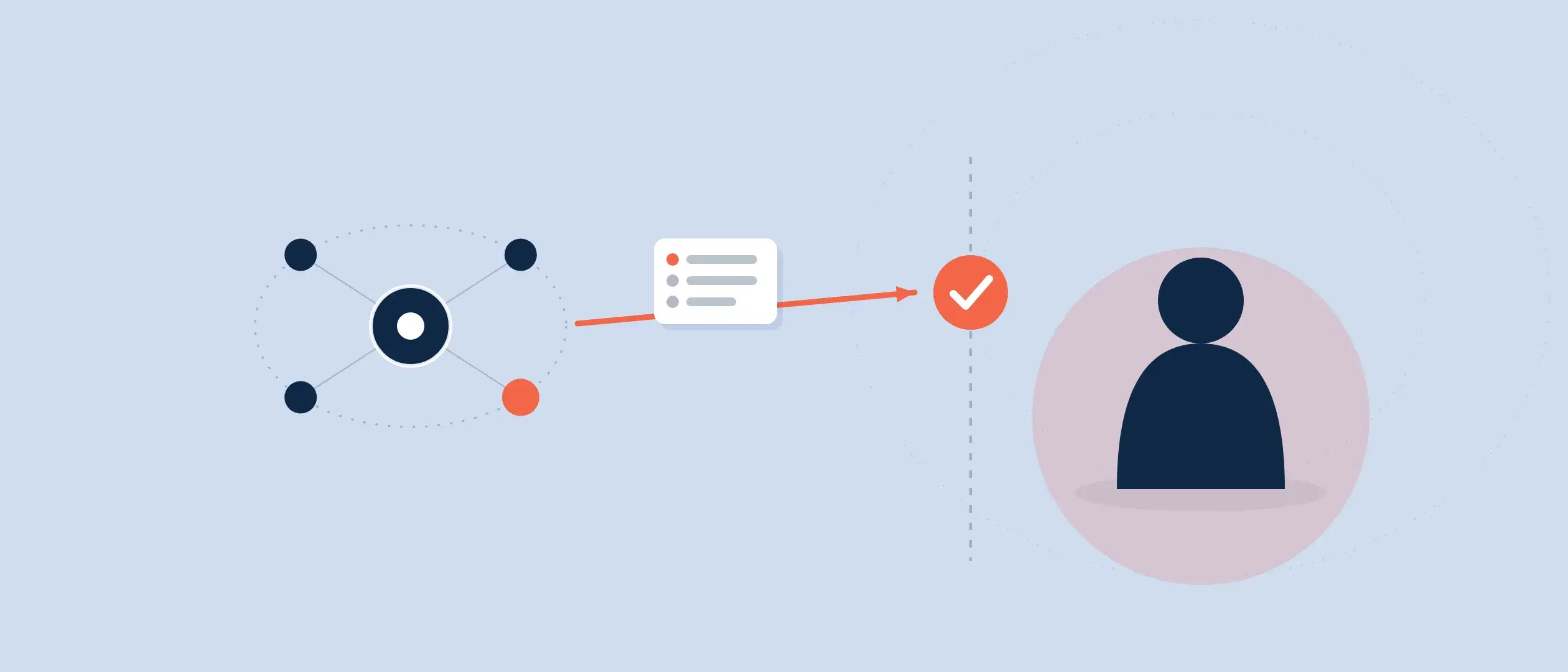
A sales process, or other types of process, is represented within CRM as a pipeline. Coevera was the first CRM to enable multiple pipelines within CRM.
We’ve been covering, in this series, a different type of CRM administrator and their functions. This is the role of the architect administrator. This is the person who helps create processes and adapts them to pipelines. Note that, with Coevera, this function still requires minimal training and, in fact, an administrator can learn the technical aspects in a few hours. However, this person should have a deep understanding of their own company and the functions within it.
We realized, several years ago, that many businesses functioned with more than one sales process. This led us to develop multiple pipeline functionality. A company might have more than one sales department or multiple product lines that required different sales processes. For example, a complex consulting-related product or service would have a very different process from a transactional-related short process. Additionally, a company might have a pre-sales process or an after-sales process in addition to its normal sales process.
Processes Creation
What kind of processes does a company want to create? That question should be answered prior to creating processes. Do you need to develop processes for different product lines? Do you have a pre-sales process or an after-sales process? An onboarding process?
As you create each process, I strongly recommend sticking to simplicity. The clearer you make the process, the simpler it will be. We’ve actually seen companies that had like 24 different processes with 12 steps each. This is far too complex for salespeople or prospects and customers to follow, and you’ll end up losing them.
It’s probable that typical sales process step elements exist. Generally, you start with qualifying a lead. Then you have some kind of discovery in this phase—could this lead be a real opportunity? You then make a presentation to your prospect, followed by a proposal. Then there might be some kind of negotiation or due diligence on either or both sides, then the closing. A sales process can be more complex, but this is the general outline. We call each of these elements a sales step.
In practice: the author compares Coevera to a Porsche 3.5-liter engine — a sales-process engine constantly tuned over the years — because its flexibility lets you adjust stages, win probabilities and velocities at any time without ever slowing sales down to tweak the system.
Formulating Activities
Within each process step, there will be specific activities. What kinds of actions should a salesperson take, for example, in the Discovery phase? In our case, the prospect defines the business needs. That occurs by the salesperson asking the process for business needs and obtaining them. There will then be follow-up steps, such as sending a thank-you note and possibly more information.
These kinds of actions are often rooted in a particular sales methodology, and Coevera embraces any sales methodology a company uses.
Within Coevera, you can set up precise activities that should occur in particular sales process step. You can also attach documents in a particular step as they are needed. These documents can be from the G-suite, or Word, or Excel. We even offer the capability for these documents to be automatically filled out.
Coevera is the only CRM tool, at the present time, with which you can establish activities in each sales process step—which we call “Sales methodology out of the box.” We have integrated this functionality seamlessly into our application, and are open to every sales methodology.
Calculating Win Probability
After the stages of a pipeline are established, the win probability for each process step should be calculated by the architect administrator. This is yet another unique functionality for Coevera. Each phase has its own probability, which you can change as needed. Each progressive stage has a higher win probability—the closer you get to the end, the closer the probability comes to 100 percent.
Using Coevera Performance Insights, you can visually see if the win probabilities you have set for each stage are correct. You can see the probabilities set in the back end compared with the actual probabilities based on real-world performance. You can then adjust your expected win probabilities as needed.
Monitor Sales Velocity
The architect administrator should also determine the probable velocity, which means the length of time an opportunity or other process object would normally remain in a particular step. As with win probabilities, velocities can be visually set up within Coevera’s Performance Insights. You can then view the velocities you’ve set up as what should be, against the actual velocities in the real world. They, too, can be adjusted as needed.
We have, as you can see, enabled the sales manager to set up, monitor, and correct performance indicators in the system.
Because of Coevera’s flexibility, nothing is set in stone. You can easily make changes and adjustments to any of the above parameters as needed, never slowing down sales to tweak the system. We liken ourselves to the incredibly efficient Porsche 3.5-liter engine, which has been constantly optimized over the years to make it better. Coevera—your sales process engine—is optimized in much the same way.