v5.17.0MinorReleased

Brand New Navigator, Vastly improved Visual Email Editor, Record Conversion & Entity Mapping For Specific Types, and other Various Improvements…

Coevera 5.17.0 introduces a brand-new Navigator built from drag-and-drop components, a substantially upgraded Visual HTML email editor with AI-assisted HTML-to-MJML import and shareable template links, record conversion mappings for specific record types, plus Gmail and mobile improvements.

Share
Features
3
Improvements
2
Security
—
Coming soon

Overview

Two headline features lead this release. The new Navigator lets users assemble their own layouts from drag-and-drop components — Reports, Tiles, Insights, a Pipeline Conversion Chart, an Opportunities Trend, Quick Links, Targets, and an Agenda — and save them as custom Profiles, with role- and filter-based control over the data shown. The Visual HTML email editor gains a Group block for multi-row sections, breadcrumb navigation, AI-powered HTML-to-MJML import, shareable public template links, and per-template brand colors. Record Conversions in Entities can now map specific source and target record types.

A pair of improvements rounds out the release: the Gmail Add-on gains Save Email and Search actions so emails can be captured and records found without opening a thread, and a set of small mobile sync improvements — driven by customer feedback — sharpens error messaging, in-app analytics, and background sync behavior.

What's in this release
  • Navigator v2.0 — build custom layouts from drag-and-drop components and save them as Profiles.
  • Navigator data can be scoped by role — ownership, sales team, or sales units — and by filter.
  • New Navigator components include Tile, Insights, Pipeline Conversion Chart, Opportunities Trend, Quick Links, Target, and Agenda, plus any Report.
  • Visual HTML email editor adds a Group block for designing complex, multi-row sections.
  • HTML-to-MJML AI translation imports .html files or pasted HTML into editable templates.
  • Share email templates via a public link with no login required — for Text, HTML, and Visual templates.
  • Recently used brand colors are now saved within each email template for instant reuse.
  • Record Conversions in Entities support mappings for specific source and target record types, alongside the Default Mapping.
  • Gmail Add-on adds Save Email and Search actions; mobile sync gains clearer errors and adaptive background sync.
Navigator v2.0

What we're proud of

A Navigator you build yourself

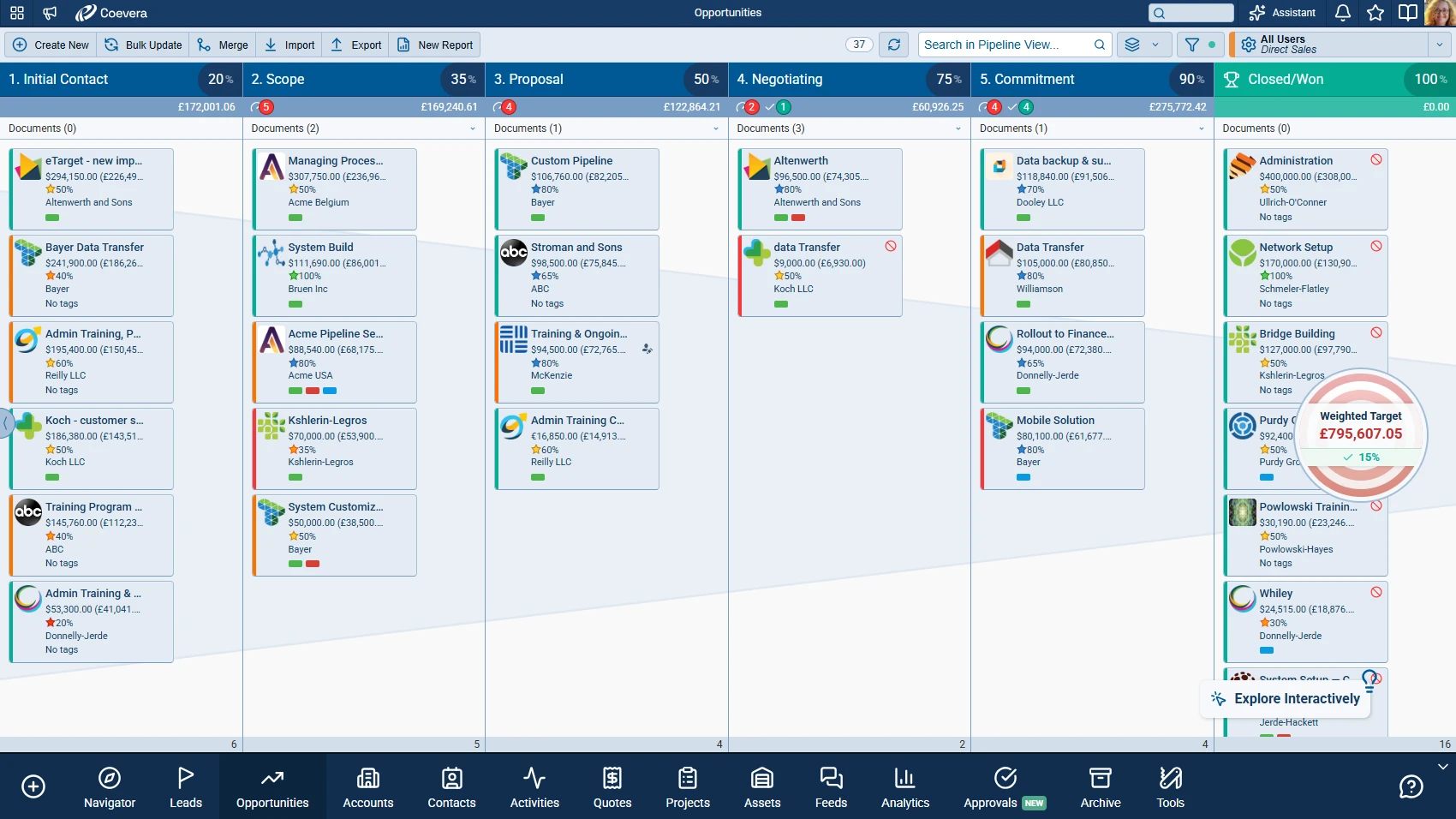
The new Navigator lets every user assemble their own layout from drag-and-drop components — reports, tiles, insights, trends, and more — and save it as a custom Profile, so each person sees the picture that matters to them.

02New · Email

Visual HTML Editor

Visual HTML Editor

This release includes further enhancements and updates to the visual template (HTML) editor (WYSIWYG).

We’ve added a “Group” block to allow users to design complex, multi-row sections. Groups can nest multiple rows/columns and be moved or edited as a single unit.

All screenshots

8
Documentation#visual-html-editor
03New · Administration

Record Conversion & Entity Mapping For Specific Types

Record Conversion & Entity Mapping For Specific Types

When working with “Record Conversions” in Entities, there is a new option to define mappings for specific “source” record type and “target” record type.

The previous mapping setting is set as “Default Mapping,” and this will be used if no exact type mapping is defined for a particular case. Users can define one or more type mappings, but every pair of “source” type › “target” type can be used only once. Individual mapping setups are the same as for “Default” mappings, but there are no hardcoded system values.

Documentation#record-conversion-entity-mapping-for-specific-types

Various Improvements

As part of our ongoing usability enhancement program, we’ve updated the following features.

Various ImprovementsIntegrations

Gmail Add-on improvements

Gmail Add-on improvements

Two new record actions in the Gmail Add-on — Save Email straight from the main menu, and Search for Opportunities, Contacts, or Accounts before saving.

#gmail-add-on-improvements
Various ImprovementsMobile

Small Mobile Sync Improvements

These improvements are driven directly by customer feedback, reinforcing our focus on clarity, reliability, and continuous mobile optimization.

  • Integrated addon analytics and metrics into the mobile interface for improved visibility and on-the-go insights.
  • Enhanced error and warning messages with clearer, actionable descriptions to support faster issue resolution.
  • Fixed display inconsistencies by replacing “N/A” entries in operation types and logs with accurate, meaningful data.
  • Sync now adapts automatically based on whether the user is active or changes happen in the background.
  • Updated sync behavior to better handle different app states which improves performance, reduces unnecessary processing, and ensures a smoother mobile experience.
#small-mobile-sync-improvements

Frequently Asked Questions

Navigator v2.0 lets users build their own layouts from drag-and-drop components and save them as custom Profiles. Report and Standard components — such as Tiles, Insights, Opportunities Trend, and Agenda — can each be used multiple times within a single layout.

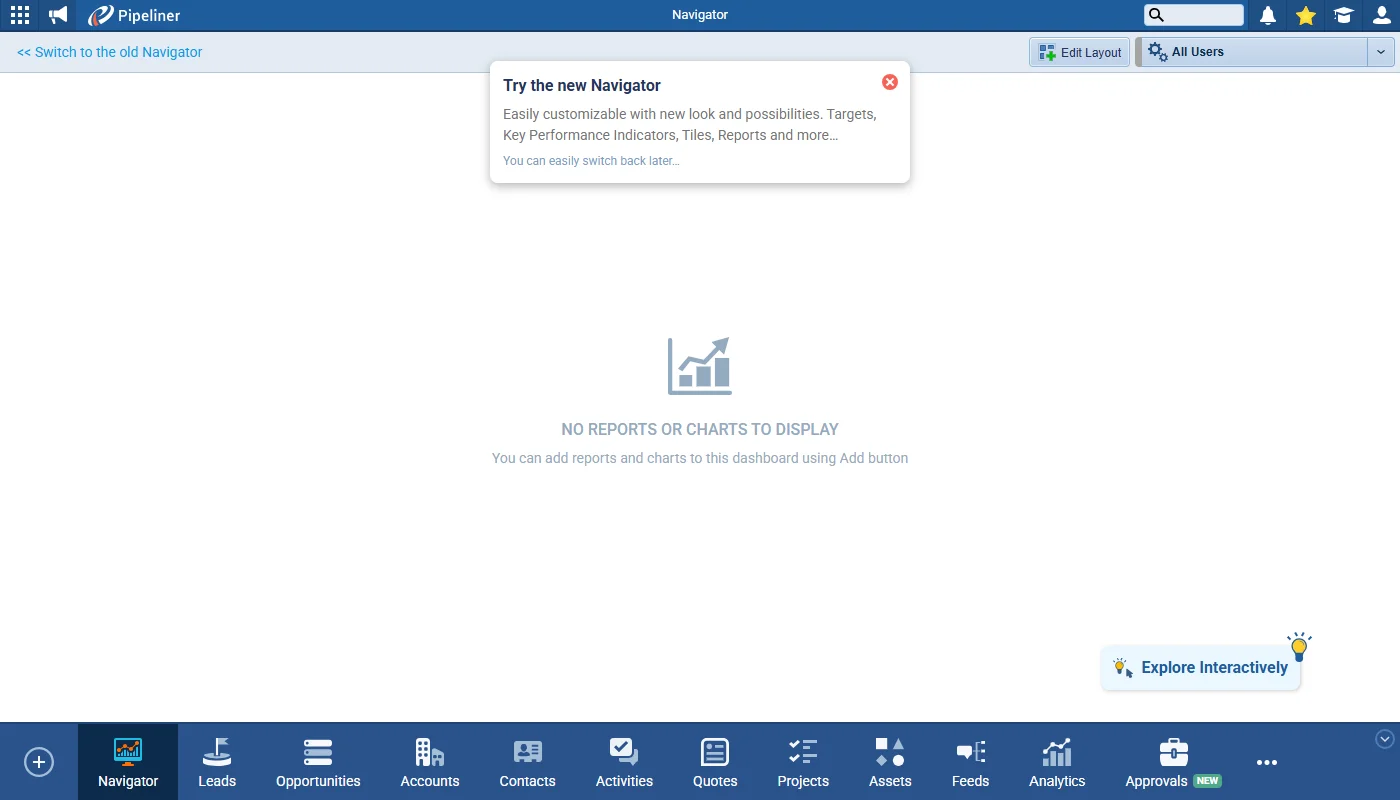
Yes. All users are prompted to try the new Navigator after the release but can switch between the new and old Navigators using the link in the top left of the screen. Old Navigator profiles continue to be supported for a limited time, as they are still used by the mobile app.

Navigator Settings include a Role tab — scoping data by ownership, sales team, or sales units assignment — and a Filter tab with the same limited criteria available for Dashboards. A filter set in the Filters tab overrides the filter setting in individual components.

This release adds a Group block for designing complex, multi-row sections, new breadcrumb navigation for switching between layers, AI-powered HTML-to-MJML import, shareable public template links, and recently used brand colors saved within each template.

Yes. You can generate a public link that anyone can view with no login required. It's available for Text, HTML, and Visual templates except on Trial accounts, and the link stays the same even if you turn sharing off and back on later.

When working with Record Conversions in Entities, you can now define mappings for specific source and target record types. The previous setting becomes the Default Mapping, used when no exact type mapping is defined, and each source-to-target type pair can be used only once.

NEWPublic beta

Coevera MCP Server

Connect Coevera to your AI assistant and let it do real work across your CRM — always within your permissions, never beyond them.

Put these updates to work

Start a free trial and explore the new Navigator, upgraded email editor, and more for yourself.

No credit card required · Free 14-day trial

Trusted by sales organizations across North America, the UK, Europe and AustralasiaISO 27001 CertifiedGDPR CompliantData never used to train AI